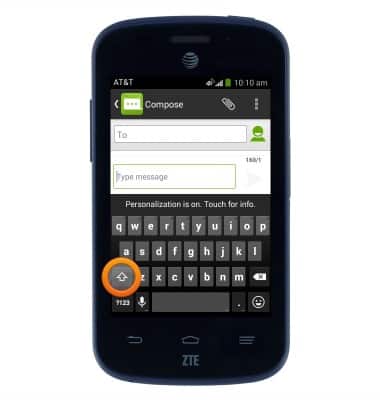
- While the keyboard is displayed, tap the Shift icon to capitalize the next input letter.
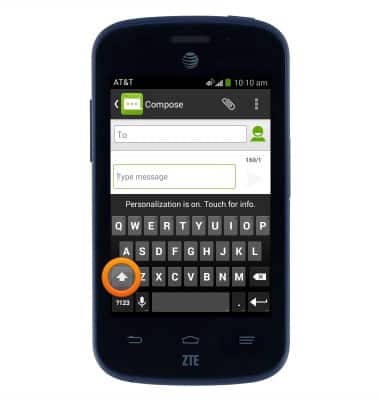
- Double tap the Shift icon to enable CAPS lock.
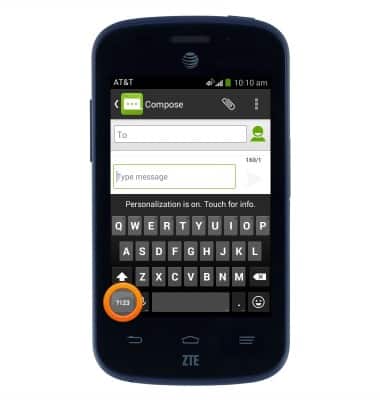
- Tap the '?123' icon to access numbers and symbols.
- Tap the More symbols icon to access additional symbols.
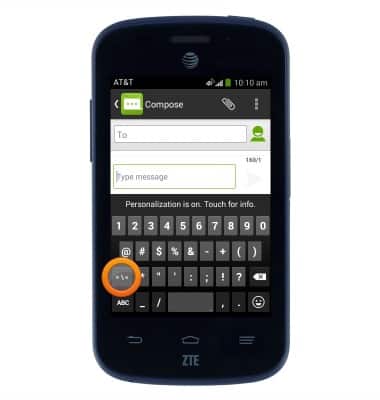
- Tap the Smiley icon to access smileys and other emojis.
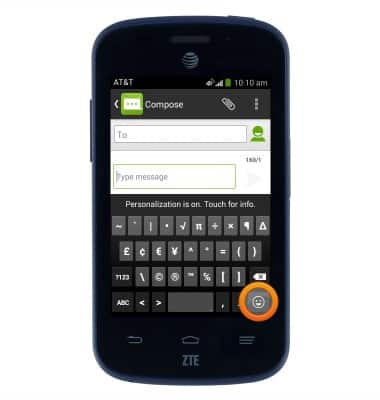
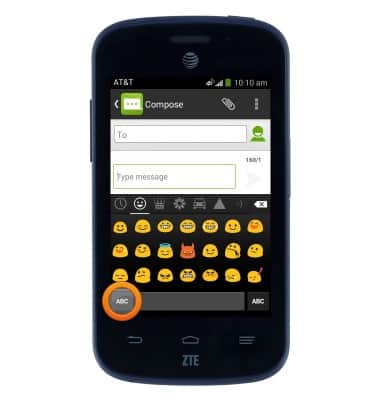
- Tap the 'ABC' icon to return to the alphabet.
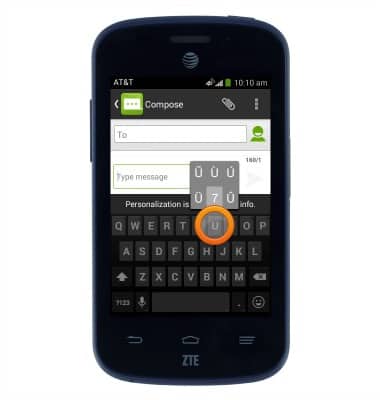
- Touch and hold a character to access associated special characters.
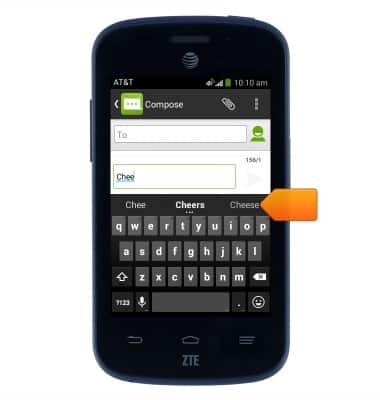
- While typing, autocomplete suggestions will be listed above the keyboard. Tap the desired suggestion to input.
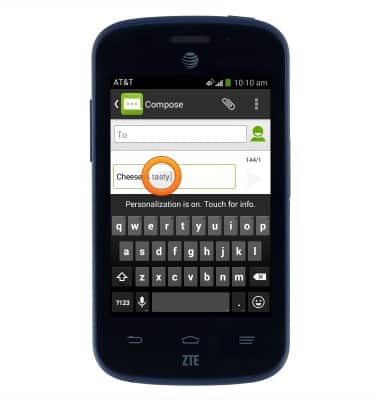
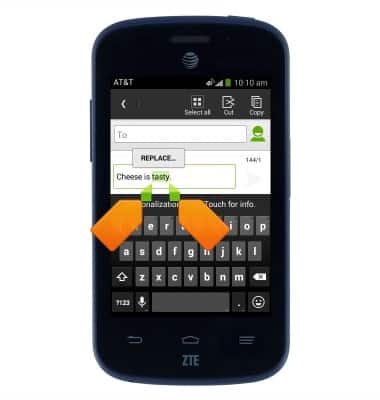
- To make a selection, touch and hold the desired text.
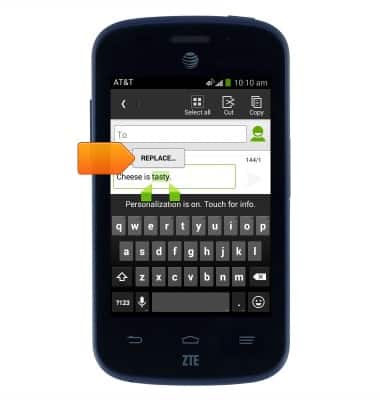
- To replace the selected text with a suggestion REPLACE.
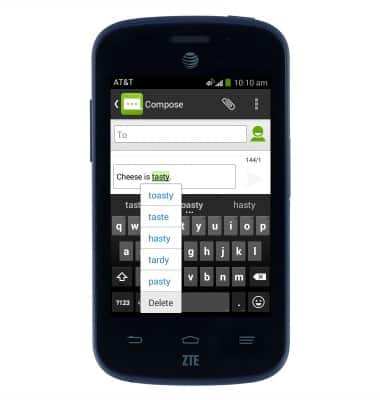
- Tap the desired suggestion.
- Drag the Selection icons to modify the selection.
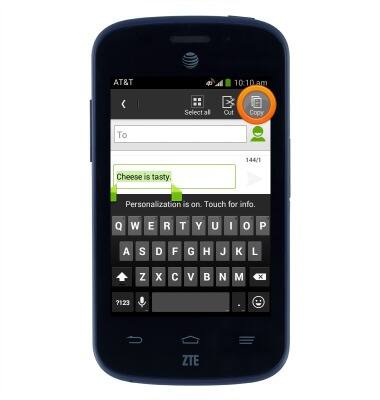
- To copy the selected text, tap Copy.
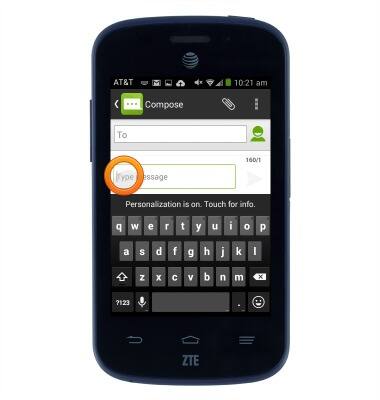
- To paste text, touch and hold within the desired text field.
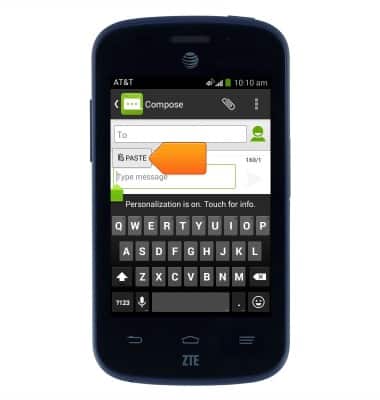
- Tap PASTE.
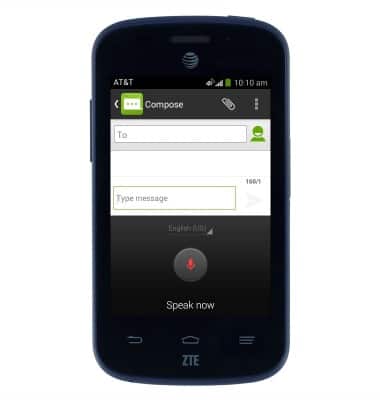
- For speech-to-text input, tap the Microphone icon.
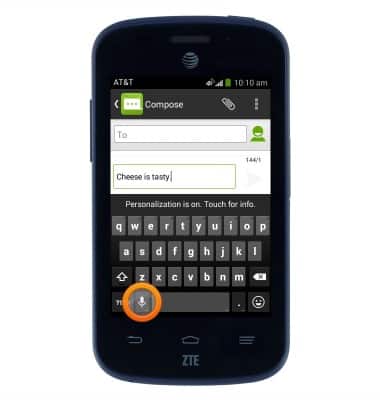
- Speak the desired message.
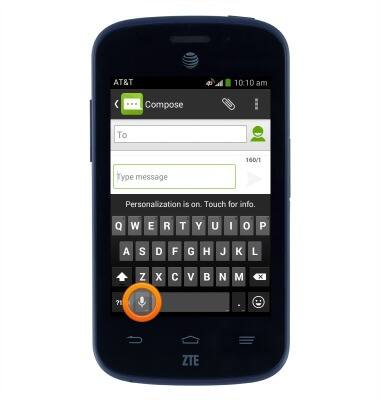
- To access keyboard settings, touch and hold the Microphone icon.
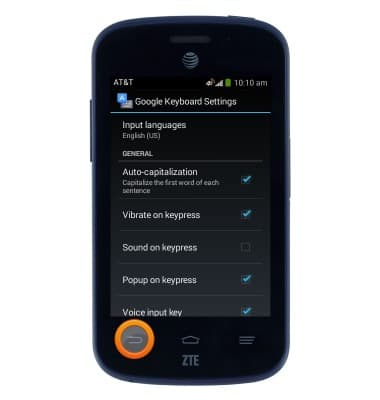
- Tap Google Keyboard Settings.
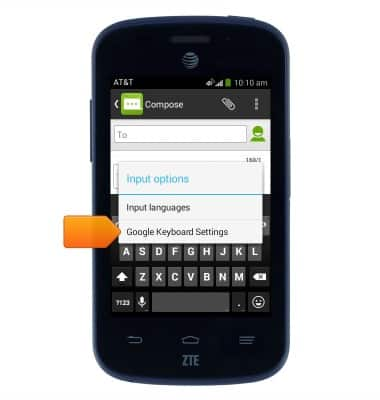
- Adjust settings as desired. Tap the Back key to return to the previous screen.
Keyboard & typing
AT&T Z667
Keyboard & typing
How to use the keyboard, use speech-to-text, access keyboard settings, and more.
INSTRUCTIONS & INFO