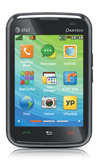
- To open a desired item on the home screen, tap it.
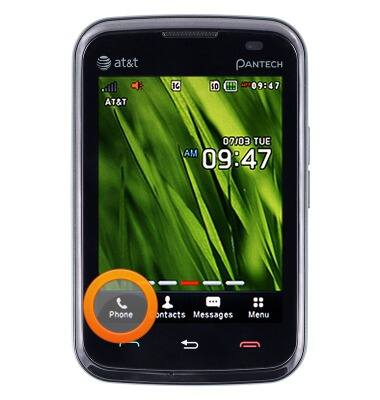
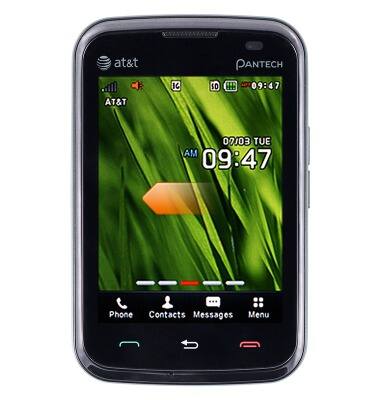
- To view different home screens, swipe to the left or right.
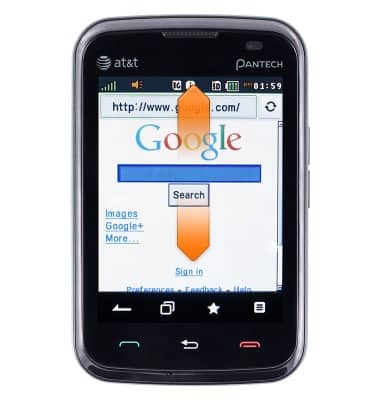
- While on a scrollable screen such as a website, swipe up or down to scroll.
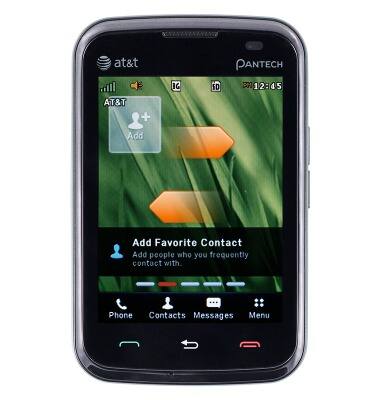
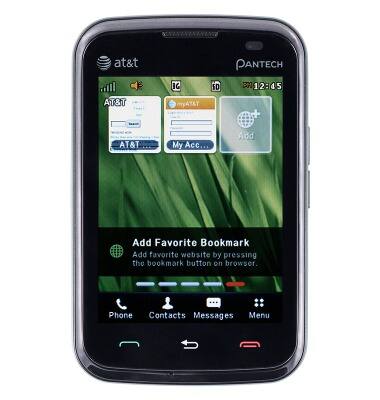
- To add app shortcuts, swipe once to the left.
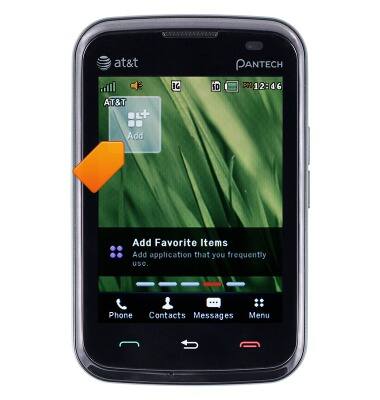
- Tap Add.
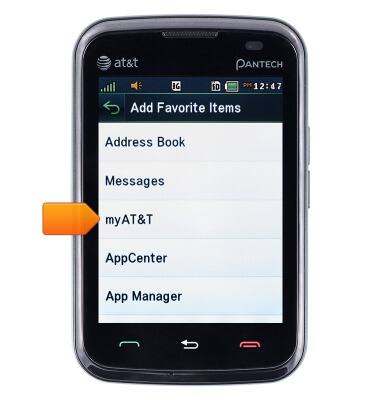
- Tap the desired item.
- A shortcut has been created.
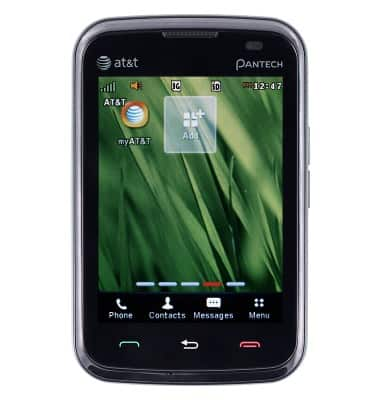
- On the remaining four three home pages, the same process can be repeated to add Contacts, Bookmarks, and Photo shortcuts to the home screen.
Learn & customize the home screen
Pantech Renue (P6030)
Learn & customize the home screen
Add shortcuts and widgets, access the notification panel, changing wallpaper, and more.
Interacting with the home screen
This video describes how to interact with the home screen.
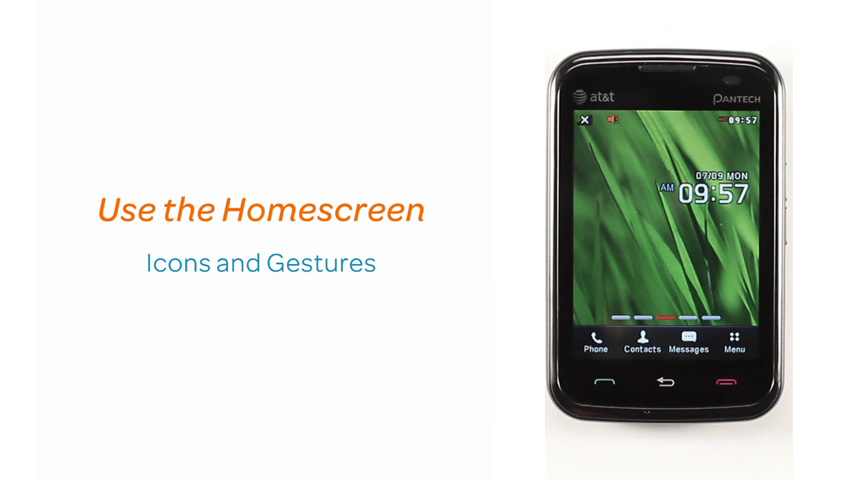
Interacting with the home screen
0:39
INSTRUCTIONS & INFO