
- To perform a factory reset, from the home screen, press the Right Soft Key.
Note: This process will eliminate all user data and cannot be undone. This feature is not available in Breeze Mode. To access Breeze Mode, Press menu > Settings > Phone Mode > Breeze Mode.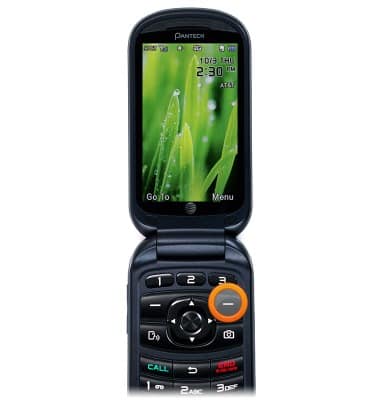
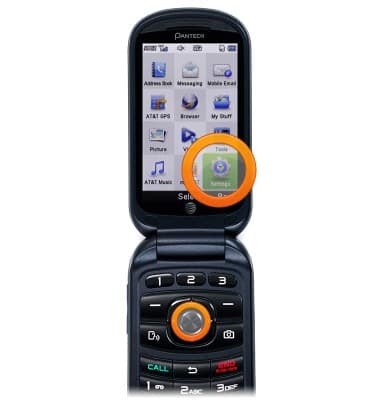
- Scroll to Settings, then press the Center Nav key.
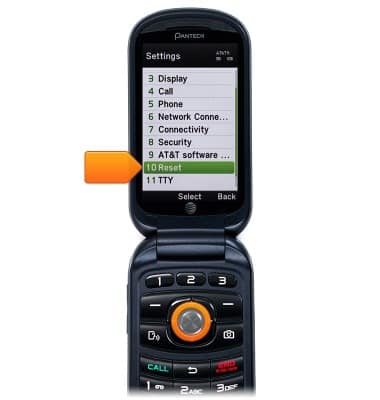
- Scroll to Reset, then press the Center Nav Key.
- Enter the required password, then press the Center Nav Key.
Note: The default password is set to 1234.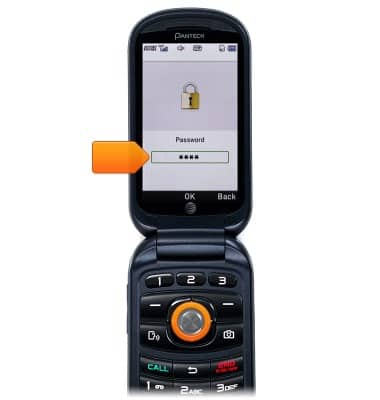
- Scroll to Master Reset, then press the Center Nav Key.
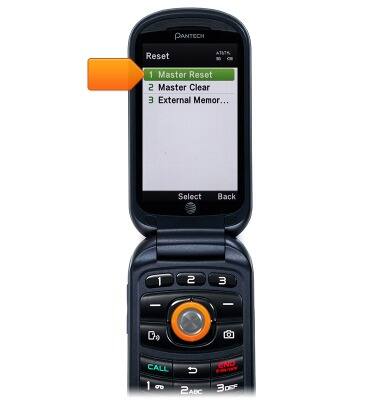
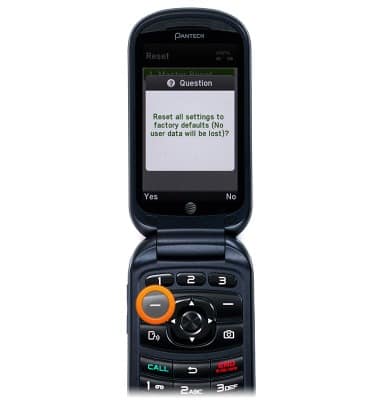
- Press the Left Soft Key to confirm.
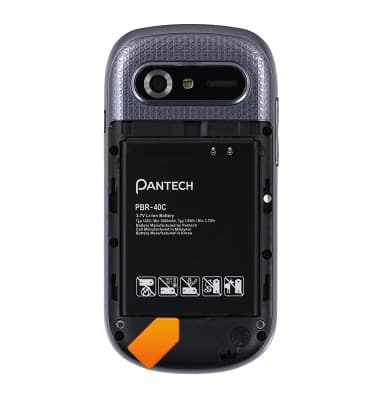
- To perform a soft reset, remove the Back cover by sliding the cover down.

- Remove the Battery by pulling upward from the slot.
- Let the device stand for sixty seconds.
- Align the metal contacts and slide the Battery into the Battery slot.

- Replace the Back cover and press firmly into place.

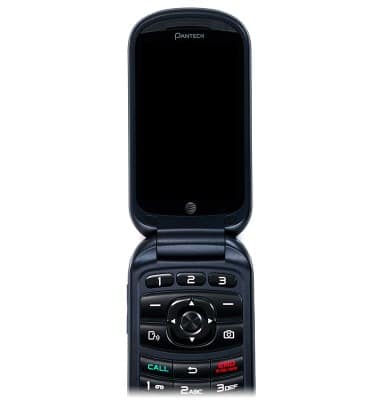
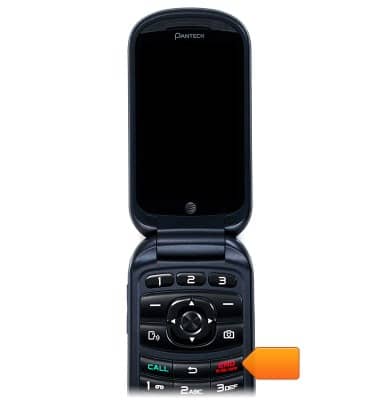
- Press and hold the Power key to power on the device.
Reset device
Pantech Breeze IV (P2050)
Reset device
Learn how to perform a soft and factory reset of the device.
INSTRUCTIONS & INFO