
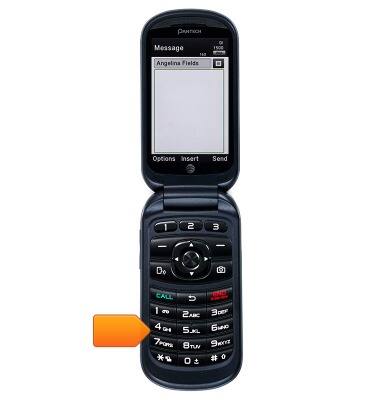
- At a text enabled screen, press the desired key on the alphanumeric keypad to input the character.
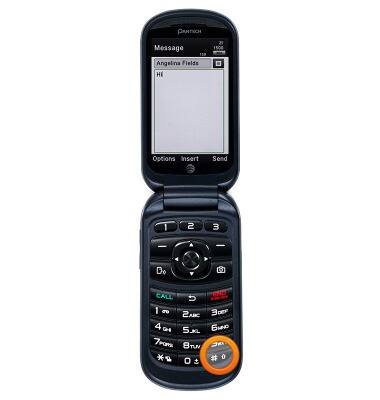
- Pressing the # (pound) key switches in between the upper and lower case.
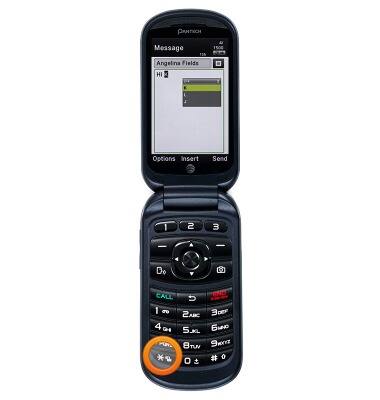
- To access symbols, press and hold the * (asterisk) key.
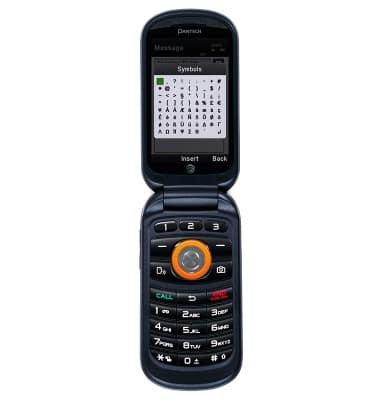
- Press the Center Nav Key to insert.
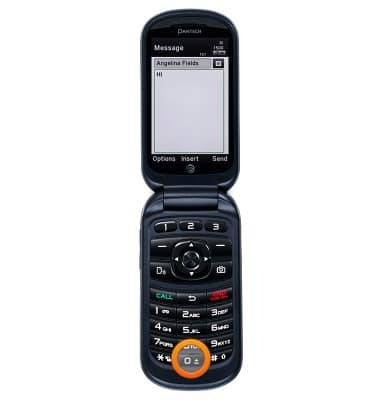
- Press the 0 (space)key to add a space to the text.
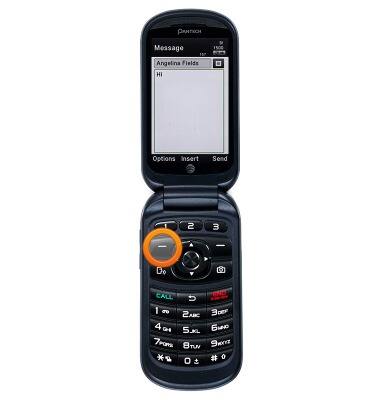
- Press the Left Soft Key adjust predictive text, language, and other options.
Keyboard & typing
Pantech Breeze IV (P2050)
Keyboard & typing
An overview of keyboard use and features.
INSTRUCTIONS & INFO