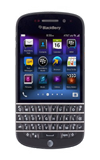
- From the home screen, swipe left to navigate to the desired app.
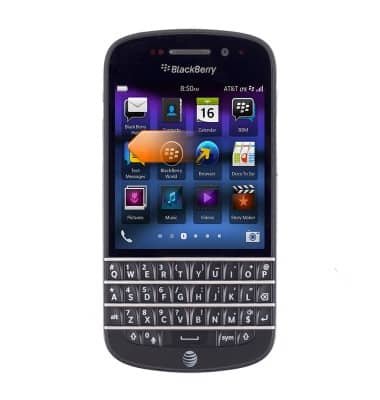
- Touch and hold the desired app.
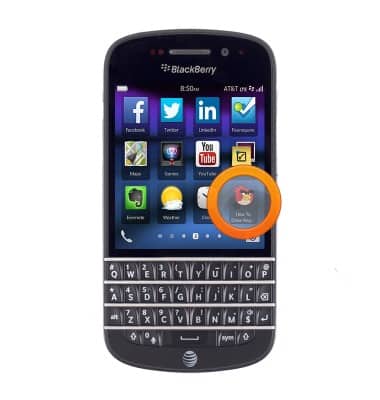
- Tap the Trash icon.
Note: Some pre-installed applications cannot be uninstalled from the device.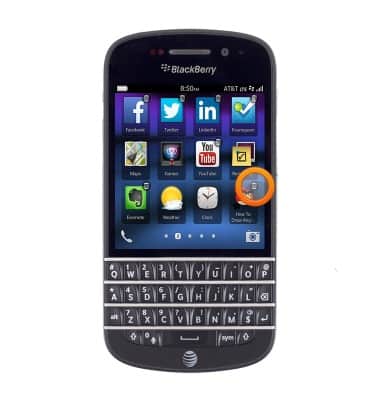
- Tap Delete.
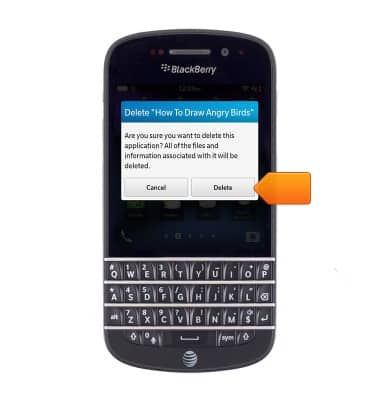
Remove an app
BlackBerry Q10 (SQN100-1)
Remove an app
Remove an icon from your home screen and delete apps from your device.
INSTRUCTIONS & INFO