- From the home screen, tap Pictures or Videos.
Note: For this demonstration, 'Pictures' was selected.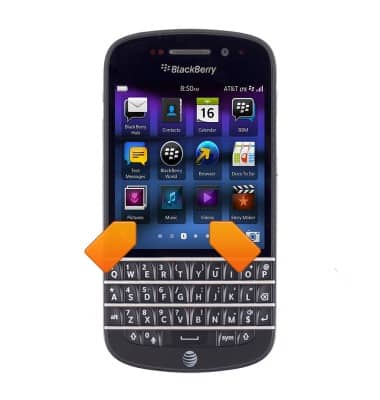
- Scroll to, then tap the desired photo to view.
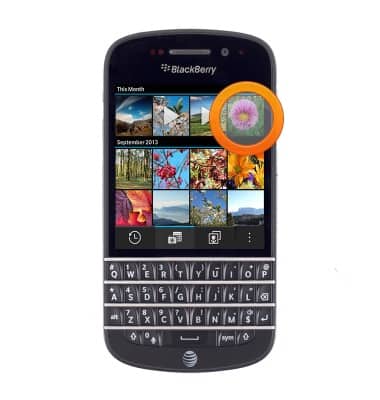
- To share, touch and hold the desired image.
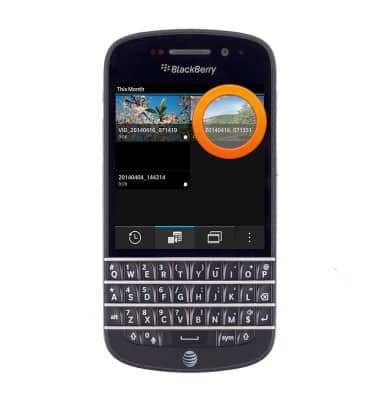
- Tap the Share icon.
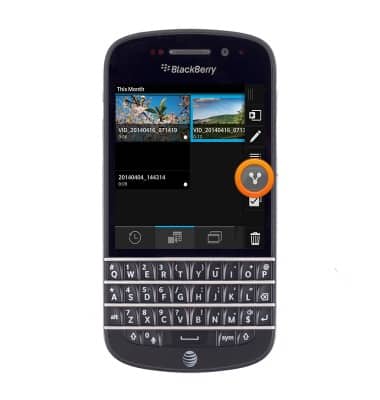
- Tap the desired option.
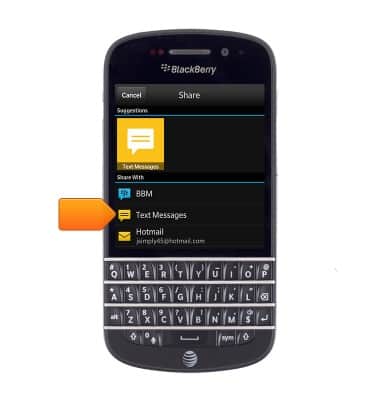
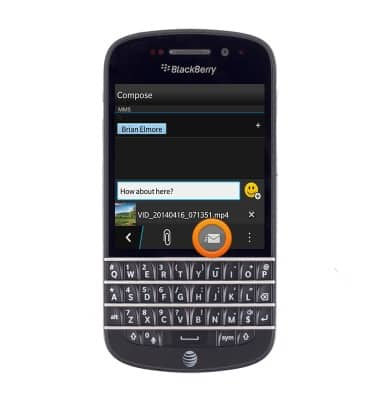
- Enter the desired recipient name or phone number.
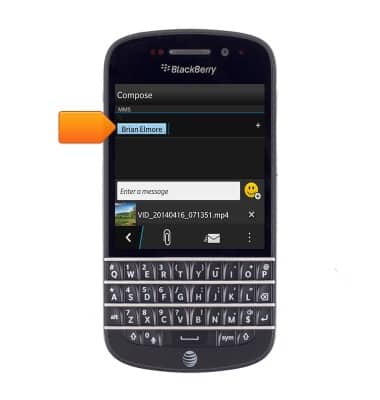
- Tap the Message field, then enter the desired message.
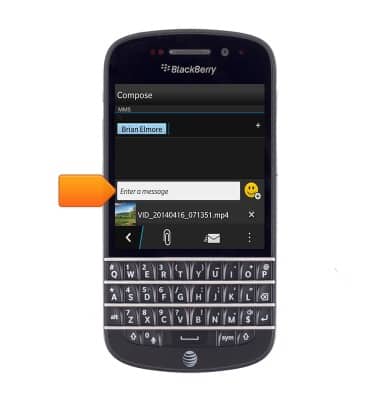
- Tap the Send icon.
View & share photos or videos
BlackBerry Q10 (SQN100-1)
View & share photos or videos
Access, view, and share your photos and videos.
INSTRUCTIONS & INFO