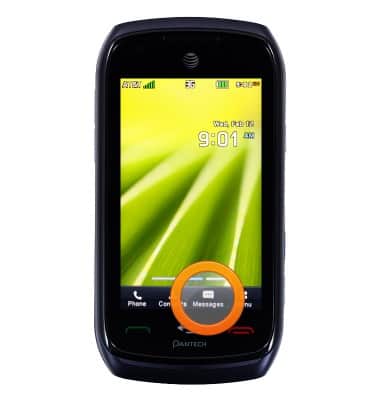
- To send an SMS, from the home screen, tap Messages.
- Tap Create New Message.
Note: If messages are already present, tap the Compose icon in the top right corner of the screen.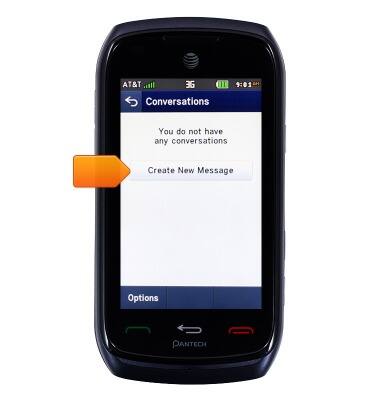
- Tap the Address field.
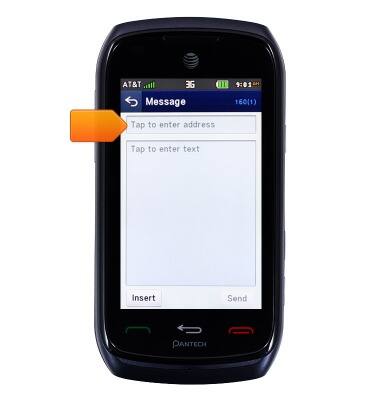
- Tap the desired contact name or tap the Address field to enter the desired address.
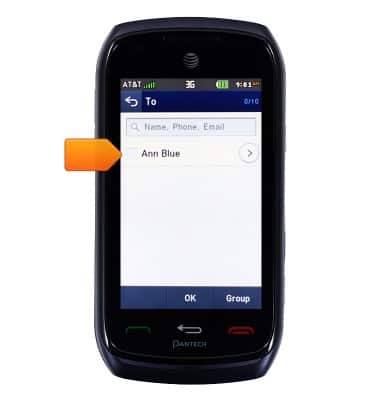
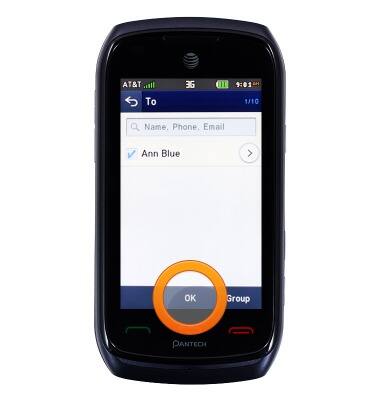
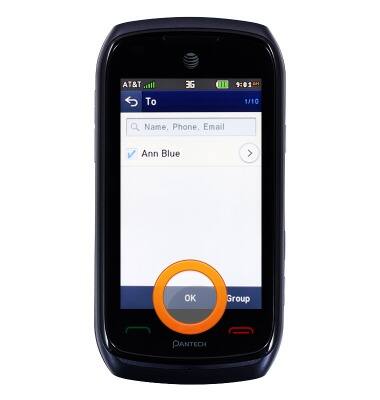
- Tap OK.
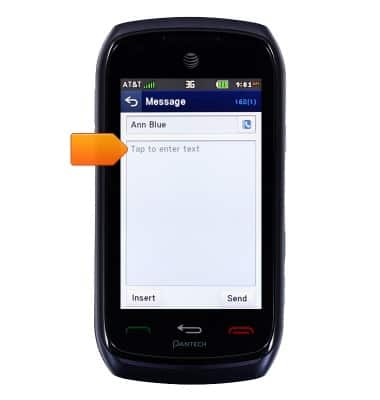
- Tap the Text field.
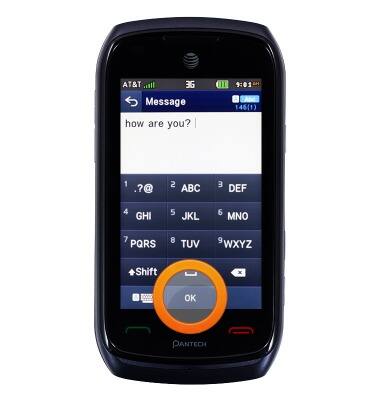
- Enter the desired message, then tap OK.
- Tap Send.
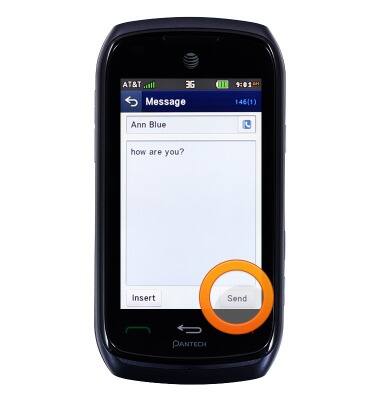
- To send an MMS, follow steps 1-5.
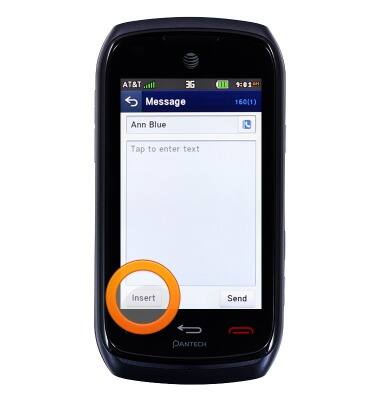
- Tap Insert.
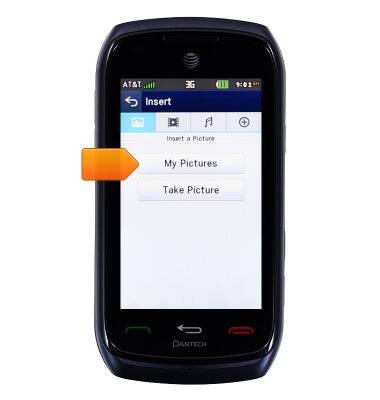
- Tap My Pictures.
- Tap the desired image.
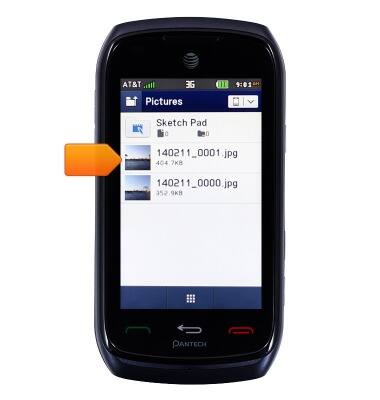
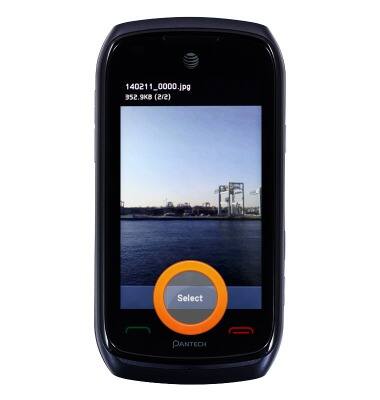
- Tap Select.
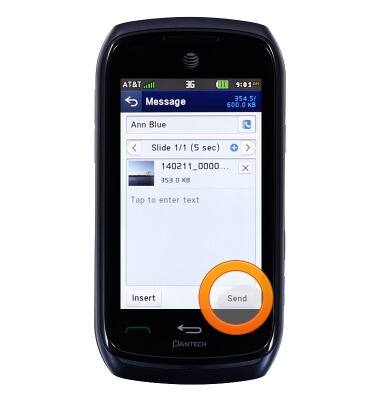
- Tap Send.
- To reply to a message, tap the desired message.
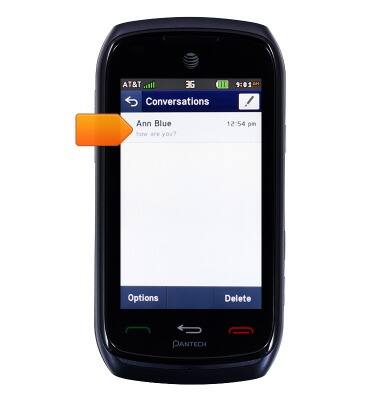
- Tap Reply.
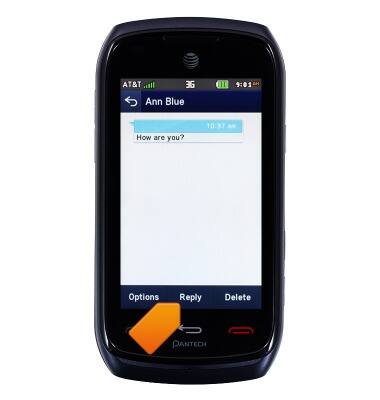
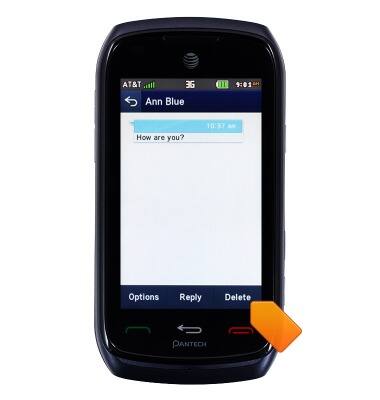
- To delete a message, tap Delete, then follow the on-screen prompts.
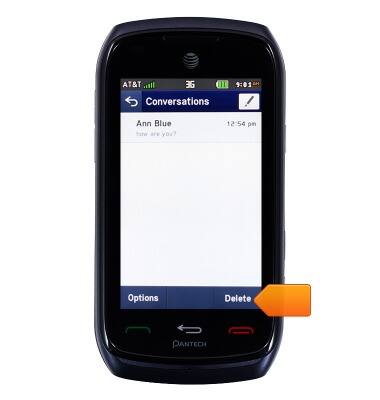
- To delete a conversation, from the Conversations screen, tap Delete, then follow the on-screen prompts.
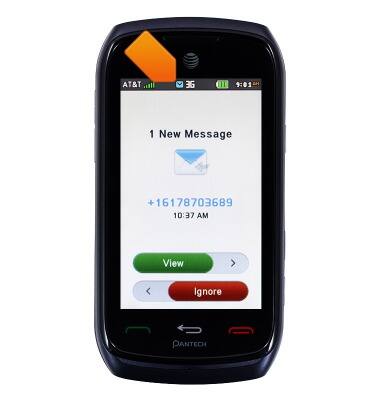
- When a message received, the Message icon will be displayed in the Notification bar.
Send & receive messages
Pantech Vybe (P6070)
Send & receive messages
How to send, receive, and delete picture (MMS) and text (SMS) messages.
Text Messaging
This video explains the text messaging features of the device.
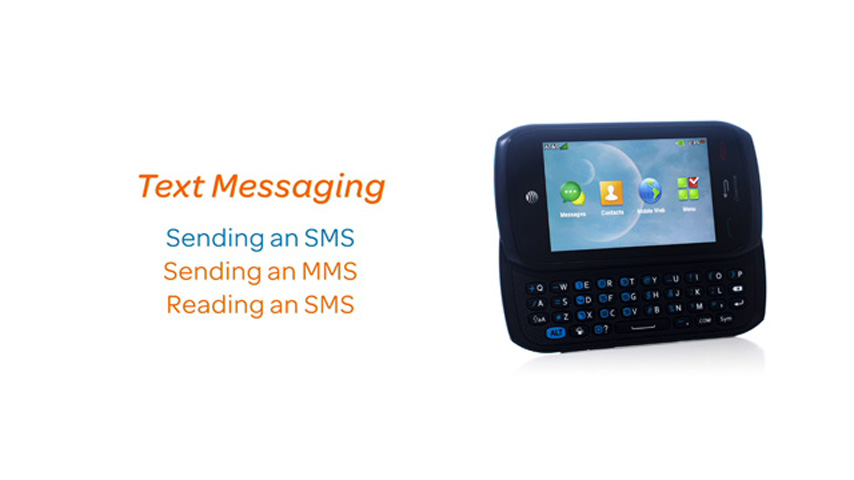
Text Messaging
1:25
INSTRUCTIONS & INFO