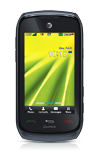
- From the home screen, tap Menu.
Note: Bluetooth must be enabled for this process to work.
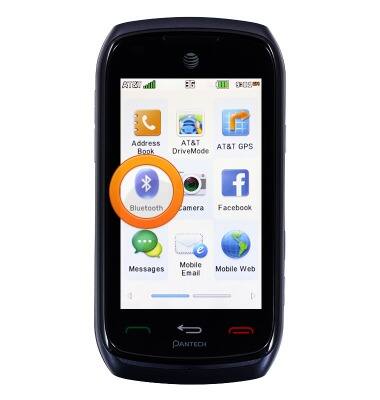
- Tap Bluetooth.
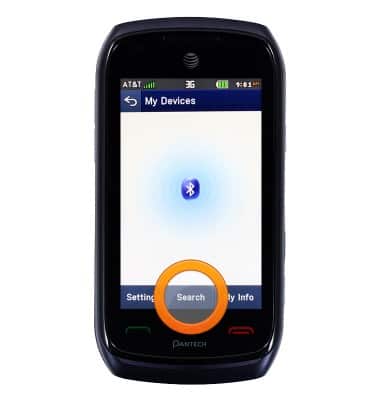
- Tap Search.
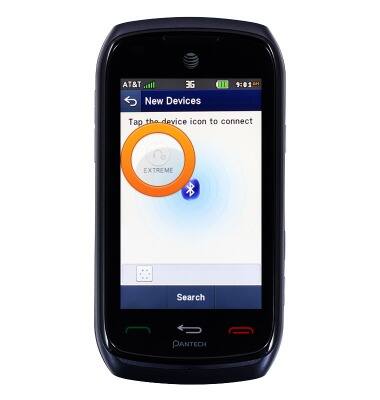
- Tap the desired Bluetooth device icon.
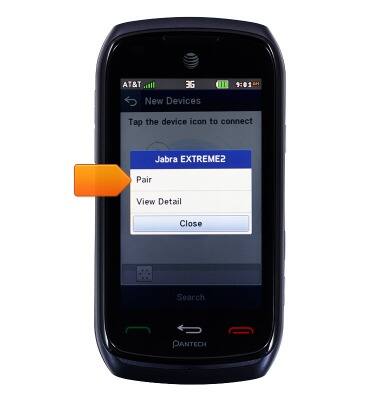
- Tap Pair.
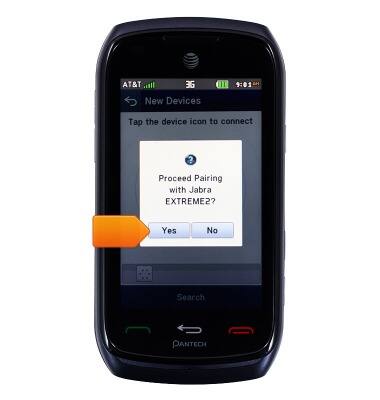
- Tap Yes.
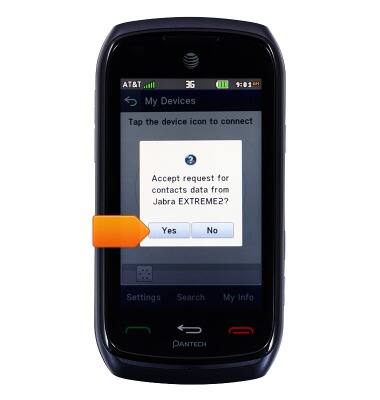
- Tap Yes.
Bluetooth
Pantech Vybe (P6070)
Bluetooth
This article describes how to connect a Bluetooth device.
INSTRUCTIONS & INFO