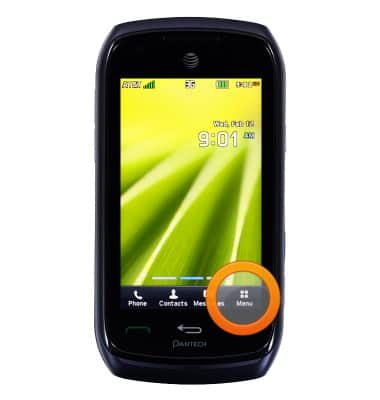
- From the home screen, tap Menu.
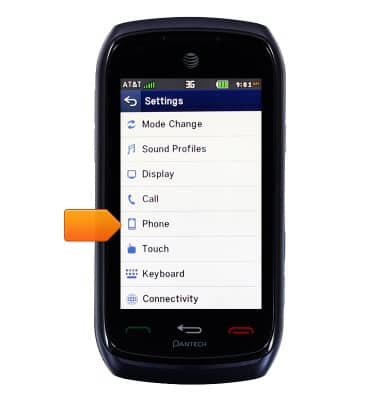
- Swipe to, then tap Settings.

- Tap Phone.
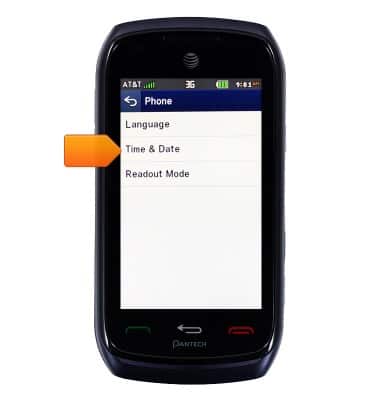
- Tap Time & Date.
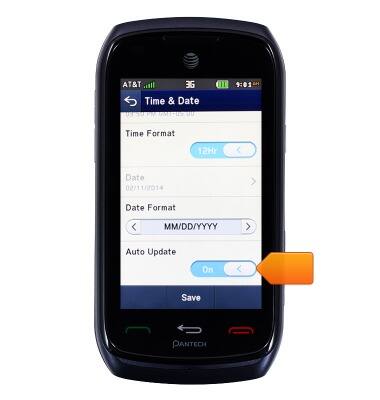
- If enabled, scroll to, then tap the Auto Update icon to disable.
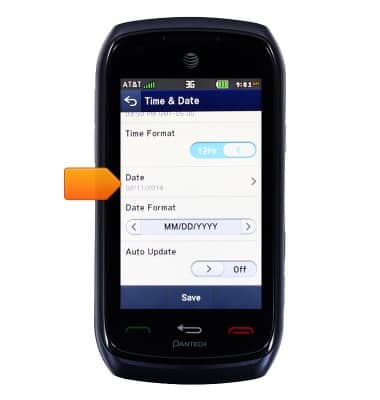
- Tap the Date field.
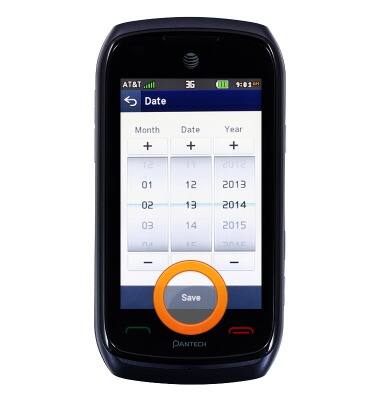
- Drag the Month, Date, and Year to the desired date, then tap Save.
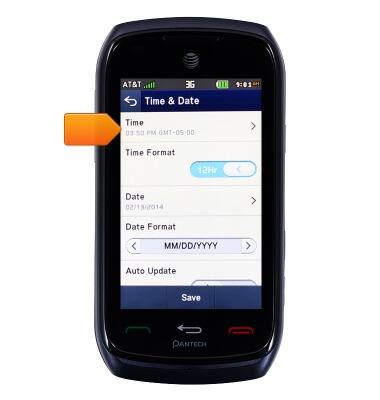
- Tap the Time field.
- Drag the Hour, Minute, and AM/PM to the desired time, then tap Save.
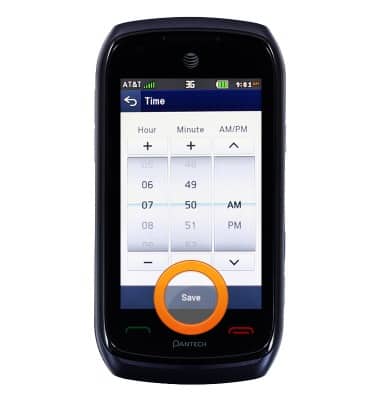
- Tap Save.

Date & time
Pantech Vybe (P6070)
Date & time
Set the date & time.
INSTRUCTIONS & INFO