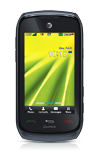
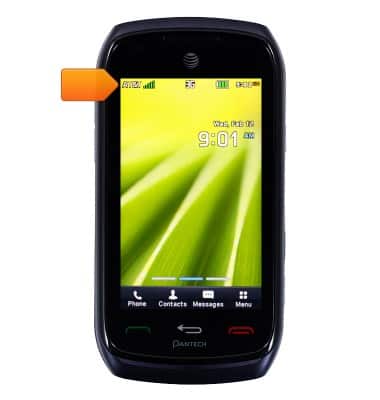
- The Notifications bar displays icons that show the current status of the device. This includes time, battery power, cell reception, sound volume, and pending messages.
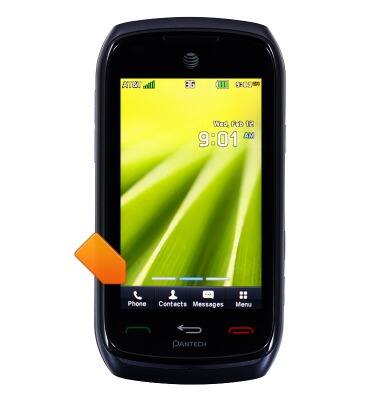
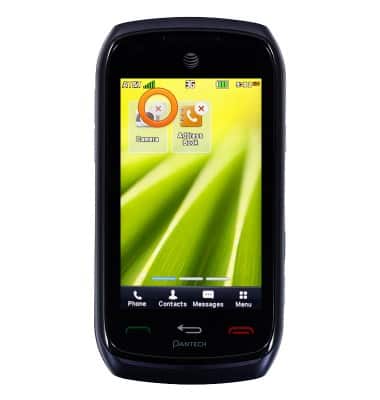
- The four icons at the bottom of the screen provide access to Phone, Contacts, Messages, and Menu. To access, tap the desired icon.
- To access and/or add browser bookmarks, swipe left.
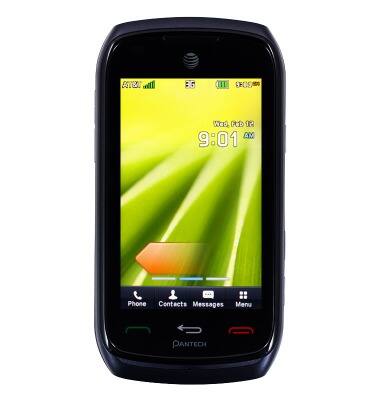
- To access favorite items, swipe right.
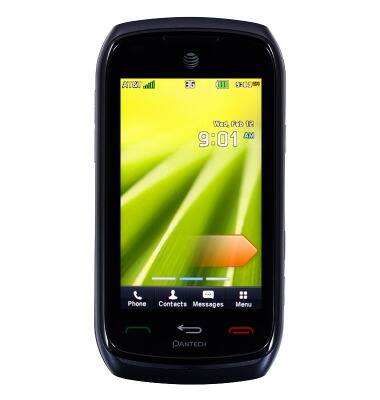
- To add a favorite item, tap Add.
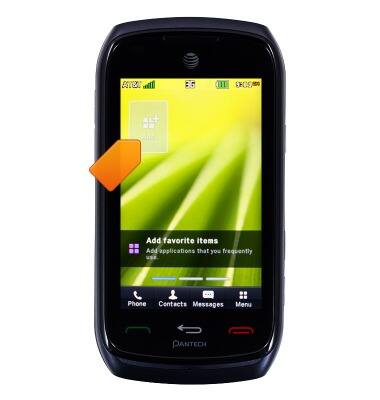
- Scroll to, then tap the desired option.
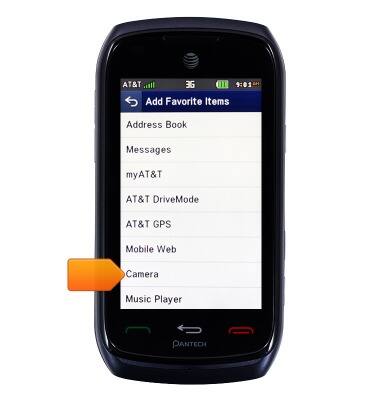
- To re-order the favorites, touch and drag to the desired position, then release.
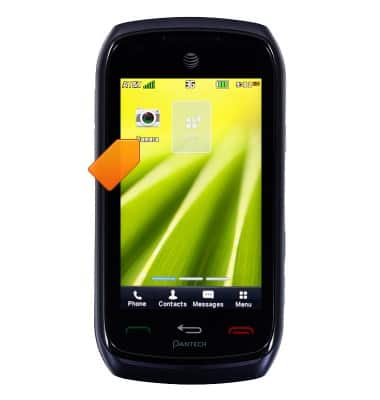
- To remove, tap the X icon.
Learn & customize the home screen
Pantech Vybe (P6070)
Learn & customize the home screen
Add shortcuts and widgets, access the notification panel, changing wallpaper, and more.
Use the home screen
This video explains how to navigate and customize the home screen on your device.
Use the home screen
0:40
INSTRUCTIONS & INFO