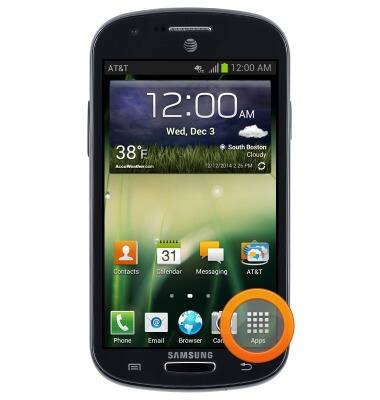
- From the home screen, tap Apps.
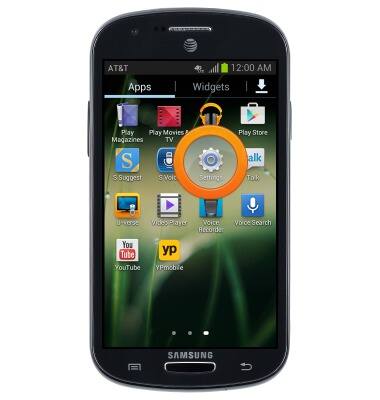
- Swipe to, then tap Settings.
- Scroll to "Personal", then tap Location services.
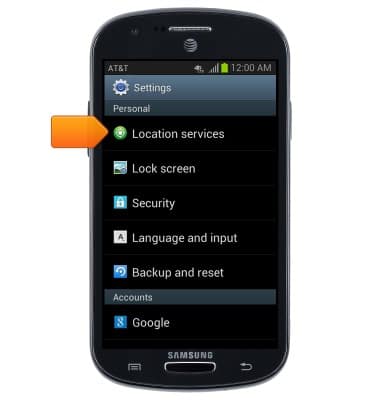
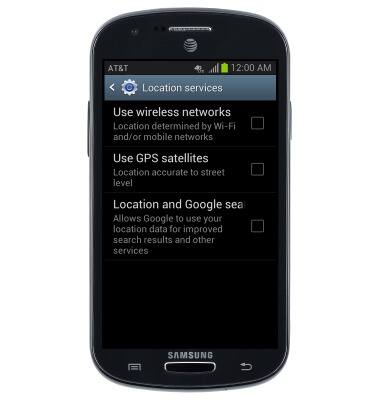
- Tap the desired options to turn Location Services on and off.
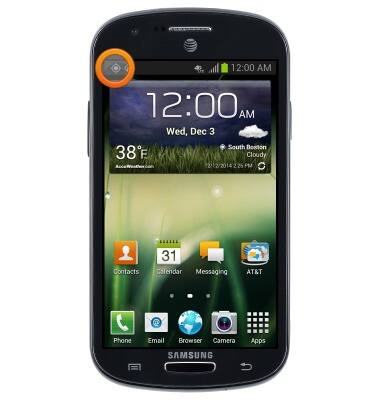
- While GPS is in use, the GPS icon will be displayed in the Notifications Bar.
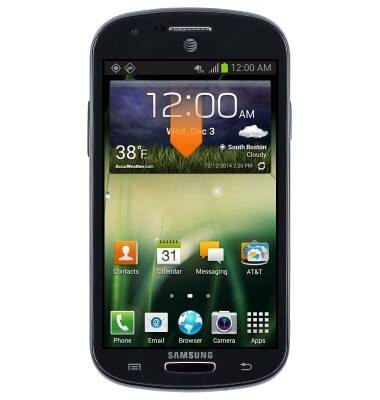
- To quickly enable or disable GPS, swipe down from the top of the screen.
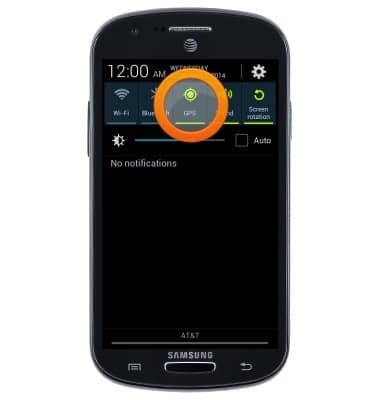
- Tap GPS to turn GPS on and off.
Location services & GPS
Samsung Galaxy Express (I437/I437p) OS 4.0-4.1
Location services & GPS
This article provides an overview of location services and GPS features.
INSTRUCTIONS & INFO