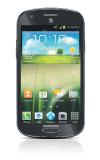
- Tap the desired app to open it.
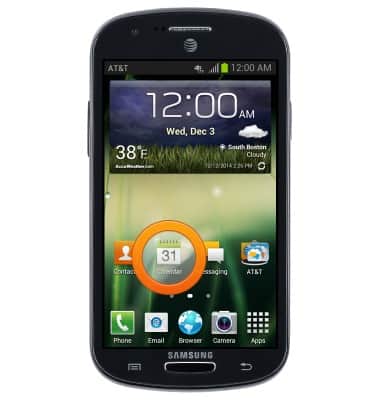
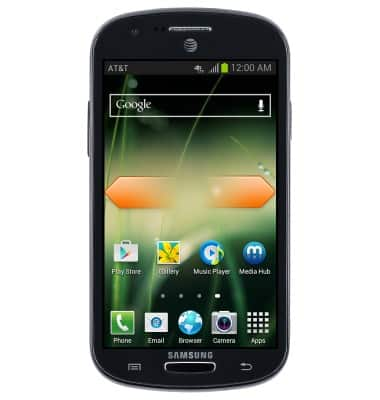
- Swipe to the left or right to access other home screens.
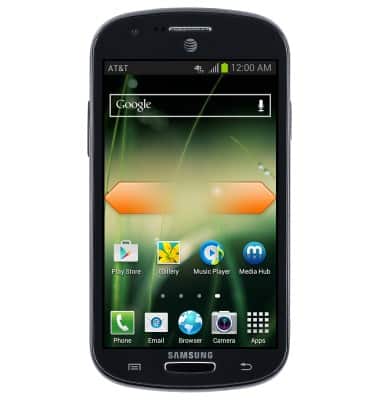
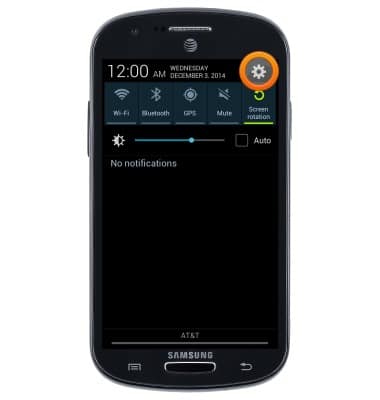
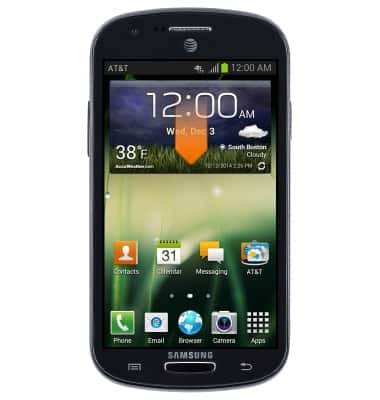
- To access the Notifications Menu, swipe down from the top of the screen.
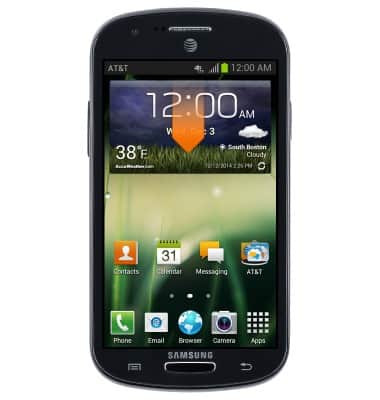
- To access the Settings Menu, swipe down from the top of the screen, then tap the Settings icon.
- To customize other home screens, swipe to the left or right.
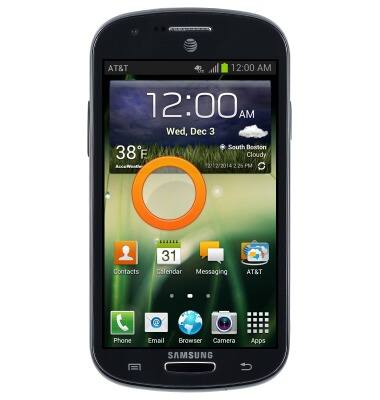
- To add a widget to a home screen, touch and hold an empty place on the home screen.
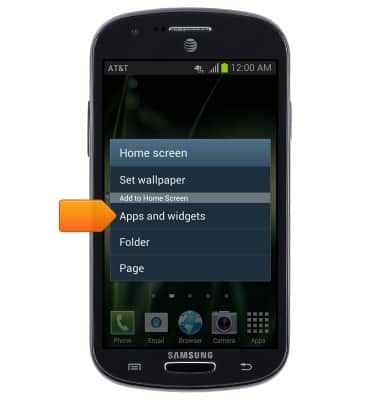
- Tap Apps and widgets.
- Swipe to the desired widget, then touch and hold the widget.
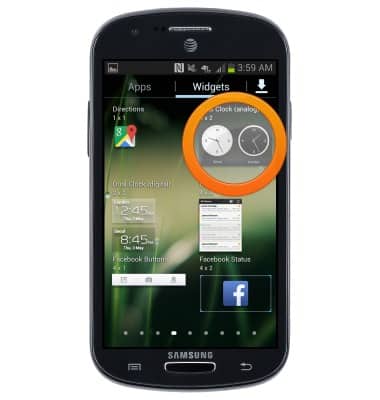
- Drag the widget to the desired location, then release to place it.
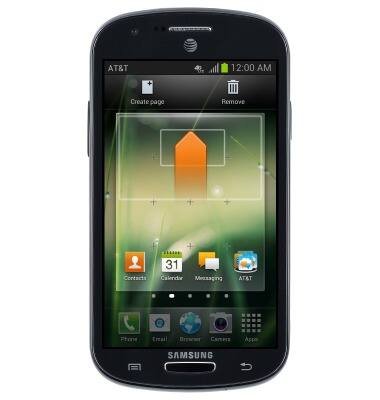
- Tap anywhere on the screen to save the widget.
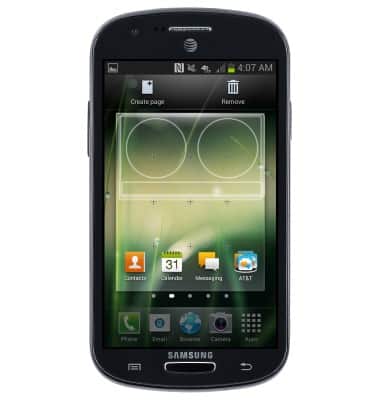
- The widget is now active.
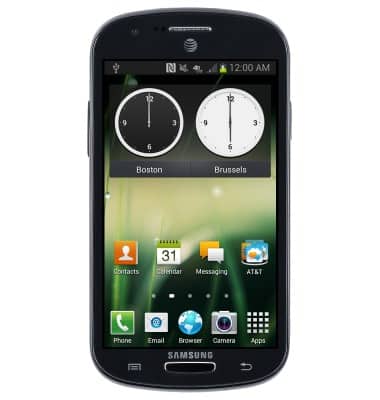
- To remove a widget, touch and hold the desired widget to remove. Drag the widget to Remove.
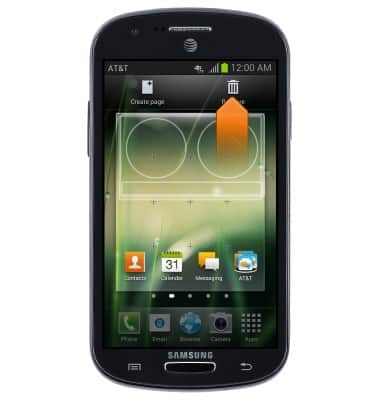
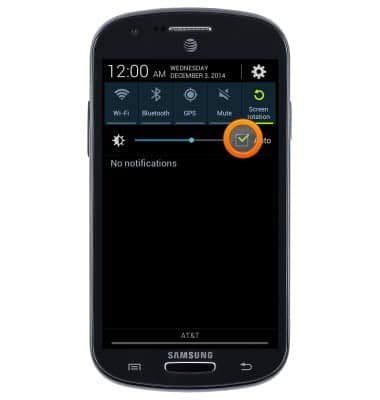
- To adjust the display brightness, swipe down from the top of the screen.
- Tap the Auto-Brightness checkbox.
Learn & customize the home screen
Samsung Galaxy Express (I437/I437p) OS 4.0-4.1
Learn & customize the home screen
Add shortcuts and widgets, access the notification panel, changing wallpaper, and more.
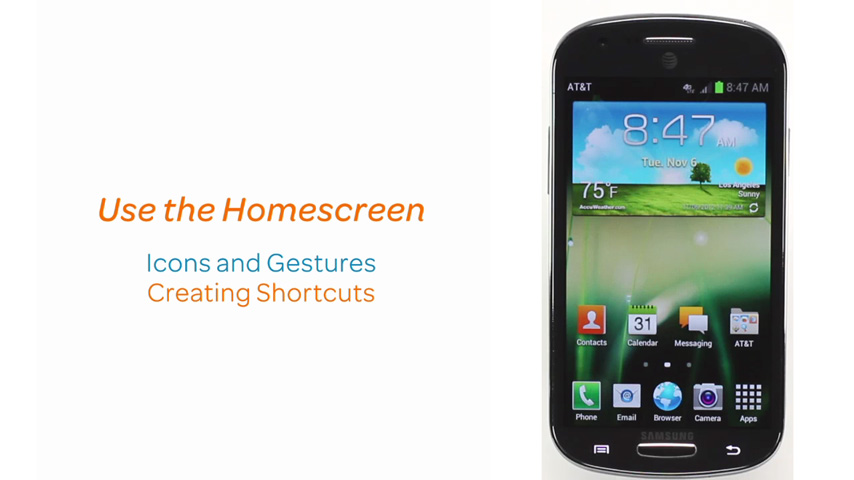
Use the Home screen
This video shows how to use the home screen.
Use the Home screen
1:20
INSTRUCTIONS & INFO