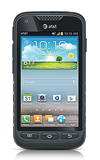
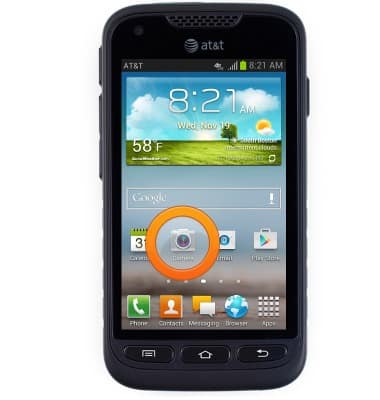
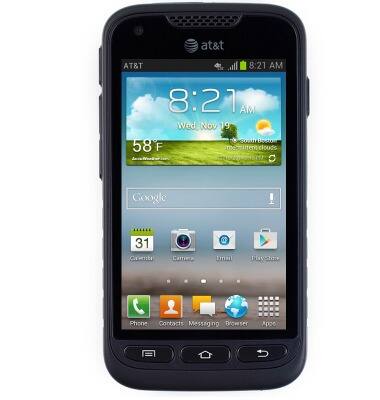
- From the home screen, tap Camera.
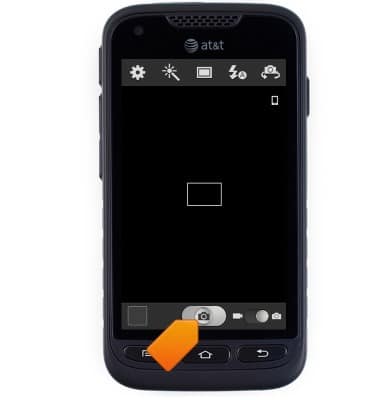
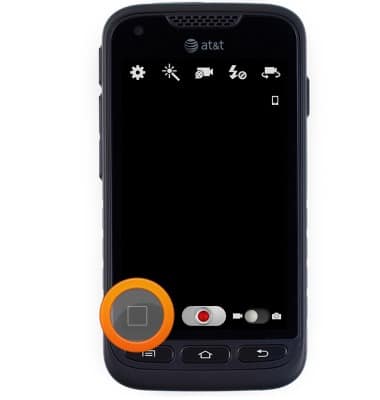
- Tap the Shutter icon to take a photo.
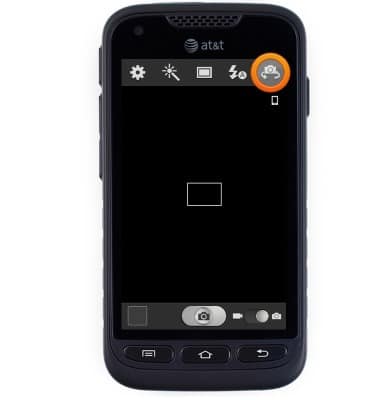
- Tap the Front / Rear camera icon to toggle the camera direction.
- Touch and drag the Camera / Video slider to toggle video mode on / off.
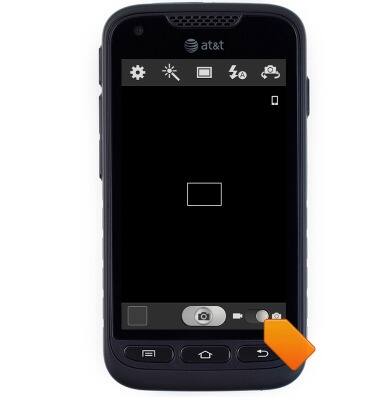
- Tap the desired option.
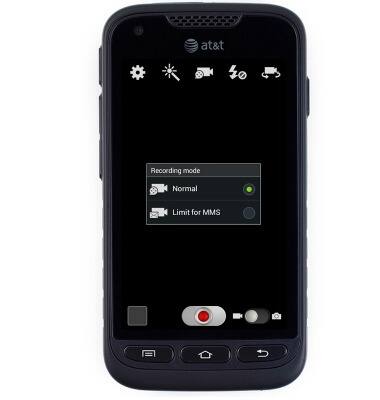
- Tap the Record icon to begin recording.
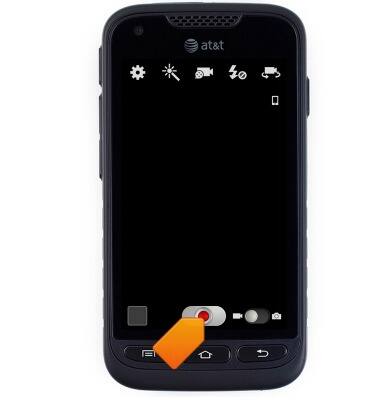
- Tap the Stop icon to stop recording and save the video.
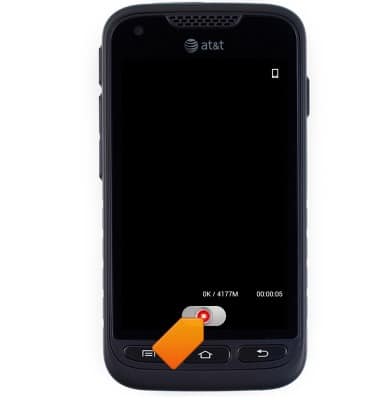
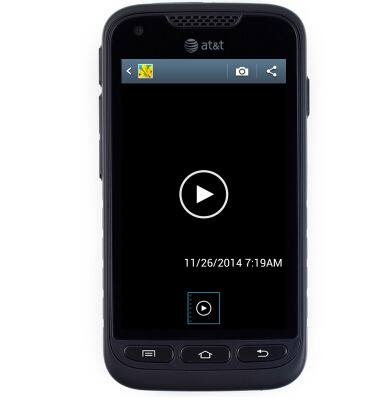
- To access the Gallery, tap the Gallery icon.
- Navigate the Gallery to access saved pictures and videos.
- The Samsung Galaxy Rugby Pro, rear camera is 5MP and front camera is 1.3MP. The video recorder is 1080p.
Take a picture or video
Samsung Galaxy Rugby Pro (I547) OS 4.0-4.1
Take a picture or video
Take and edit a picture or video, use the front and rear camera, and switch between camera and video modes.
INSTRUCTIONS & INFO