- While on an active call, press the Volume keys to adjust call volume.
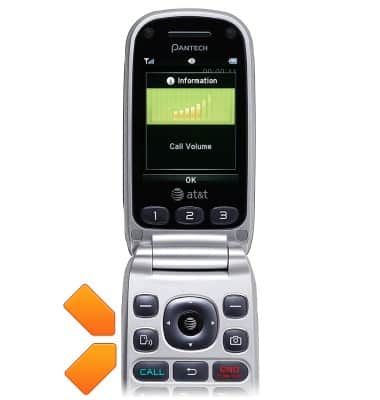
- Use the Nav keys to select the desired options. Select the Contacts icon, then press the AT&T key to view contacts.

- Select the Messaging icon, then press the AT&T key to open messaging.

- Select REC, then press the AT&T key to record the call.

- Select the Web browser icon, then press the AT&T key to open the web browser.

- Press the AT&T key with no icons selected to activate speakerphone.

- Press the Left Soft key to view additional call options.

- Use the Menu to mute the call, place the call on hold, view the calendar, access the notepad, and activate noise suppression.
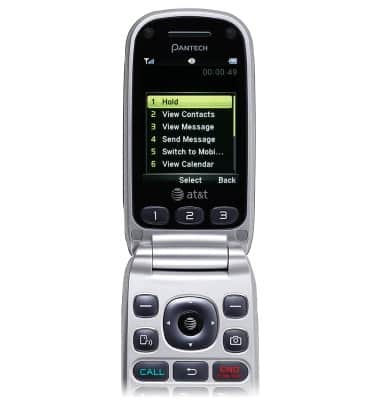
In-call options
Pantech Breeze III (P2030)
In-call options
Learn what features are available while on an active call.
INSTRUCTIONS & INFO