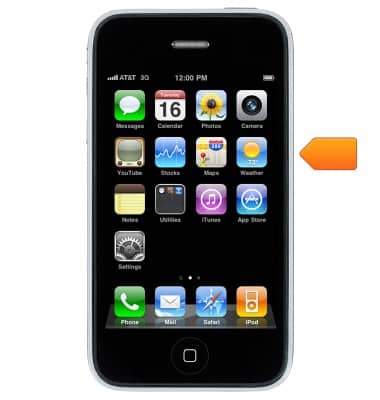
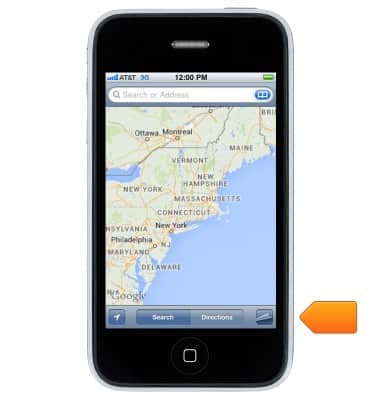
- From the home screen, tap Maps.
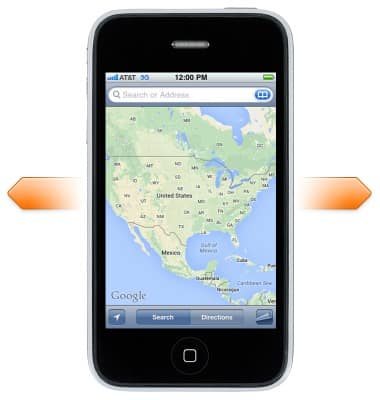
- Move around Maps by dragging the screen.
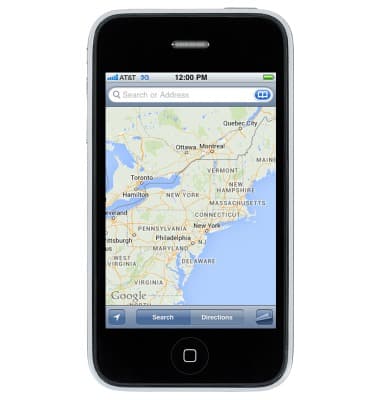
- To zoom in or out, double-tap with one finger to zoom in and tap with two fingers to zoom out or just pinch and stretch.
- To get driving directions, tap Directions.
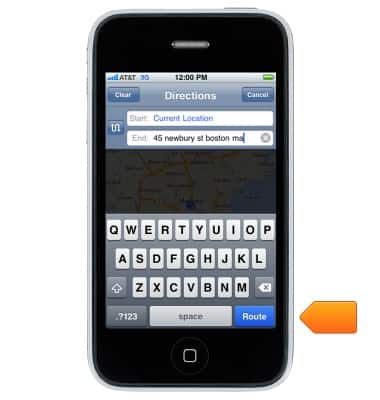
- Enter the desired destination, then tap Route.
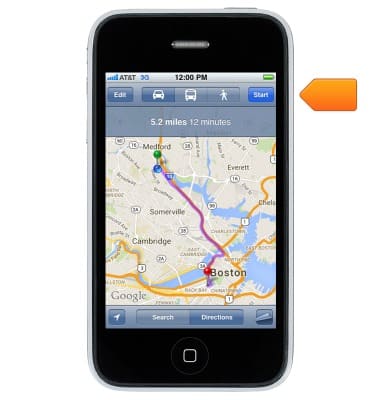
- Tap Start.
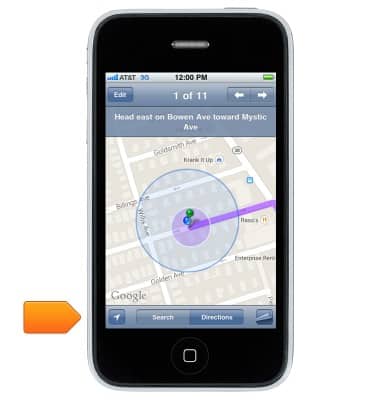
- To leave directions, tap Search.
Maps
Apple iPhone 3G
Maps
Get directions and navigation using the Maps app.
INSTRUCTIONS & INFO