- Send messages to a group (iMessage and MMS):
Tap the compose icon.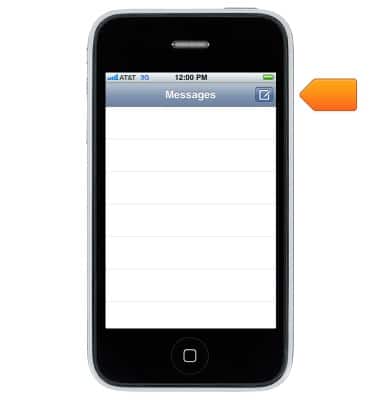
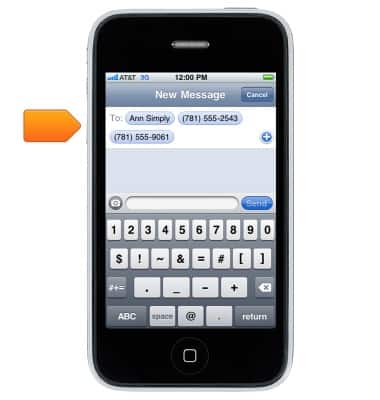
- Enter multiple recipients.
- Group messaging settings:
From the Home screen, Go to Settings.
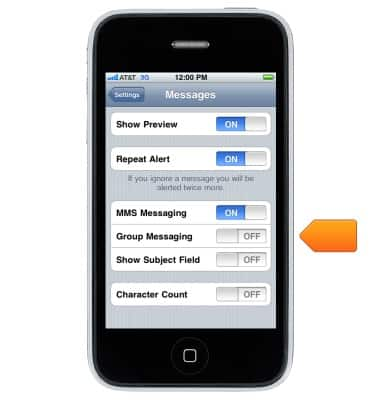
Note: With MMS, group messaging must also be turned on in Settings > Messages, and replies are sent only to you, they aren't copied to the other people in the group.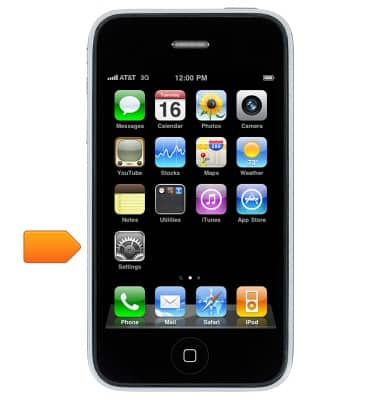
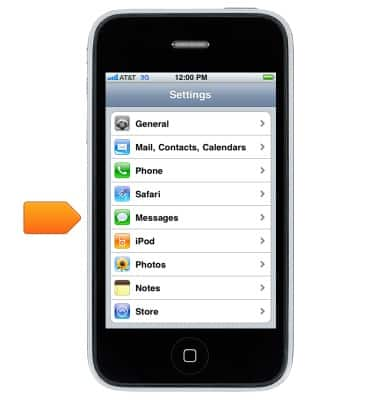
- Scroll to, then tap Messages.
- Tap the Group Messaging switch to turn on or off.
Group messaging
Apple iPhone 3G
Group messaging
This article describes how to send a group message.
INSTRUCTIONS & INFO