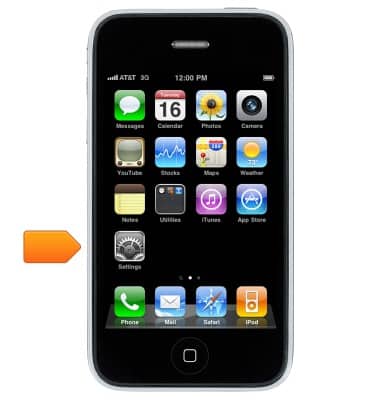
- From the home screen, tap Settings.
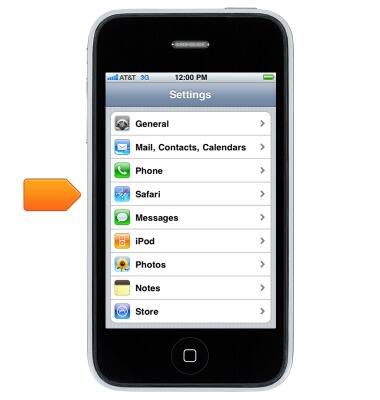
- Scroll to, then tap Safari.
- where you can:
*Choose your search engine
*Enter your AutoFill information
*Block pop-ups
*Tighten privacy and security
*Clear your history, cookies, and data
*Manage saved passwords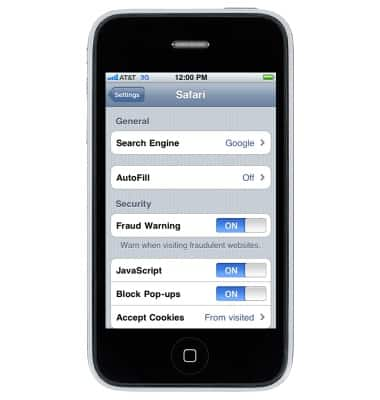
Browser options
Apple iPhone 3G
Browser options
Access browser settings to delete browser history, set the home page, and more.
INSTRUCTIONS & INFO