- iMessage is built into iOS versions 5 and later, and allows you to send unlimited text, photos, videos, locations, and contacts using Wi-Fi or cellular data from your iPhone or iPad.
Note: iMessages are billed as data usage when sent over a cellular data connection. Messages will be billed as text messages when sent to other device types, or to iOS devices using an earlier version of iOS. You need a valid phone number or Apple ID to use iMessage on iPhone.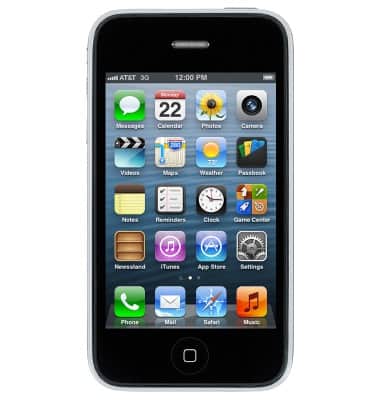
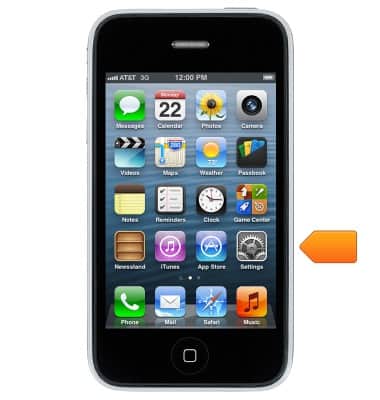
- From the Home screen, tap Settings.
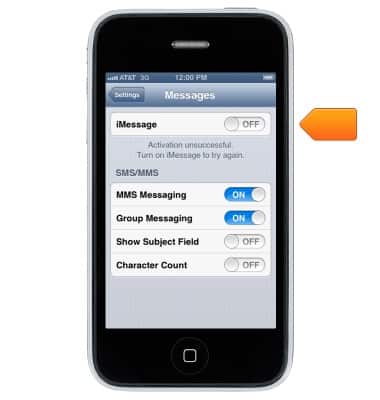
- Tap Messages.
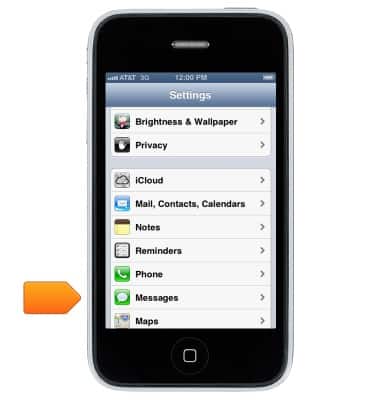
- Tap the iMessage switch to turn on or off.
iMessage
Apple iPhone 3-GS
iMessage
Use iMessage to send and receive messages with other iMessage users.
INSTRUCTIONS & INFO