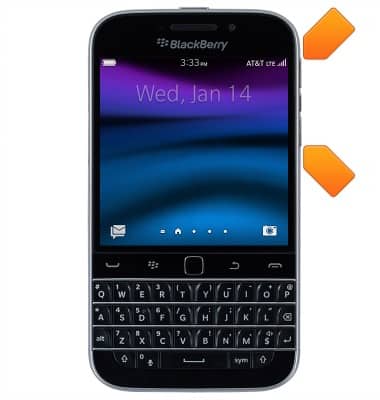
- Press the Volume keys to adjust media or call volume.
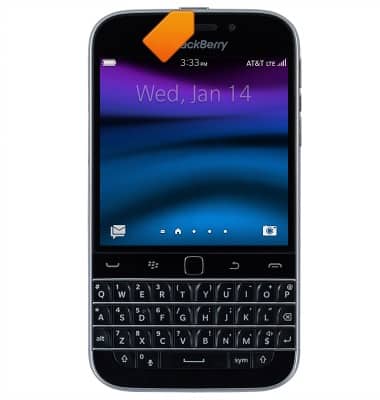
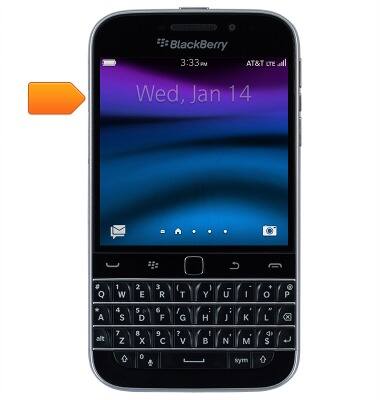
- Press the Power/Lock key to turn the device on or off, or put the display to sleep.
- The SIM card slot is located on the top left of the device. This device uses a Nano-SIM card.
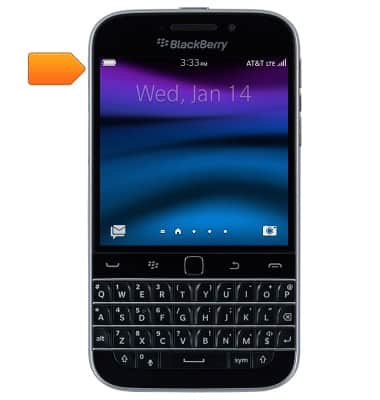
- The microSD card slot is located on the top left side of the device. A microSD card of up to 120GB can be used.
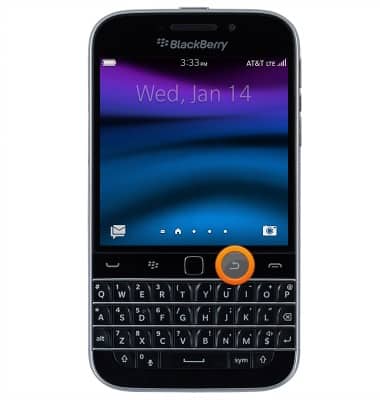
- Press the Back key to return to the previous screen.
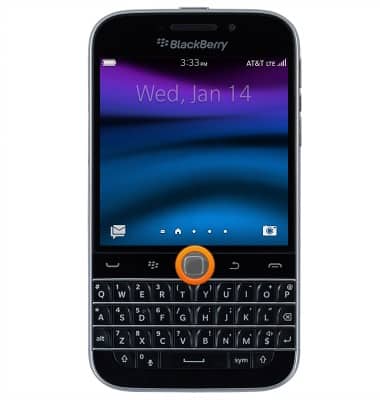
- Press the Track Pad to make a selection.
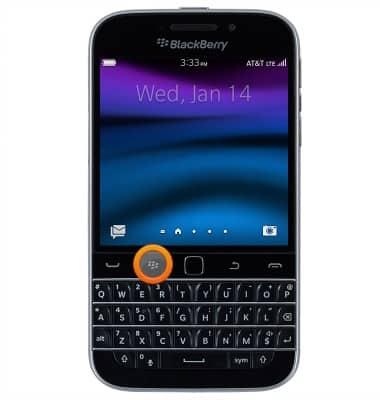
- Press the Blackberry key to access the Action Menu.
- Press the Call key to end a call or to access the call history.
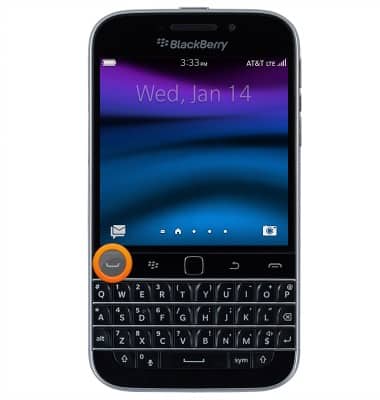
- Press the End call key to end a call, or to minimize an app and return to the Active App screen.
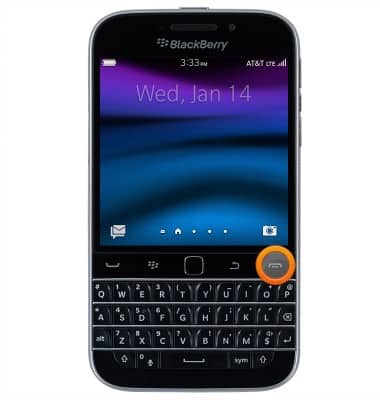
- Press and hold the Voice control key to access voice control.
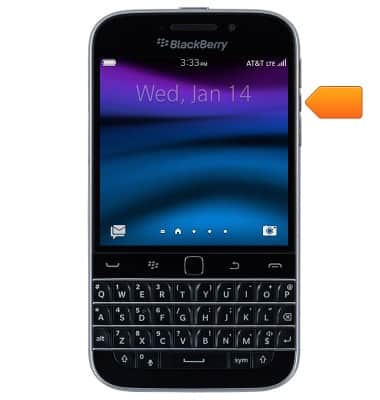
- The USB/Charging port is located at the bottom of the device.
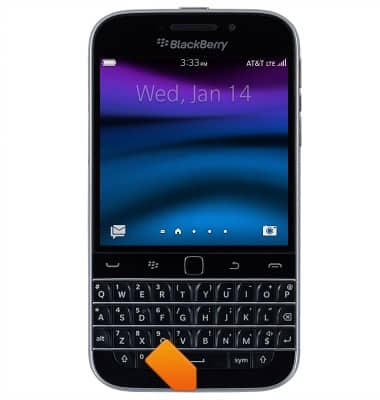
- The Headphone jack is located at the top left of the device.
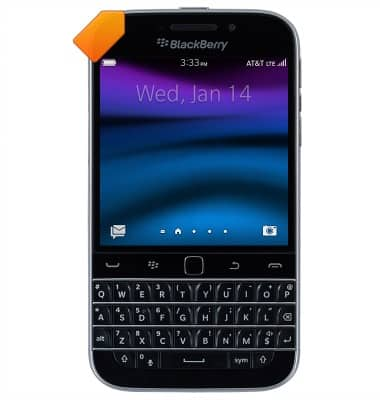
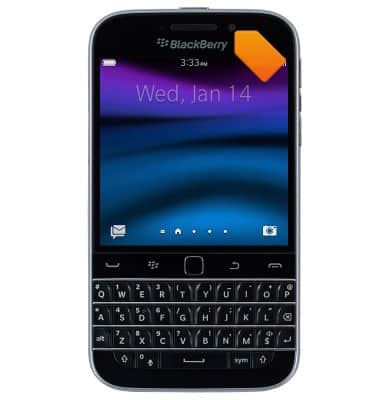
- The Front camera is located on the front of the device.
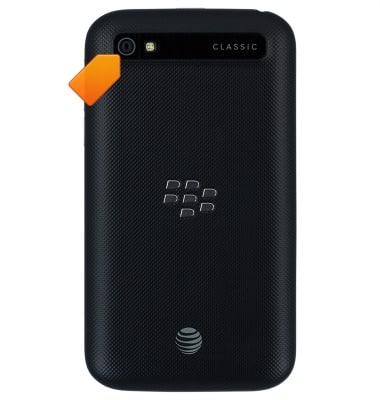
- The Rear camera is located on the back of the device.
Device layout
BlackBerry Classic (SQC100-2)
Device layout
Provides an overview of the device layout.
Device Overview
This video explains how to insert the SIM card and turn the device on.
Device Overview
3:06
INSTRUCTIONS & INFO