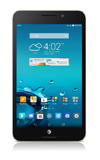
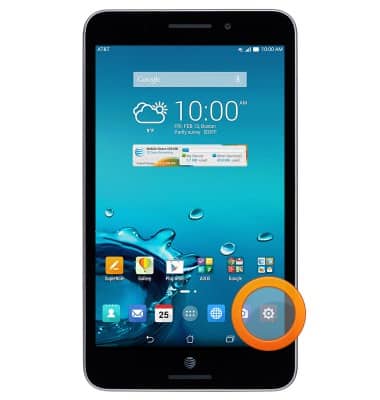
- From the home screen, tap the Settings icon.
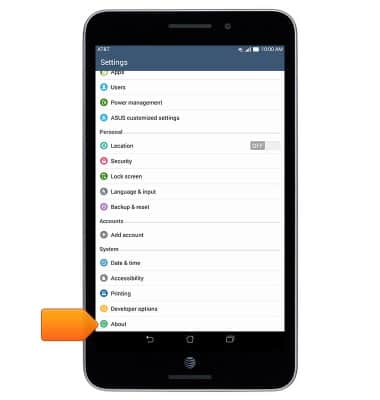
- Scroll to, then tap About
- Android version will be listed under Android version.
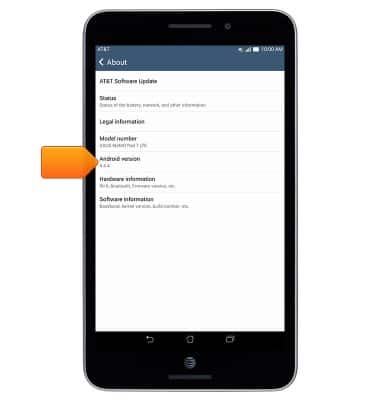
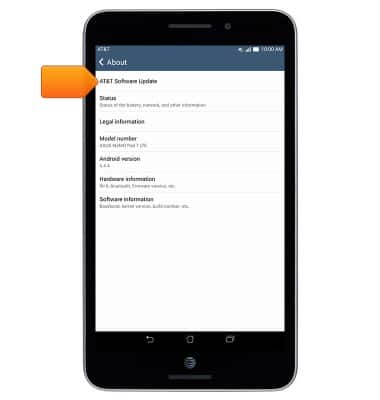
- To check for an update, tap AT&T Software Update.
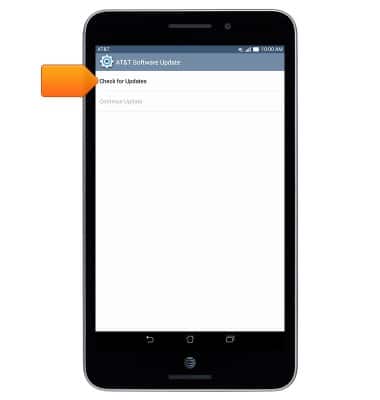
- Tap Check for updates.
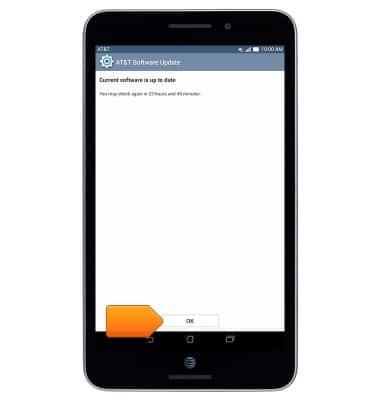
- If an update is available, follow the on-screen prompts to update. Otherwise, tap OK.
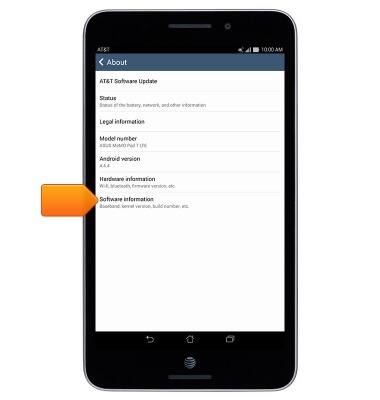
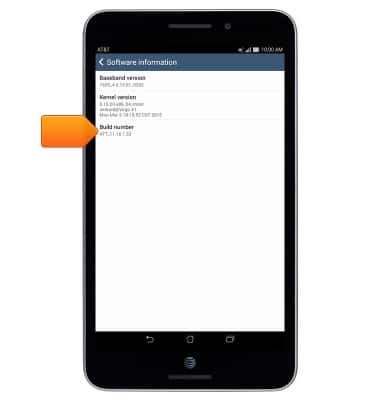
- To see the Build number, tap Software information.
- The Build number is displayed.
View device software version
ASUS MeMO Pad 7 LTE (ME375CL)
View device software version
This article describes how to locate and update device software.
INSTRUCTIONS & INFO