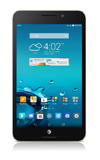
- What's Next organizes your calendar, email, birthday reminders, missed calls, and weather to appear on your home and lock screens so that you can be reminded about what really matters
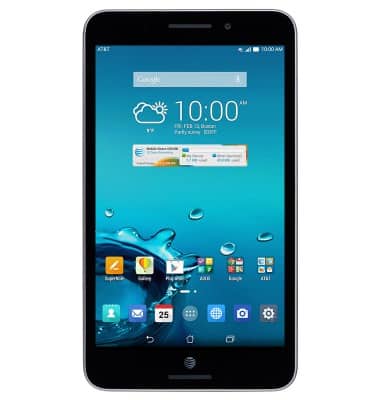
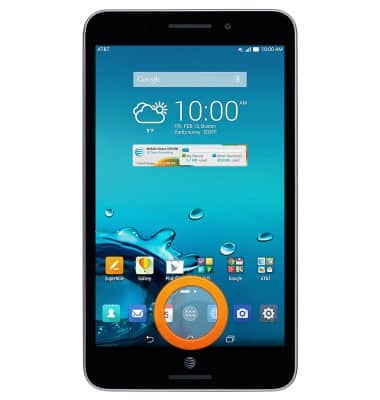
- From the home screen, tap the Apps icon.
- Tap What's next.
Note: GPS must be turned on to access location-specific information such as weather.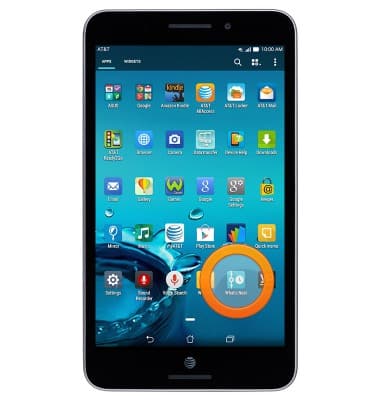
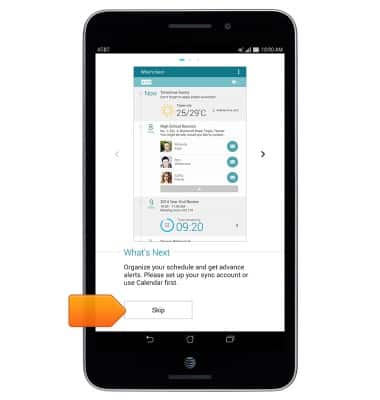
- Tap Skip.
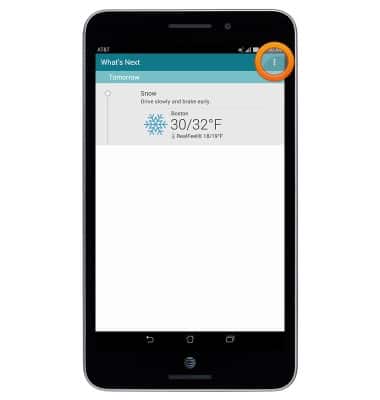
- To access settings, tap the Menu icon.
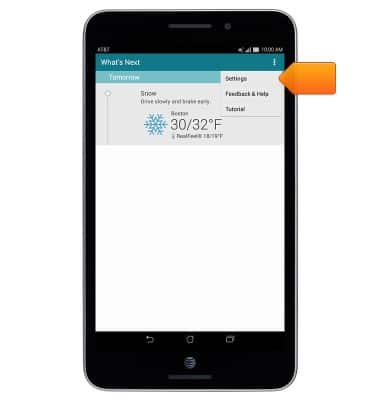
- Tap Settings to view options.
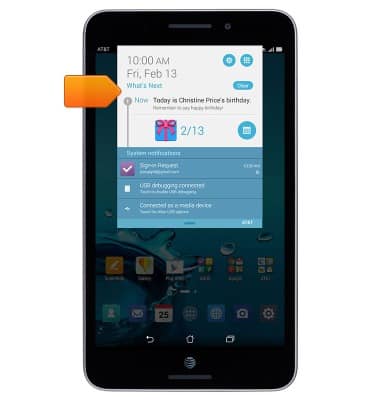
- What's Next can be viewed in the Notifications tray.
- You can also access What's Next on the lock screen.
Note: To customize Quick Access settings, tap Settings > Lock screen > Quick Access.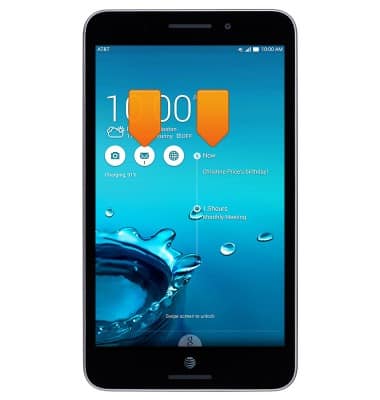
What's Next
ASUS MeMO Pad 7 LTE (ME375CL)
What's Next
This article reviews the What's Next app and functionality.
INSTRUCTIONS & INFO