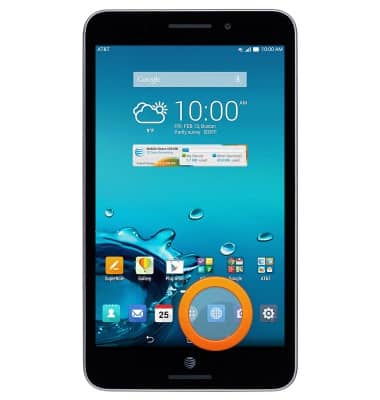
- From the home screen, tap the Browser icon.
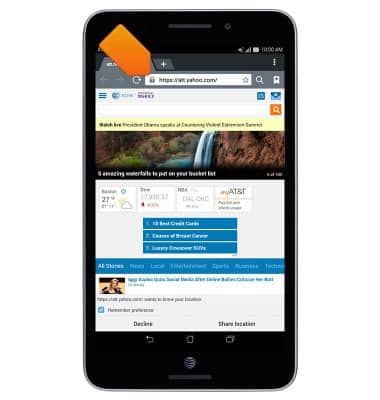
- Tap the URL field, then enter the desired web address.
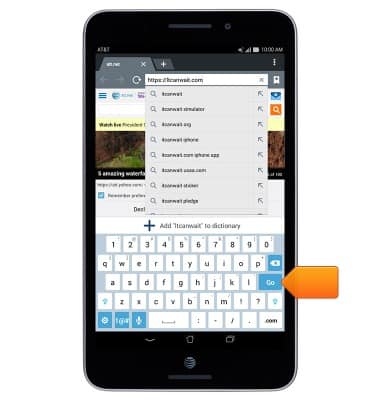
- Tap Go.
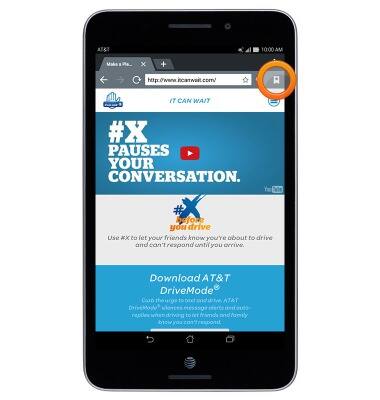
- To access bookmarks, tap the Bookmarks tab.
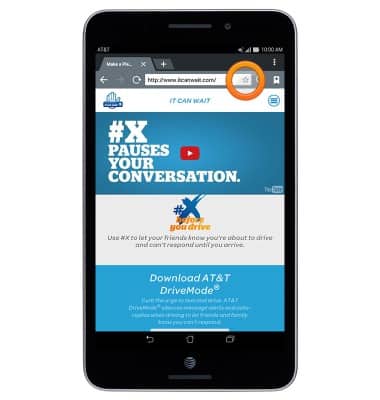
- To add a bookmark, tap the Star icon.
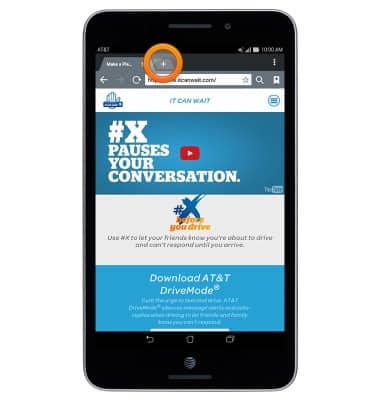
- To open a new tab, tap the + icon.
- To access a different tab, tap the desired tab.
Note: The number on the browser tab indicates the amount of open tabs.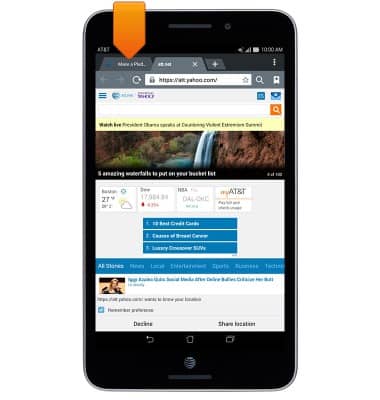
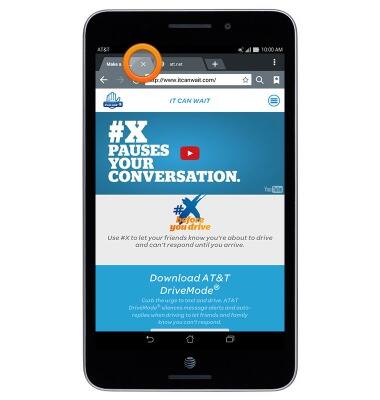
- Tap X to close the desired tab.
Browse the Web
ASUS MeMO Pad 7 LTE (ME375CL)
Browse the Web
Open the Browser and surf the Internet as efficiently as possibly.
Browse the Web
This video explains the features of the device's web browser.
Browse the Web
1:37
INSTRUCTIONS & INFO