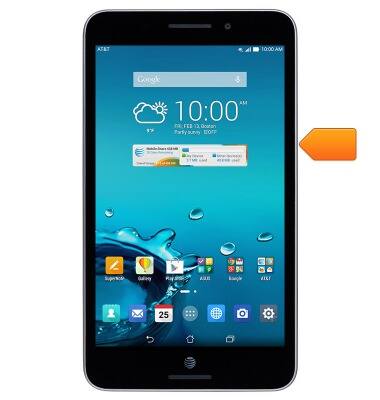
- Press the Power/Lock key to lock or unlock the screen. Press and hold to turn on the device or access power, airplane mode, and sound options.
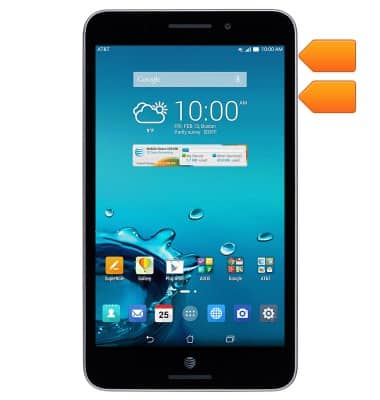
- Press the Volume keys to adjust the volume.
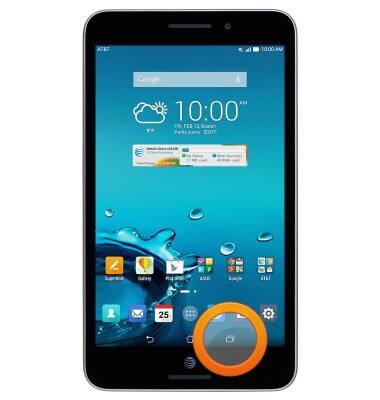
- Press the Recent Apps key to view a list of recently opened apps.
- Press the Home key to return to the home screen.
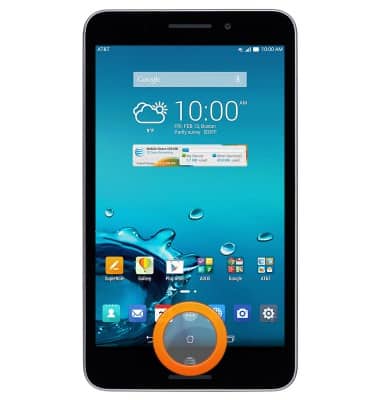
- Press the Back key to return to the previous screen.
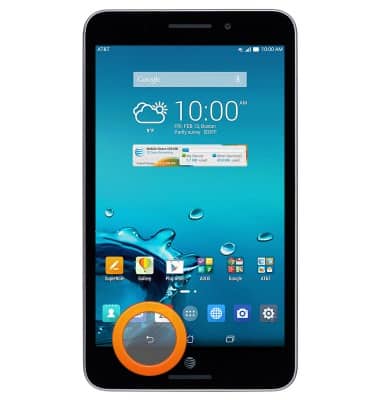
- The 3.5mm Headphone jack is located at the bottom right side of the device.
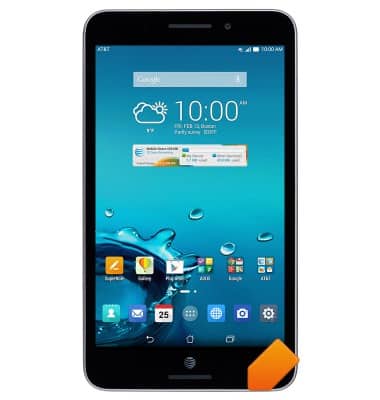
- The microSIM/microSD card slot is located on the side of the device.
Note: To access the SIM and CD card slots, open the card compartment first.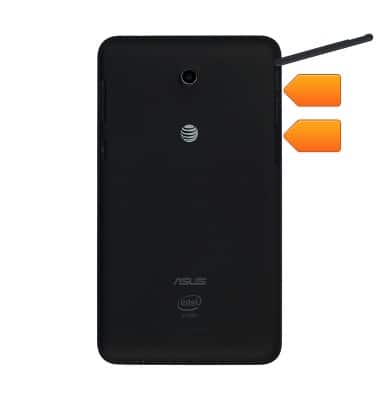
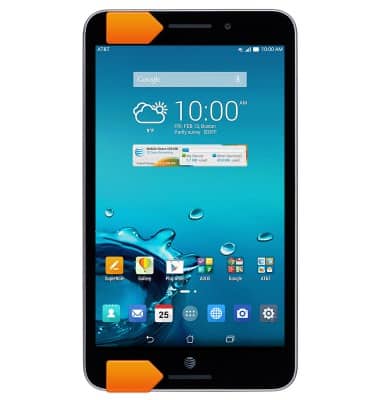
- The Dual front stereo speakers are located at the top and the bottom of the device.
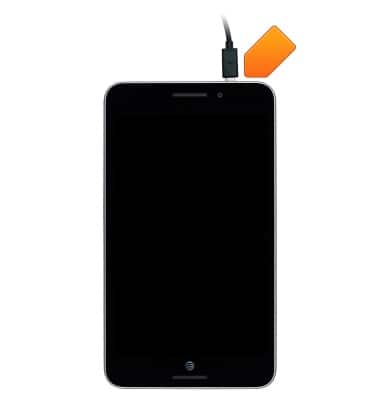
- The microUSB/Charging port is located on the top of the device.
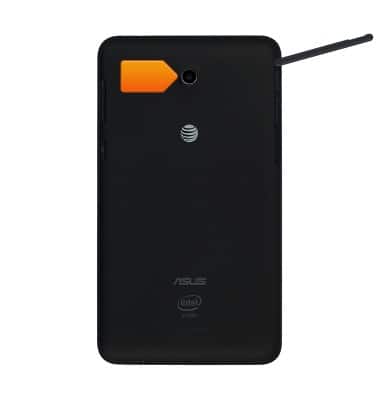
- The Rear camera is located on the back of the device.
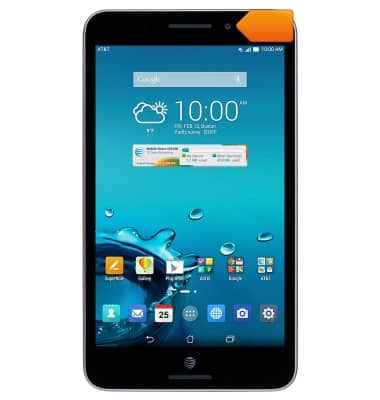
- The Front camera is located on the front of the device.
Device layout
ASUS MeMO Pad 7 LTE (ME375CL)
Device layout
This article provides an overview of the device layout.
Device Overview
This video explains how to insert the SIM card and turn the device on.
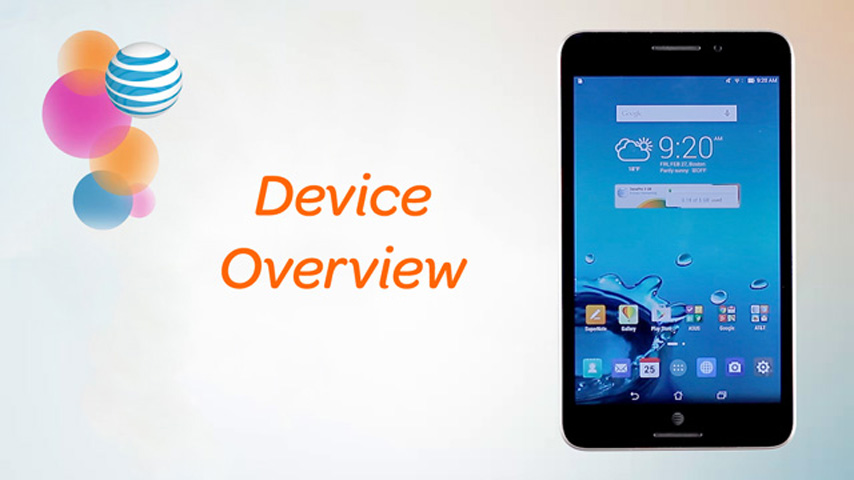
Device Overview
2:17
INSTRUCTIONS & INFO