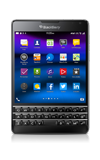
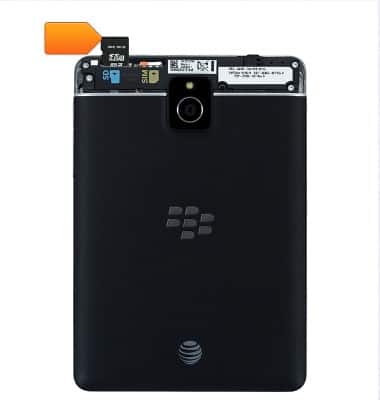
- Inserting a Memory card into your device allows you to transfer and store music, pictures, videos and other files.
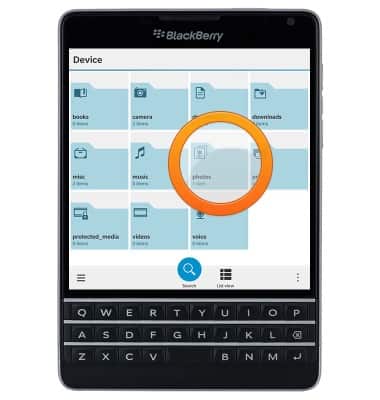
- From the home screen, swipe to, then tap File Manager.

- Tap to navigate to the desired content.
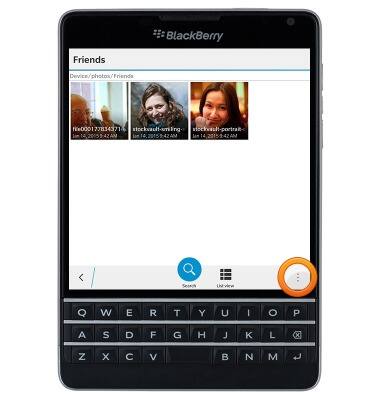
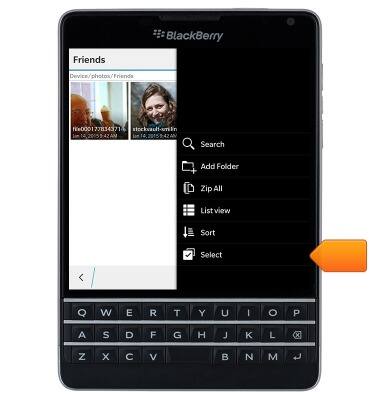
- Tap the Menu icon.
- Tap Select.
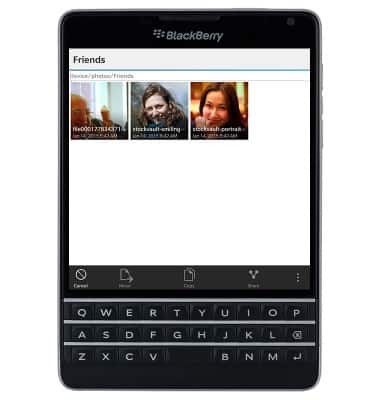
- Tap the desired file(s).
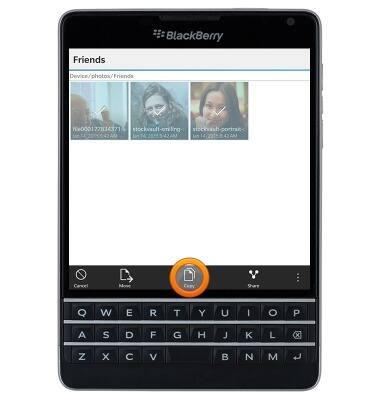
- Tap Copy.
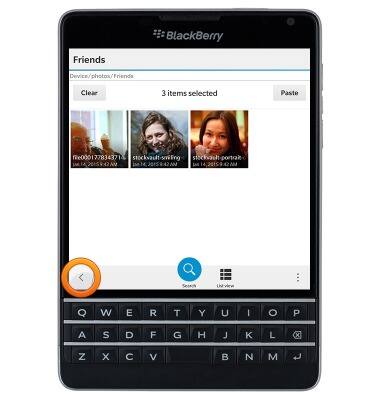
- Tap the Back icon until you have reached the File Manager home screen.
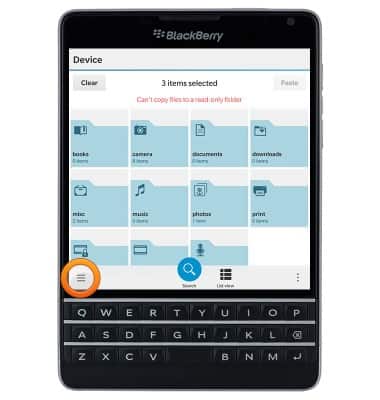
- Tap the Left Menu icon.
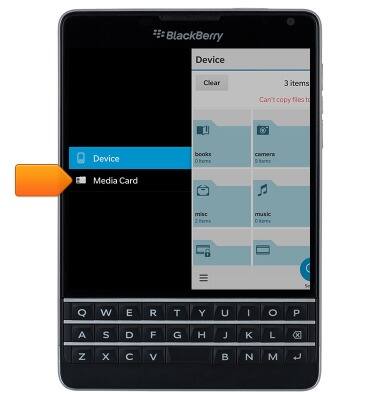
- Tap Media Card.
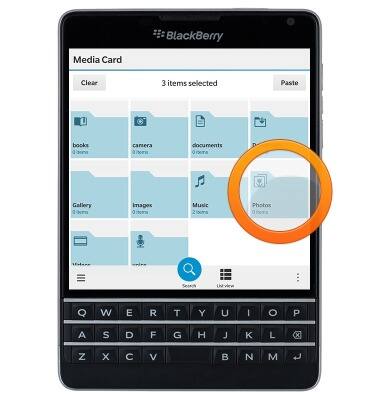
- Tap to navigate to the desired storage location.
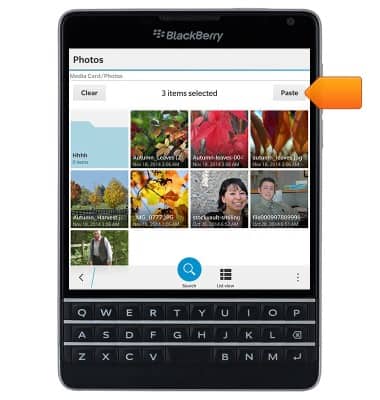
- Tap Paste.
Backup & restore with memory card
BlackBerry Passport (SQW100-3)
Backup & restore with memory card
Backup and restore contacts, photos, & files using a memory card.
INSTRUCTIONS & INFO