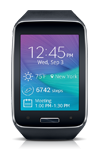
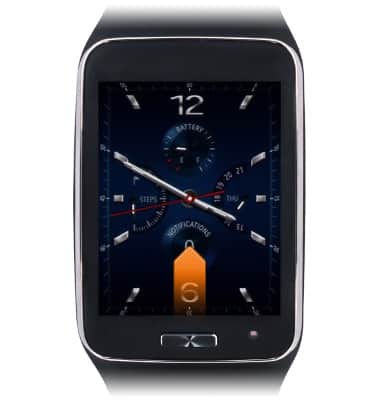
- From the clock screen, swipe up from the bottom edge of the screen.
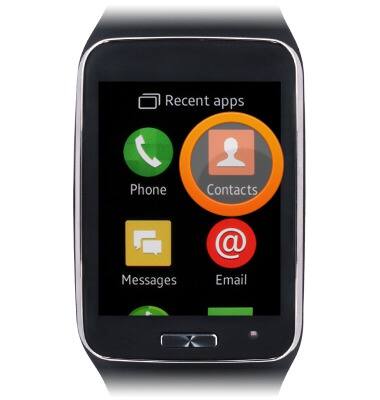
- Tap Contacts.
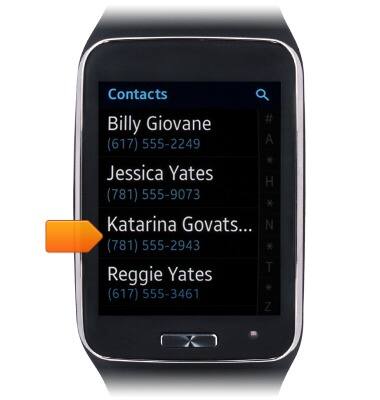
- Scroll to, then tap the desired contact.
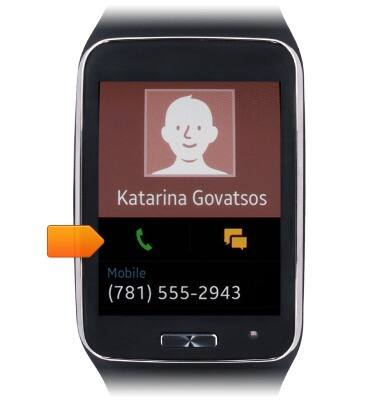
- Tap the Call icon to call the selected contact.
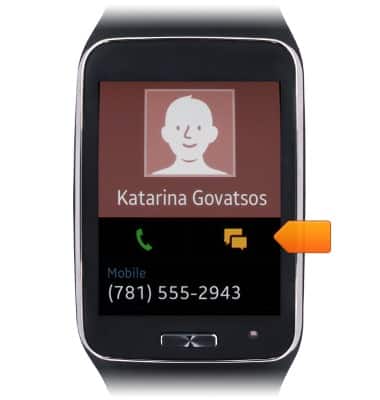
- Tap the Message icon to send a text message to the selected contact.
Contacts
Samsung Gear S (R750A)
Contacts
This tutorial shows how to add/edit/delete contacts.
INSTRUCTIONS & INFO