- Ensure that the device you are connecting to has Mirror Screen enabled.
Note: Amazon Fire TV, PlayStation 3, PlayStation 4, and select Samsung TVs are Mirror Screen enabled.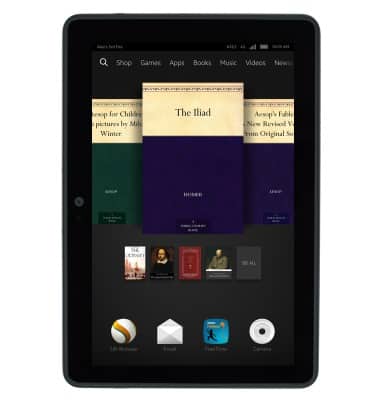
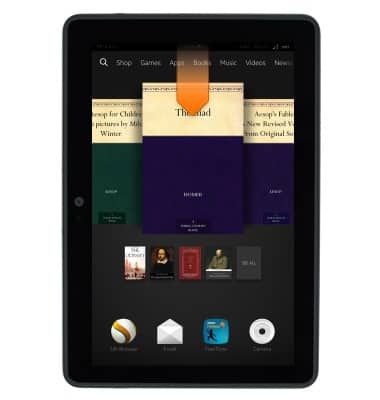
- From any screen, swipe down from the notification bar.
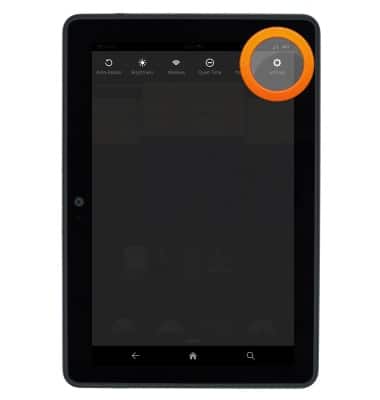
- Tap Settings.
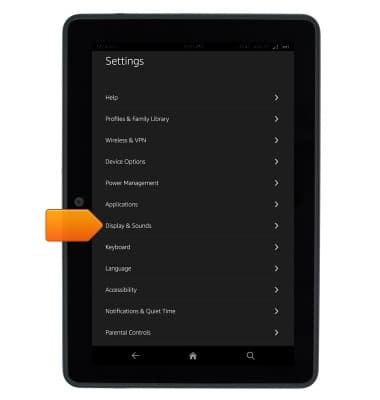
- Tap Display & Sounds.
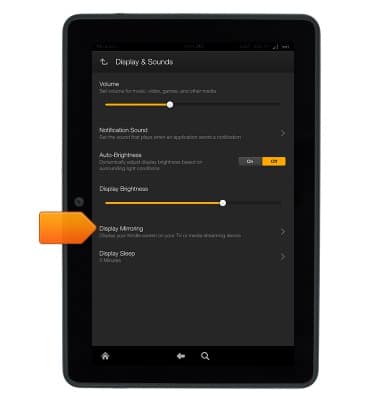
- Tap Display Mirroring.
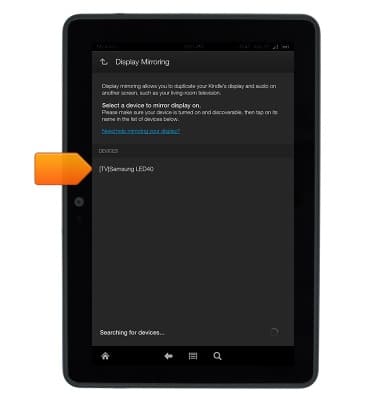
- Your Kindle Fire HDX will scan for available devices. Tap the desired device.
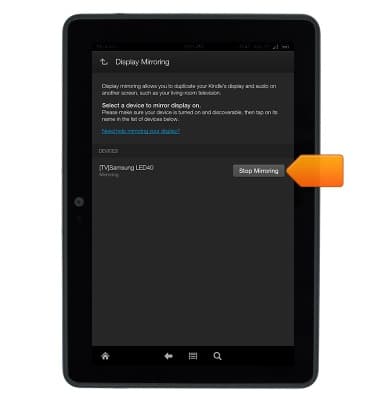
- The external device will now display content from your Kindle Fire HDX in real-time. Tap Stop Mirroring to end mirroring.
Mirror Screen
Amazon Kindle Fire HDX 7
Mirror Screen
This tutorial shows how to use the Mirror Screen feature.
INSTRUCTIONS & INFO