- Whispersync allows you to synchronize your books, audiobooks, personal documents, games, and Amazon Instant Video across supported Kindle devices and apps.
Note: Whispersync is on by default to ensure a seamless reading experience for a book read across multiple Kindles.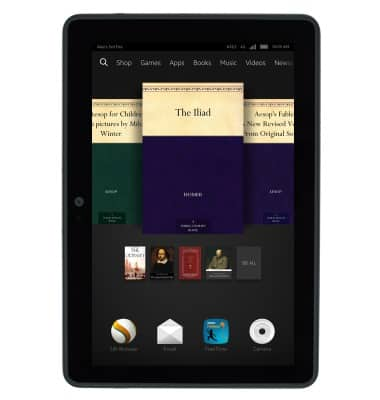
- From the home screen, swipe left on the Menu bar.
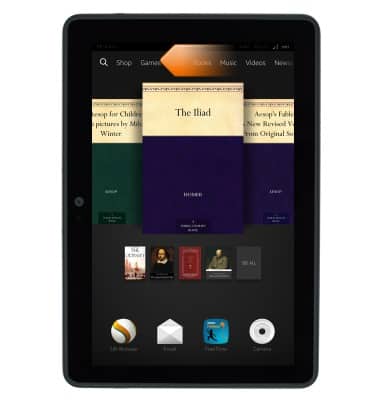
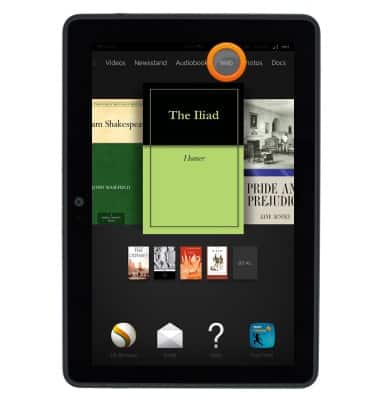
- Tap Web.
- Tap the URL field.
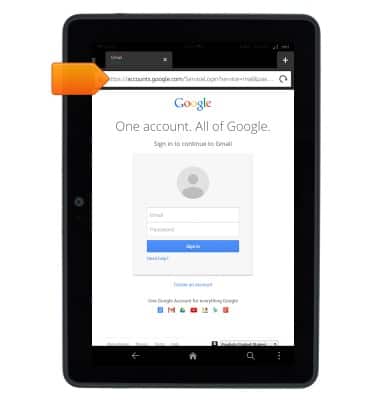
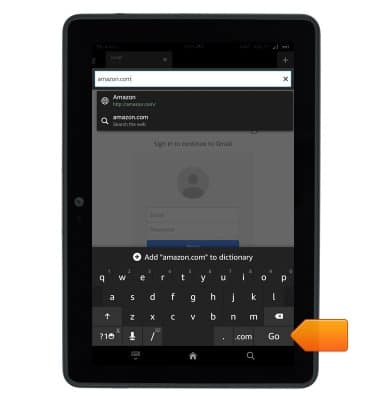
- Enter "Amazon.com" then tap Go.
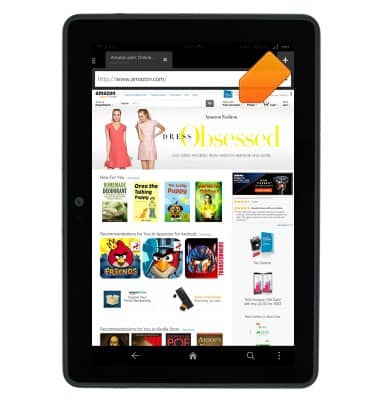
- Tap Your Account.
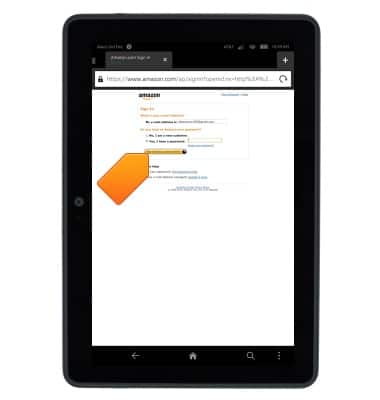
- Confirm your account password, then tap Sign in using our secure server, if prompted.
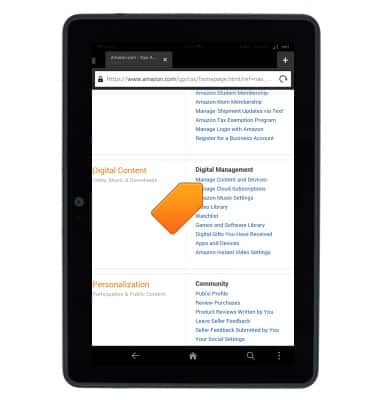
- Tap Manage Content and Devices.
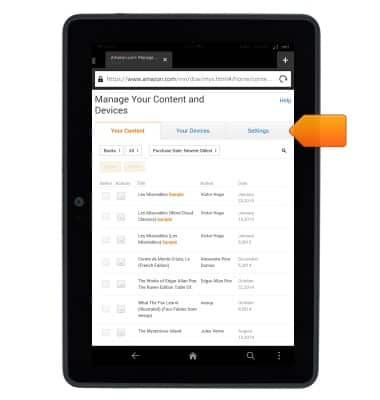
- Tap Settings.
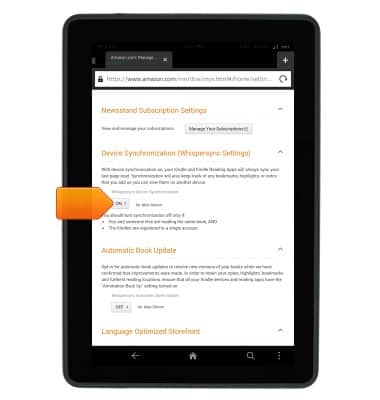
- Scroll to, then tap the Whispersync Device Synchronization field.
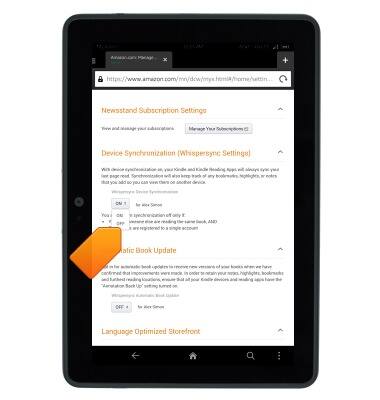
- Tap the desired Whisperync option.
Whispersync
Amazon Kindle Fire HDX 7
Whispersync
This tutorial describes how to use the Whispersync feature.
INSTRUCTIONS & INFO