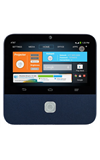
- Tap the desired letter or number.
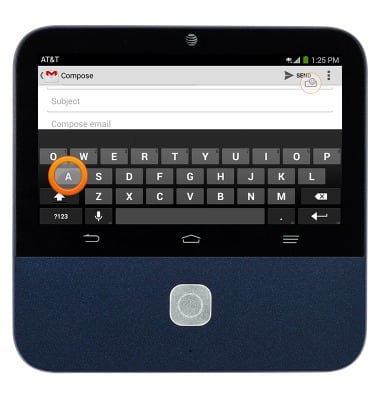
- Tap the Shift icon to capitalize the next letter.
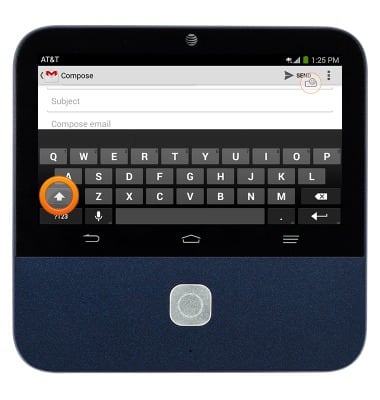
- Touch and hold the Shift icon to turn on caps lock.
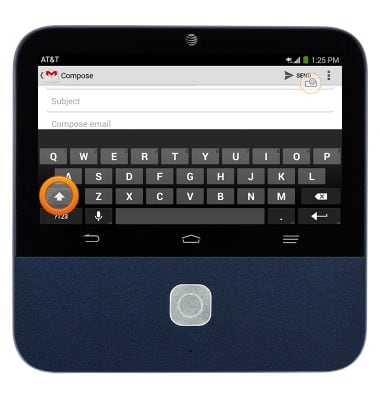
- Tap ?123 to access numbers and symbols.
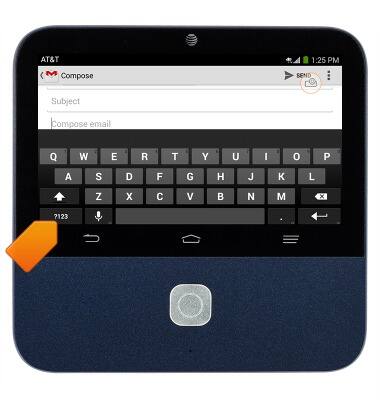
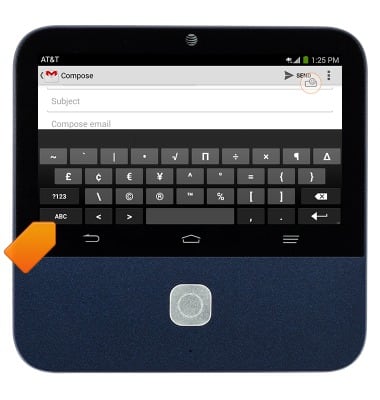
- Tap =\+ to access more symbols.
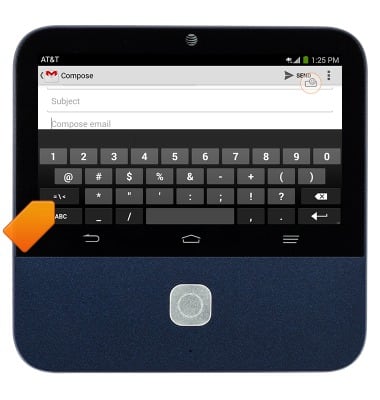
- Tap ABC to return to letters.
- Tap the desired suggestions will be displayed in the Suggestion bar.
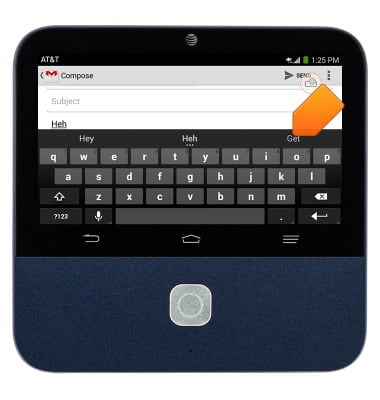
- To copy text, touch and hold the desired text.
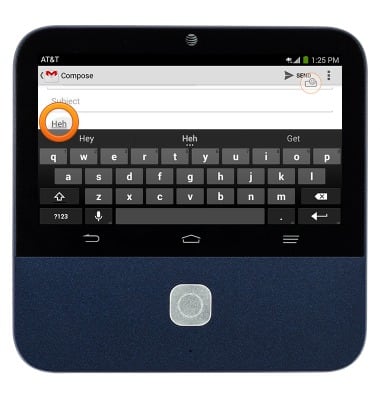
- Touch and drag the Blue icons to adjust the text to copy.
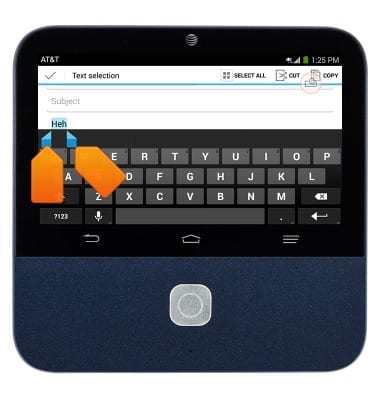
- Tap Copy.
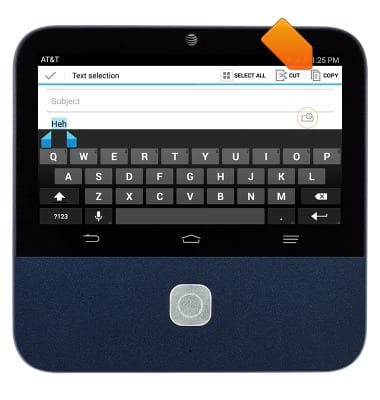
- Touch and hold the desired text field.
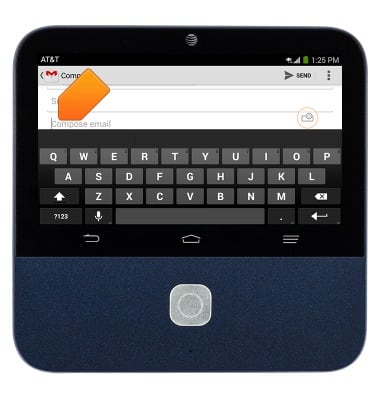
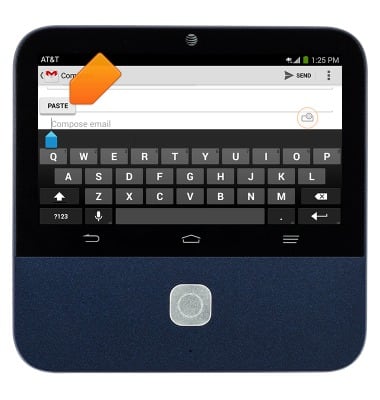
- Tap PASTE.
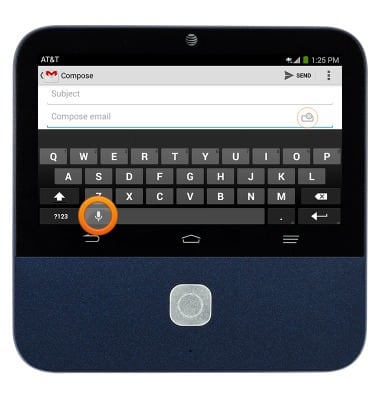
- To access the keyboard settings, touch and hold the Microphone icon.
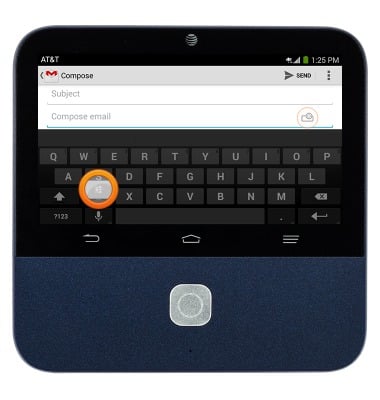
- Tap the Settings icon.
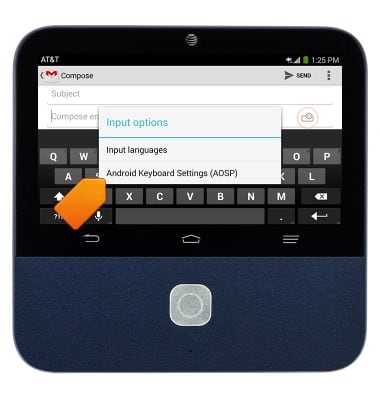
- Tap Android Keyboard Settings (ADSP).
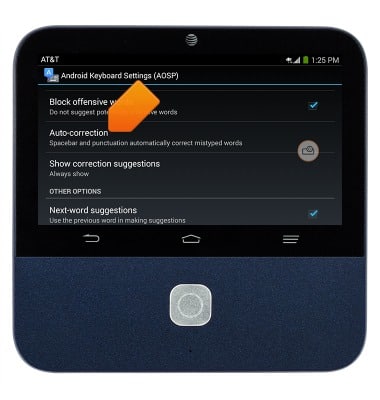
- To turn auto-correct on or off, tap Auto-correction.
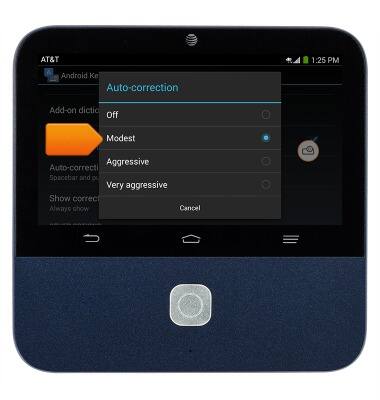
- Tap the desired option.
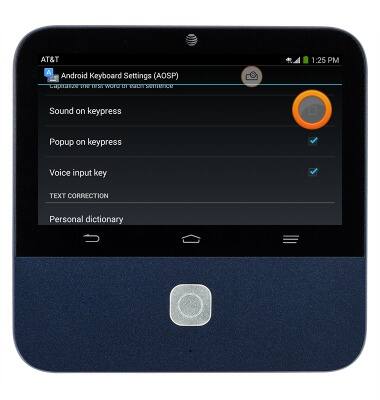
- To turn keyboard sound on or off, tap the Sound on keypress checkbox.
Keyboard & typing
ZTE Spro 2 Smart Projector (MF97B)
Keyboard & typing
This tutorial provides an overview of the device's keyboard.
INSTRUCTIONS & INFO