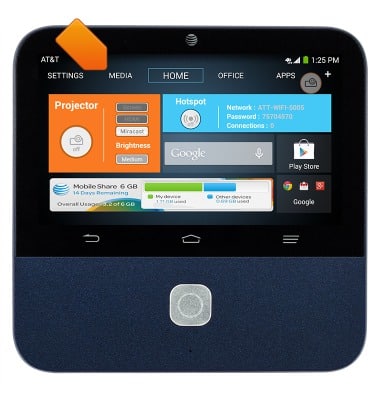
- From the home screen, tap Media.
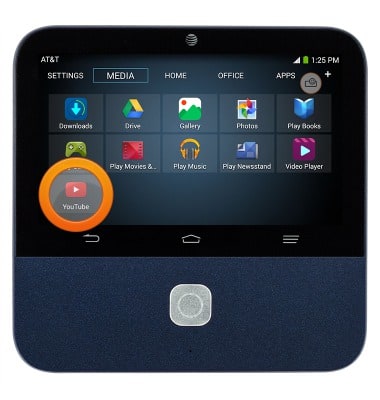
- Tap YouTube.
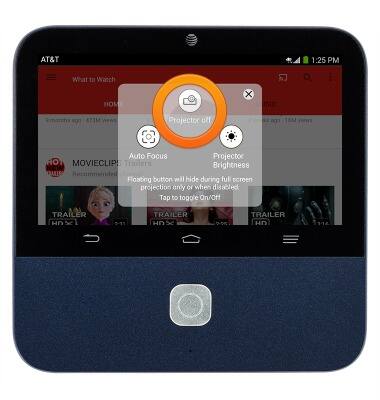
- To turn the projector on or off, tap the Floating projector icon.
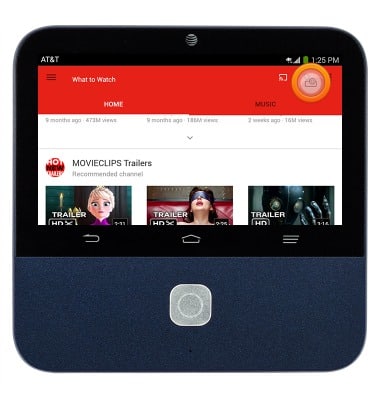
- Tap the Projector on/off icon.
YouTube
ZTE Spro 2 Smart Projector (MF97B)
YouTube
This tutorial shows how to access and use YouTube.
INSTRUCTIONS & INFO