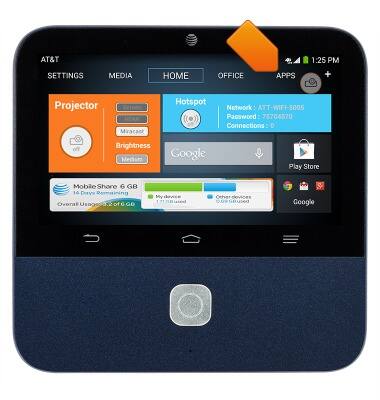
- From the home screen, tap APPS.
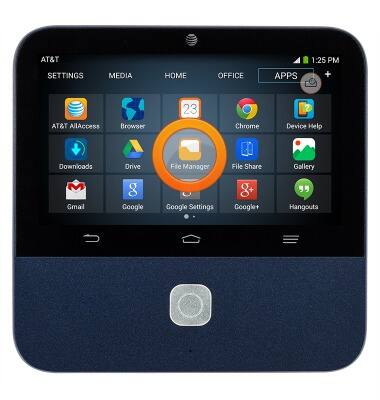
- Tap File Manager.
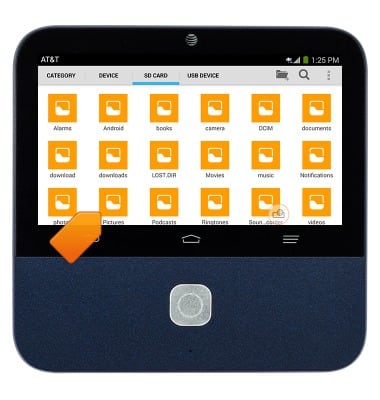
- Tap the location of the saved file Device, SD CARD, or USB DEVICE.
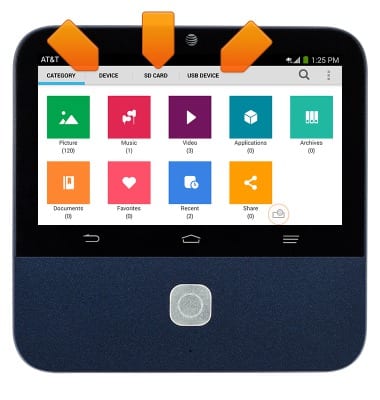
- Tap the desired folder.
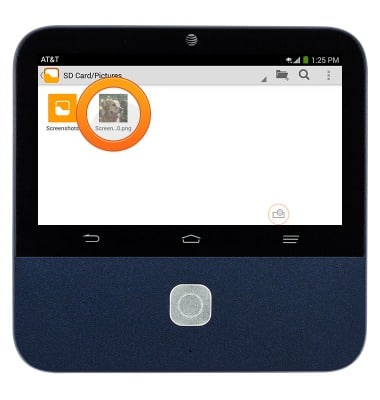
- Tap the desired image.
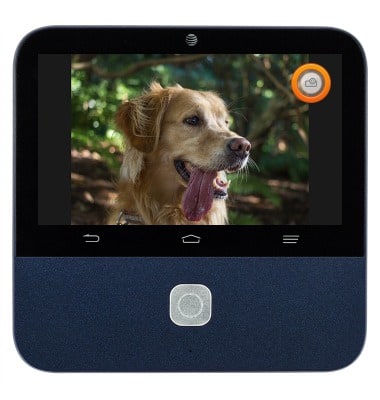
- Tap the Floating Projector icon.
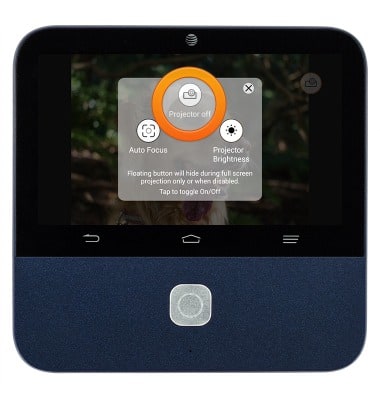
- Tap the Projector on/off icon.
Project from saved files
ZTE Spro 2 Smart Projector (MF97B)
Project from saved files
How to project from a USB stick or microSDHC card.
INSTRUCTIONS & INFO