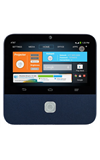
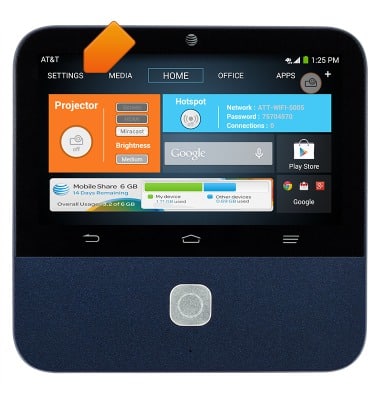
- From the home screen, tap SETTINGS.
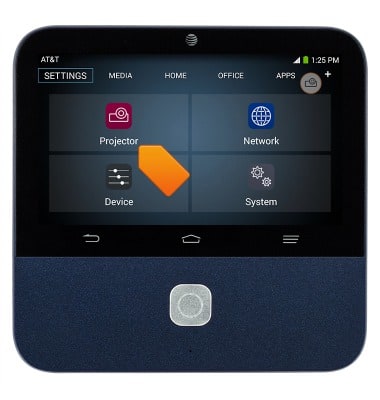
- Tap Projector.
- To adjust the focus, scroll to Focus, then tap the + and - icons until at the desired adjustment.
Note: Autofocus is on by default.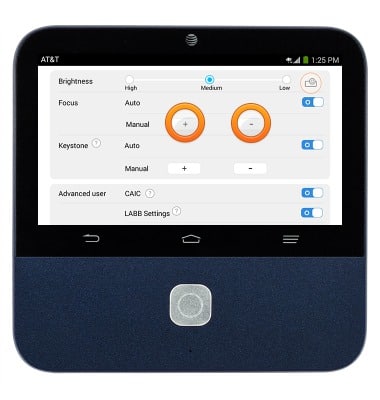
- To adjust the keystone, scroll to Keystone, then tap the + and - icons until reaching the desired adjustment.
Note: Adjusting the keystone will correct the projection on the surface to achieve an even, undistorted frame.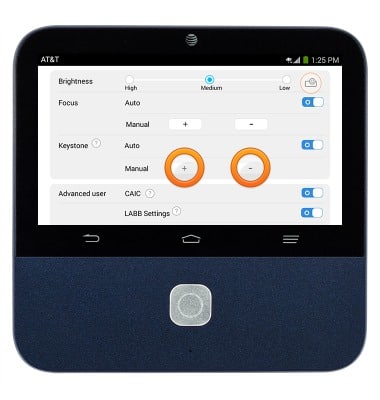
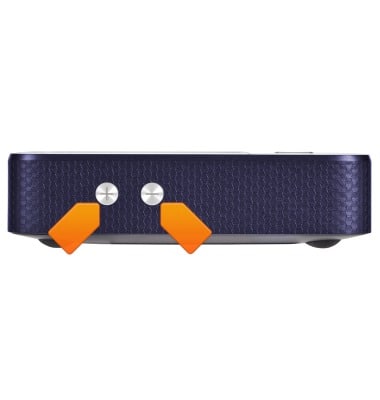
- To adjust the projector volume, press the Volume keys located on the left side of the device.
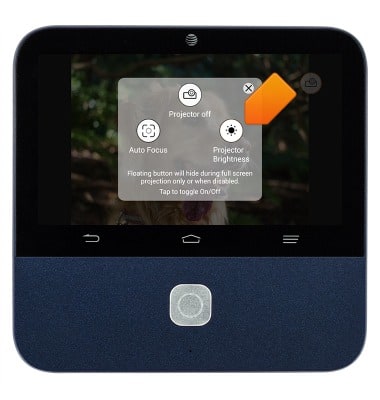
- To access projector quick settings, tap the Projector Floating Button.
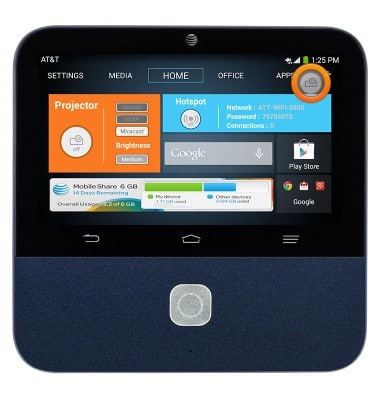
- To adjust the projector brightness, tap the Projector Floating Button.
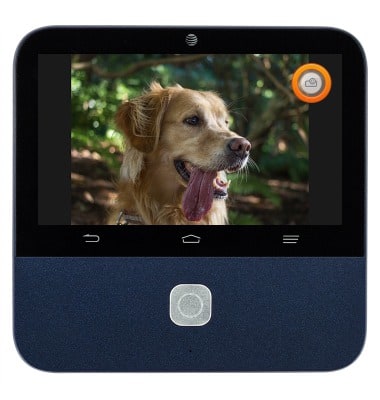
- Tap Projector Brightness.
Projector settings
ZTE Spro 2 Smart Projector (MF97B)
Projector settings
An overview of projector settings.
Projector Settings
This video describes how to use the different settings for your projector.
Projector Settings
1:04
INSTRUCTIONS & INFO