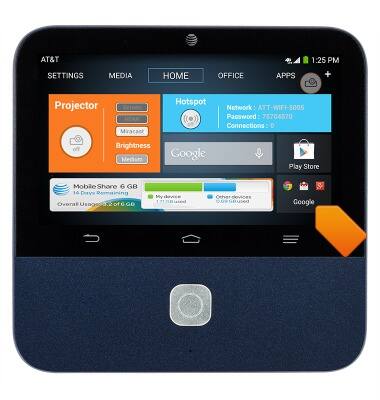
- From the home screen, tap the Google folder.
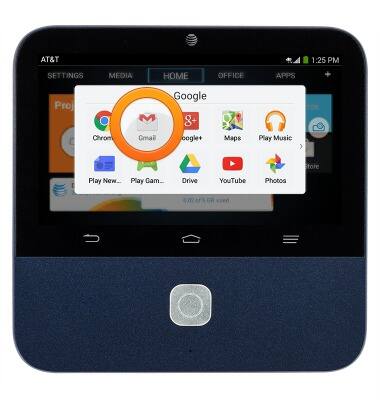
- Tap Gmail.
- To select an account inbox, tap the Gmail menu icon.
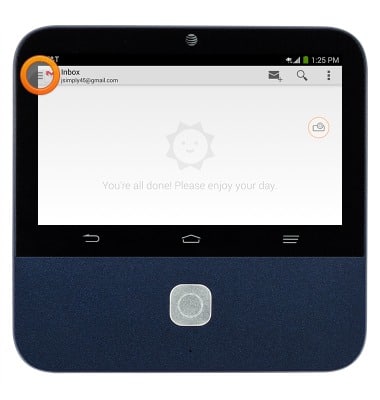
- Tap the desired account.
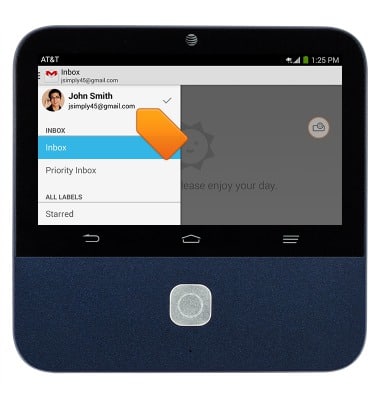
- To refresh the inbox, swipe down from the top of the inbox.
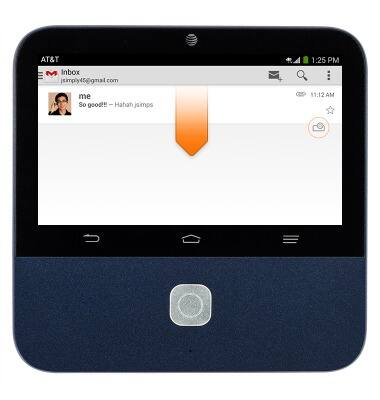
- To forward a message, tap the desired email.
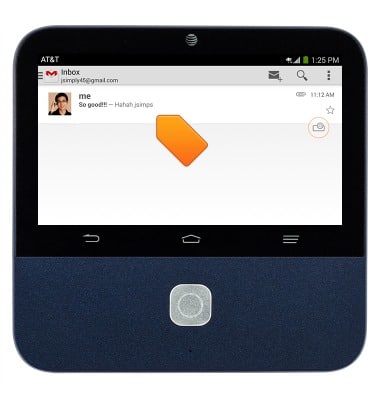
- Tap the Forward icon.
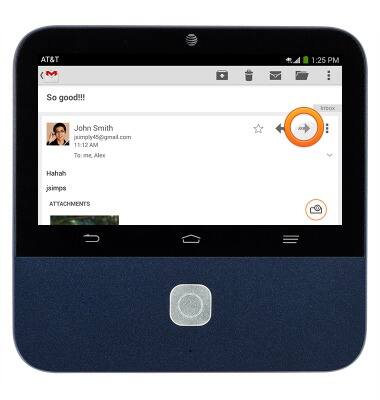
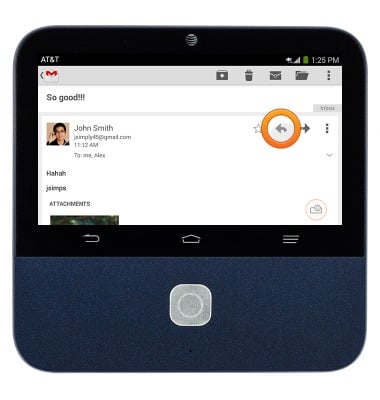
- To reply to a message, tap the Reply icon.
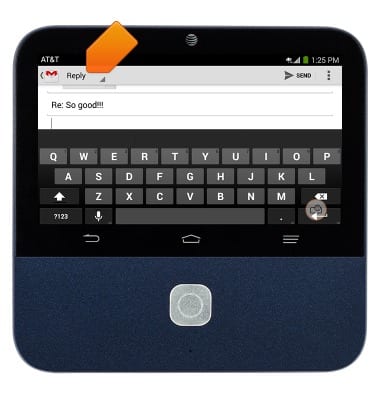
- To reply to all, tap Reply.
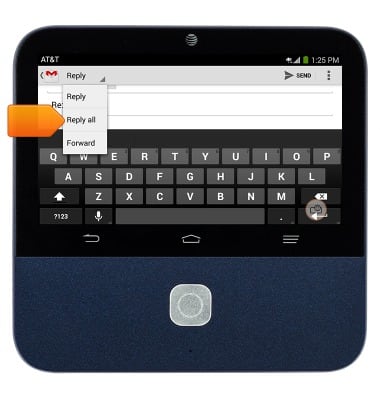
- Tap Reply all.
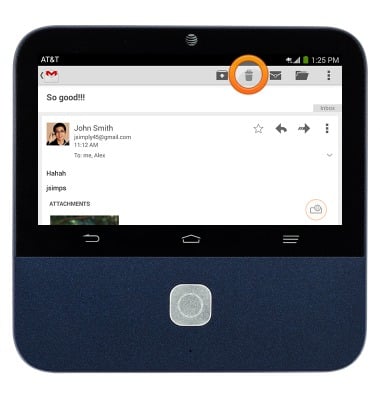
- To delete an email, tap the Delete icon.
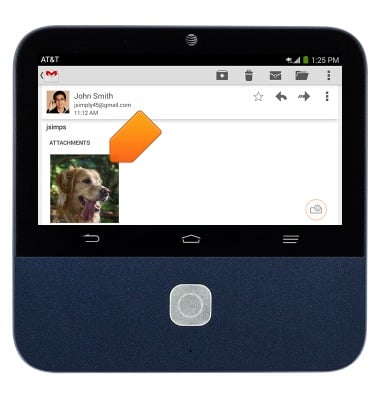
- To open an attachment, tap the desired attachment.
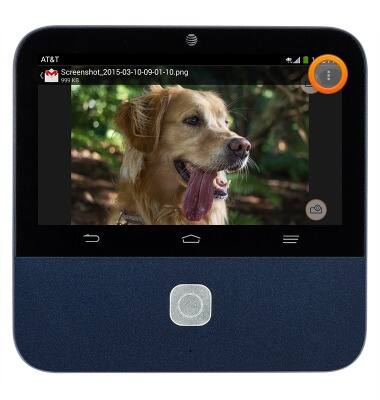
- To save, tap the Menu icon.
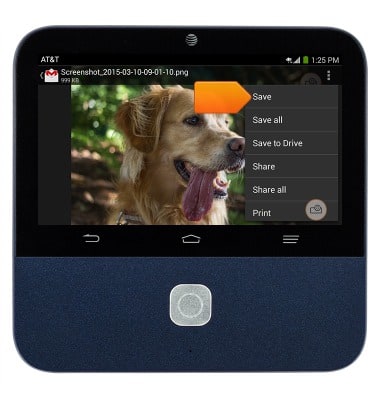
- Tap Save.
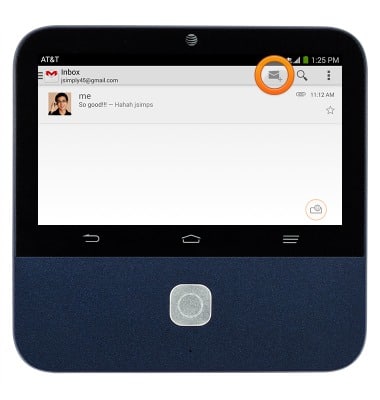
- To compose an email, tap the Compose icon.
- Enter the desired recipient.
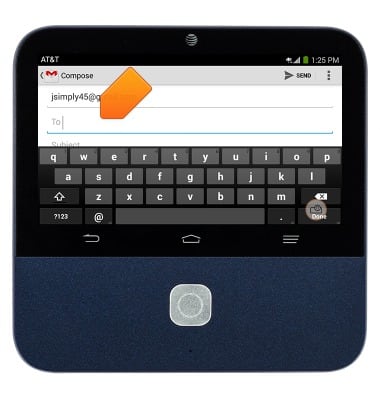
- Tap the Subject field, then enter the desired subject,
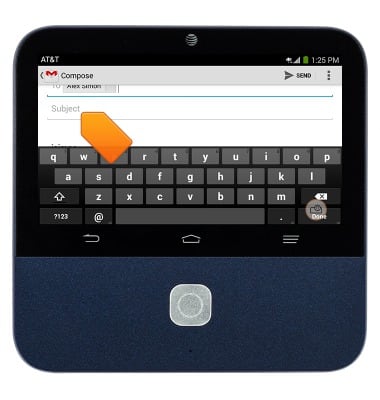
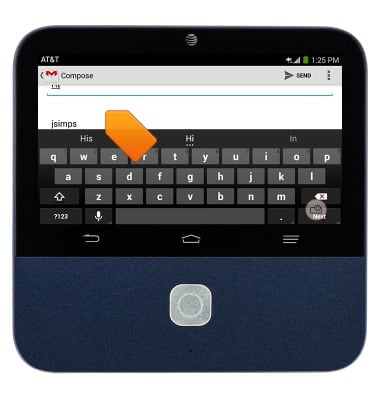
- Tap the Message field, then enter the desired text.
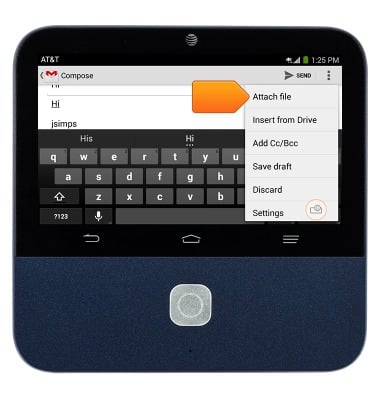
- To add an attachment, tap the Menu icon.
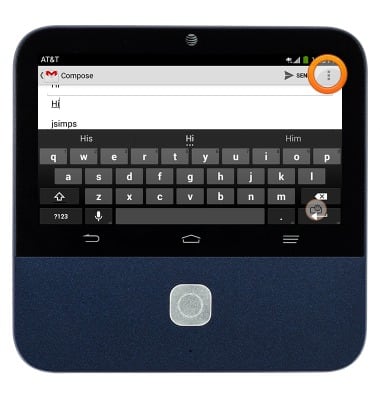
- Tap Attach file, then follow the prompts.
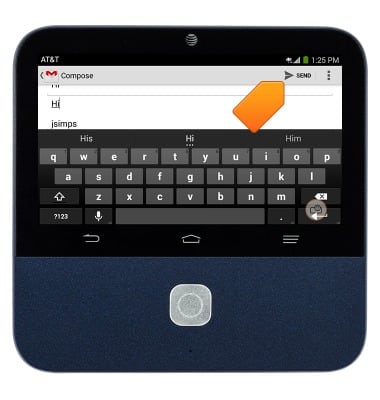
- When finished, tap SEND.
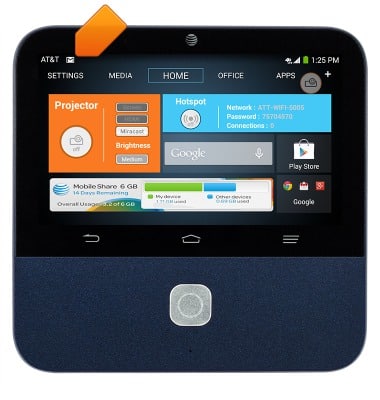
- When a new email is received, the Gmail icon will display in the Notification bar.
Send & receive email
ZTE Spro 2 Smart Projector (MF97B)
Send & receive email
This tutorial shows how to send and receive email.
INSTRUCTIONS & INFO