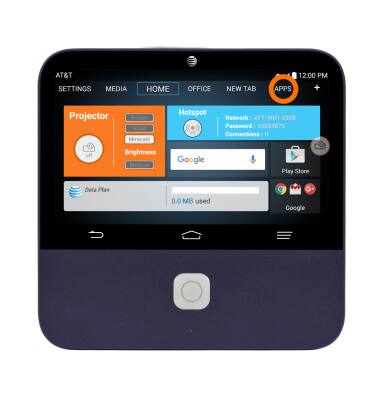
- From the home screen, tap Apps.
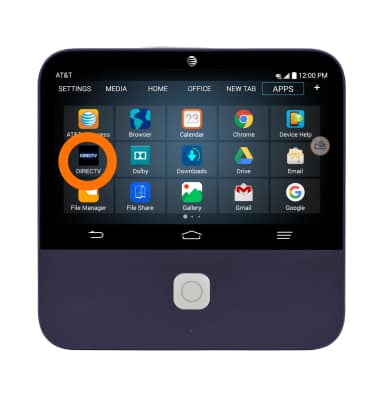
- Tap the DIRECTV icon.
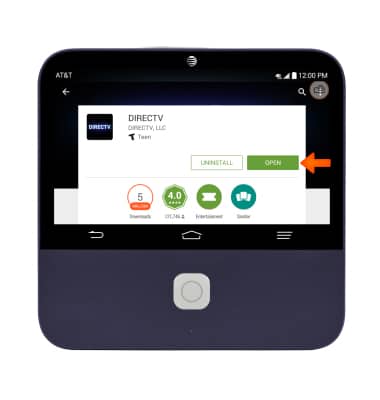
- Tap UPDATE to get the latest app downloaded to your Spro 2. Once the update is completed, tap OPEN to access the DIRECTV App.
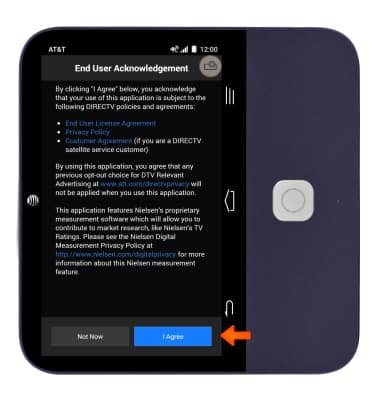
- Tap I Agree.
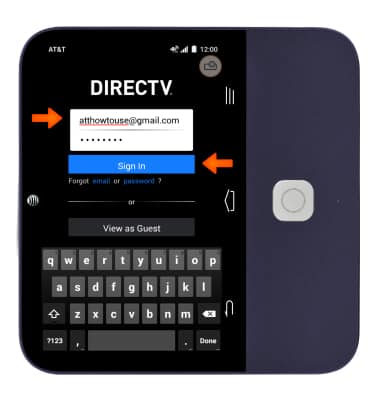
- Enter your Login information and tap Sign In.
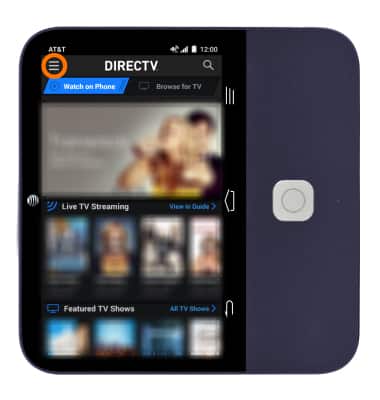
- To select a program, scroll down the home screen or tap the Menu icon at the top left corner. Follow the on-screen prompts.
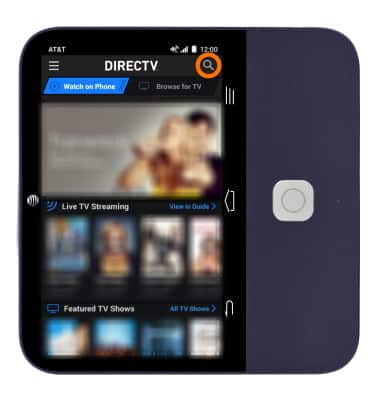
- To search for a program, tap the Search icon and enter the program title in the search field.
DIRECTV app
ZTE Spro 2 Smart Projector (MF97B)
DIRECTV app
This tutorial shows how to access and use DIRECTV app if you are a DIRECTV subscriber.
INSTRUCTIONS & INFO