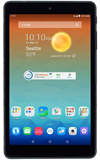
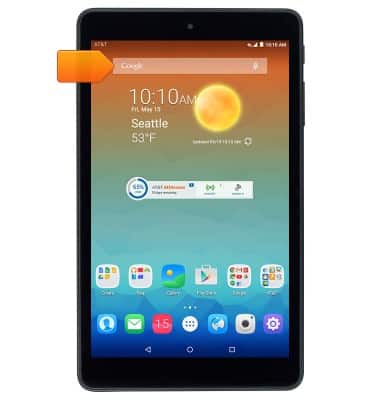
- From the home screen, tap the Google search field.
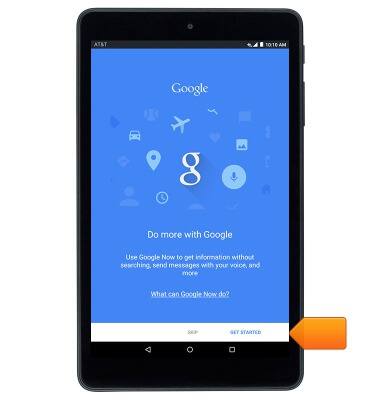
- First time users may see a brief "Google Now" tutorial. Tap GET STARTED, and complete the setup.
- Tap the Microphone icon or say 'Ok Google' to use voice command.
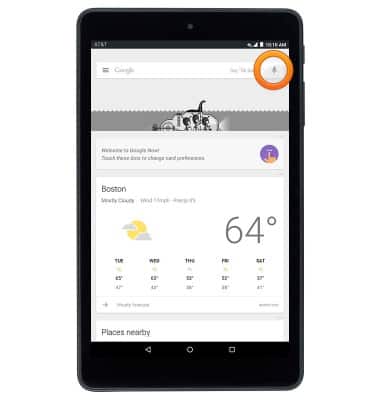
- Speak the desired command or search.
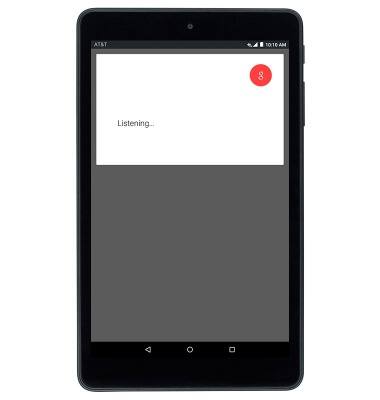
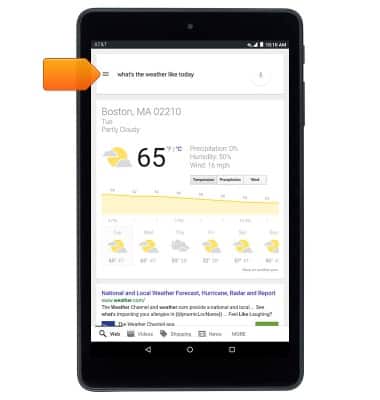
- To access voice control settings, tap the Search Tab.
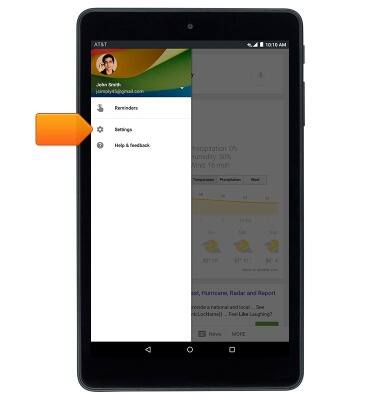
- Tap Settings.
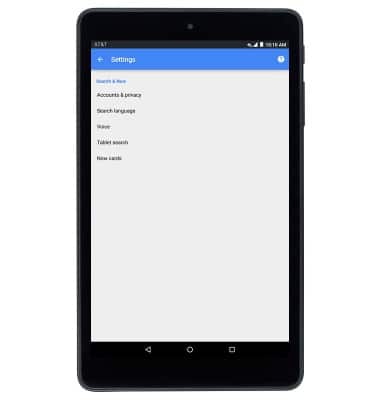
- Edit settings as desired.
Voice control
AT&T Trek HD (9020A)
Voice control
This article describes how to control the device by voice.
INSTRUCTIONS & INFO