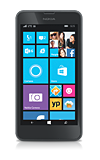
- From the home screen, tap the Messaging icon.
Note: When a new message is available, the new message icon will be displayed in the notification bar.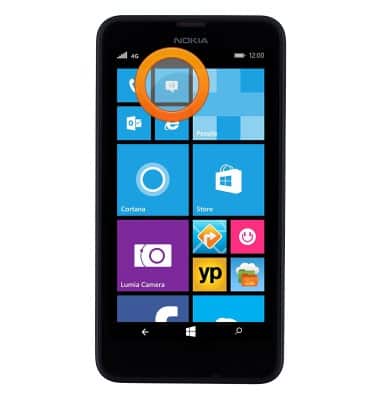
- Unread messages are highlighted in blue. Tap the desired message to open.

- To reply to a message, tap the Text field.
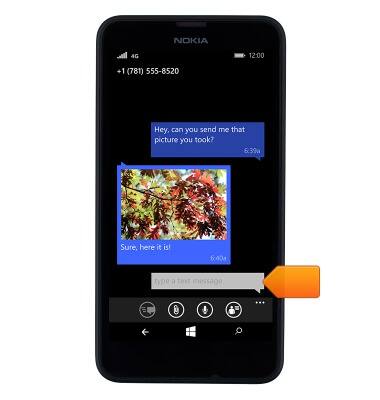
- Enter the desired message, then tap the Send icon.

- To delete, touch and hold the desired message.
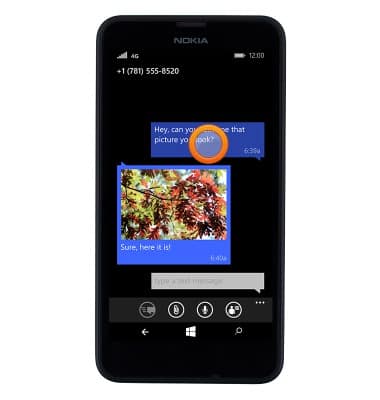
- Tap delete.
Note: For this demonstration, 'picture' was selected.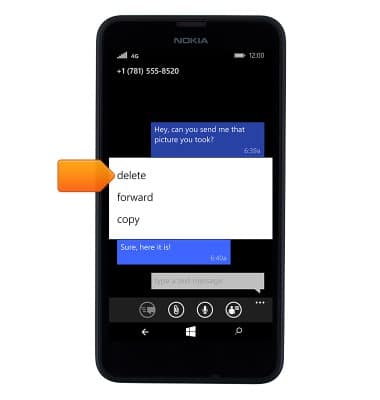
- To view an attachment, tap the Desired thumbnail.
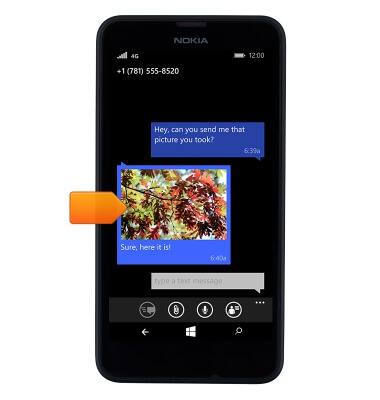
- To save the image, tap the Save icon.
Note: To view the saved attachment, from the Start screen tap Photos > Albums > Photo.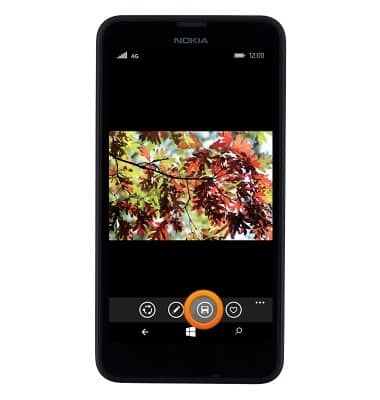
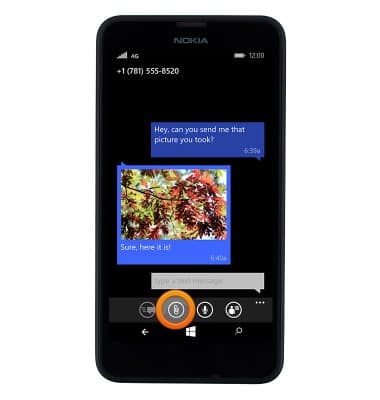
- To send an MMS, tap the Paperclip icon, then follow the on screen prompts.
Send & receive messages
Nokia Lumia 635
Send & receive messages
How to send, receive, and delete picture (MMS) and text (SMS) messages.
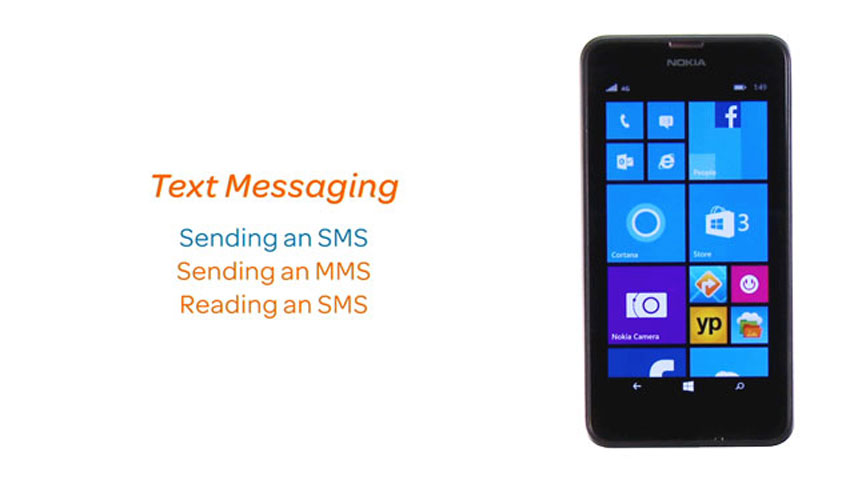
Text Messaging
This video explains the text messaging features of the device.
Text Messaging
1:20
INSTRUCTIONS & INFO