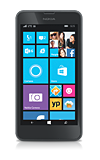
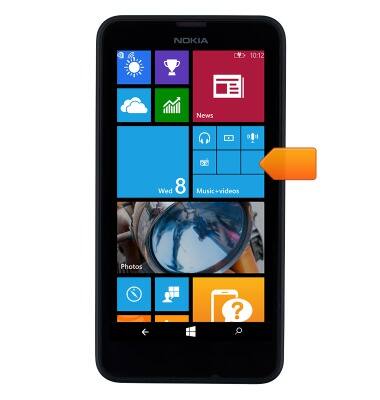
- To play music from the Start screen, scroll to and tap the Music + videos tile.
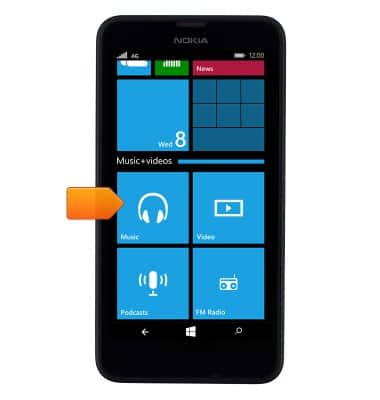
- Tap the Music tile.
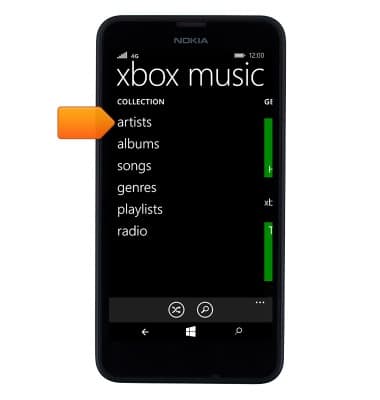
- To pick an artist, tap artists.
- Tap the Desired artist.
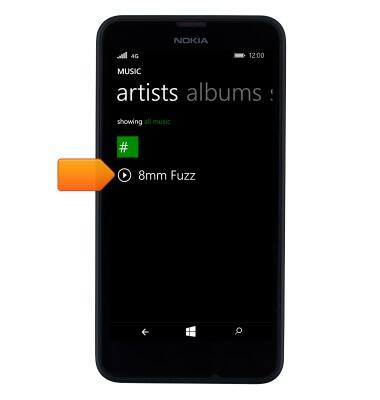
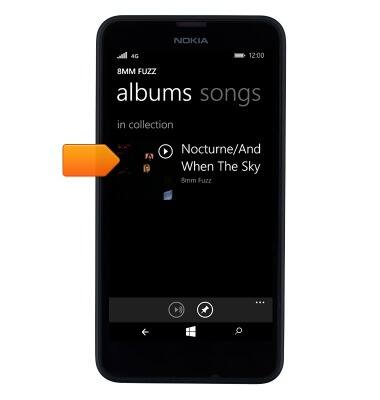
- To listen to a specific album from the artist, tap the Desired album.
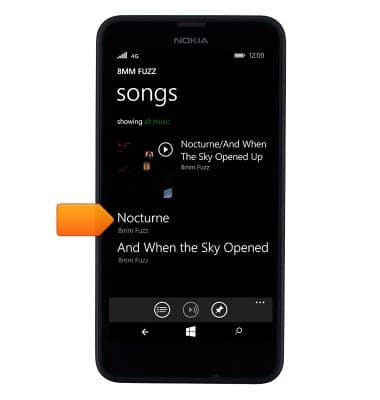
- To listen to a specific song from the album, tap the Desired song.
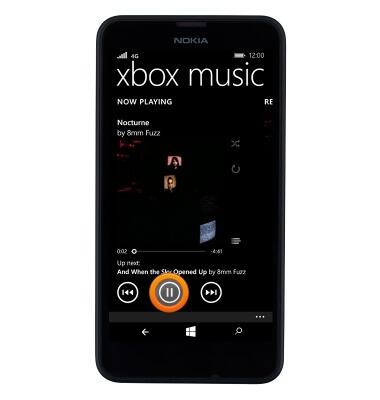
- Tap the Next or Last icons to advance to the next or previous song, or press and hold to fast-forward or rewind.
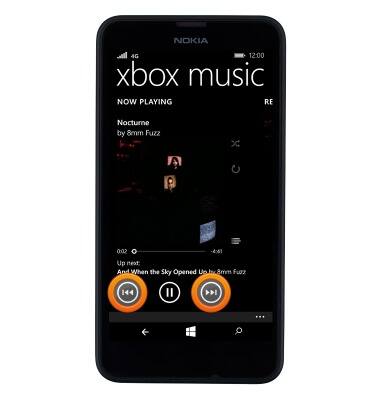
- Tap the Pause icon to pause the song. Tap it again to resume playback.
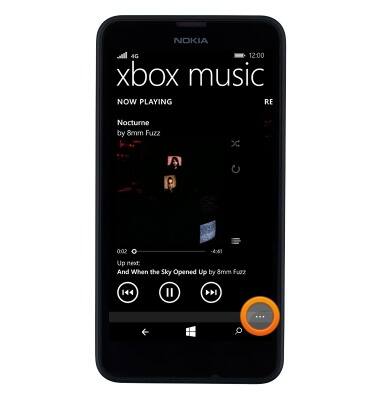
- To access the music settings, tap the Menu icon.
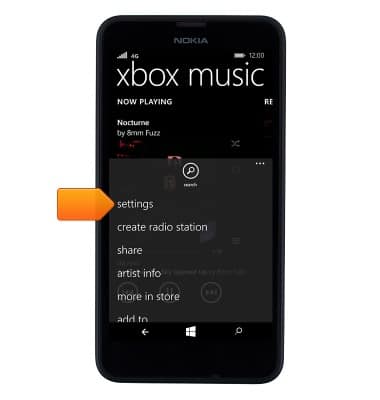
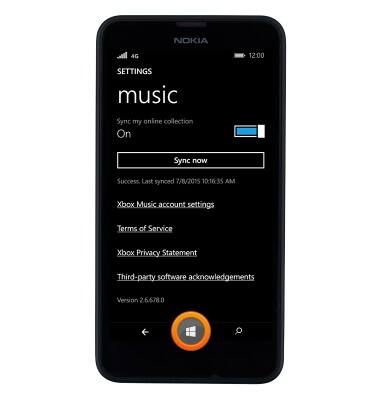
- To change the music player settings, tap settings.
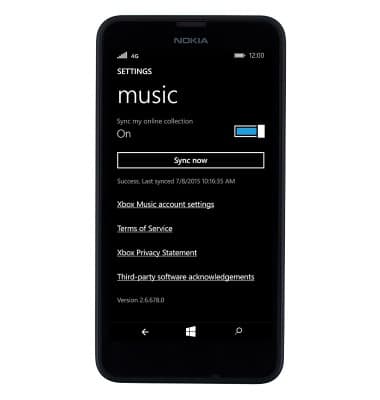
- The music player settings will be displayed.
- Press the Start key to exit music player and return to the Start screen.
Play music
Nokia Lumia 635
Play music
Play music, turn the music player off.
INSTRUCTIONS & INFO