
- NFC is a wireless technology that allows your device to communicate by touching, or being in close proximity to, other NFC devices or tags.
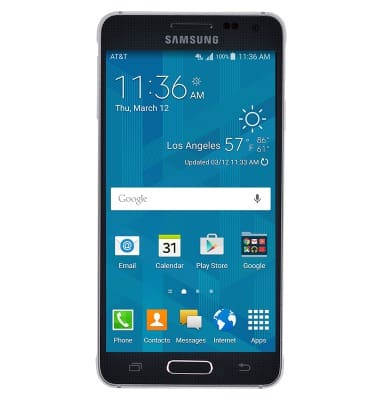
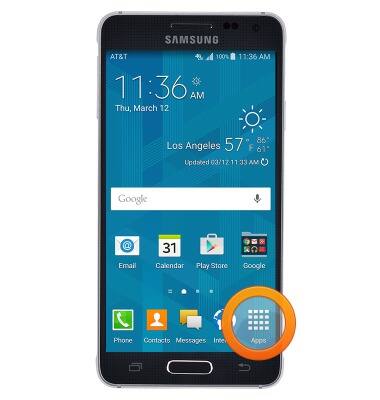
- From the home screen, tap Apps.
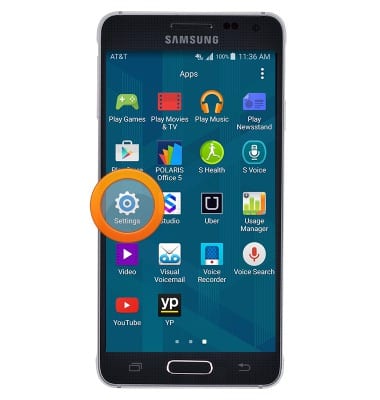
- Swipe to, then tap Settings.
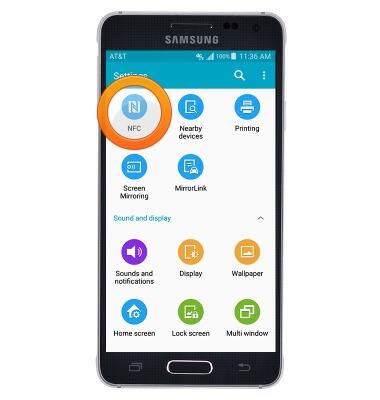
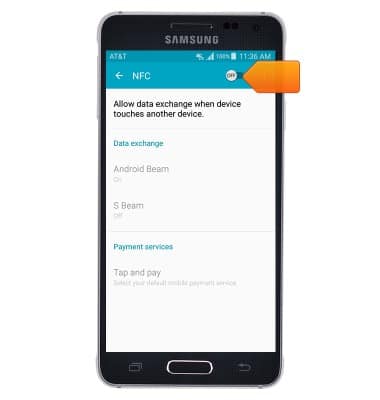
- Scroll to, then tap NFC.
- Tap the NFC switch to toggle NFC on and off.
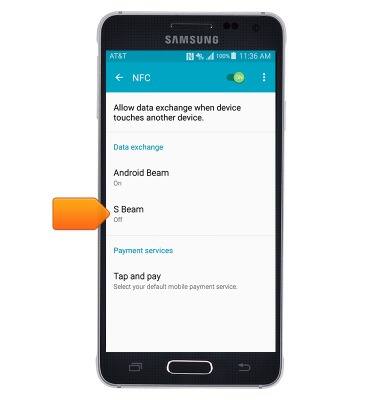
- Tap S Beam.
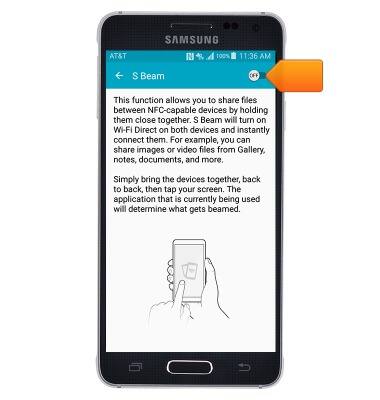
- Tap the S Beam switch to toggle S Beam on and off.
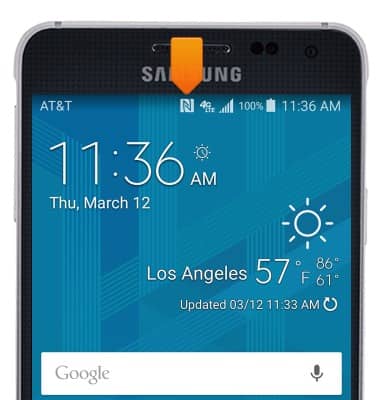
- When NFC is enabled, the NFC icon will be displayed in the Notifications bar.
- With any media open, touch the back of both devices to eachother, then tap Touch to beam to deliver the media on screen to the other device.
Note: Both devices must be NFC enabled and have NFC turned on.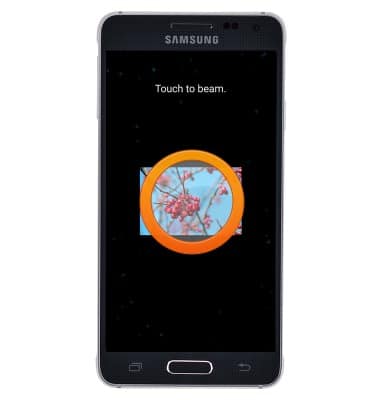
NFC
Samsung Galaxy Alpha (G850A)
NFC
Use NFC to share content such as photos and contacts between compatible devices.
INSTRUCTIONS & INFO