- To lock the device, press the Power/Lock key.
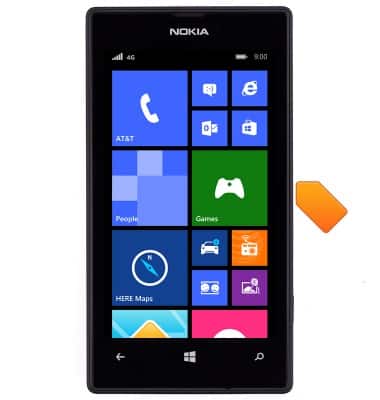
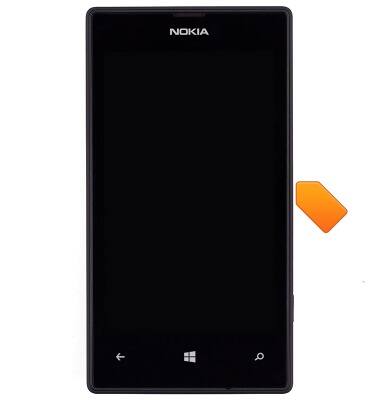
- To unlock the device, press the Power/Lock key.
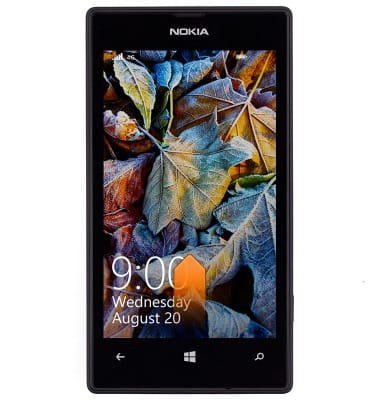
- Swipe up to unlock the device.
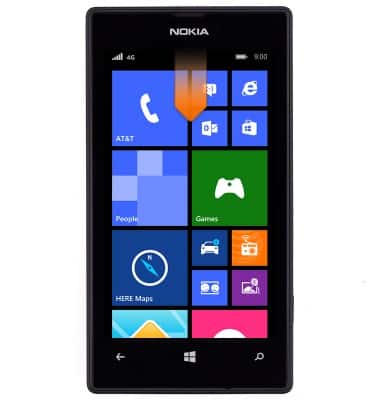
- To change the screen lock, from the home screen, swipe down from the notification bar.
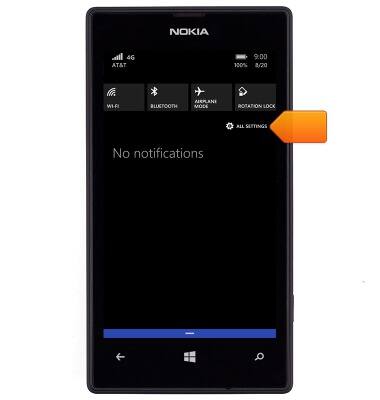
- Tap ALL SETTINGS.
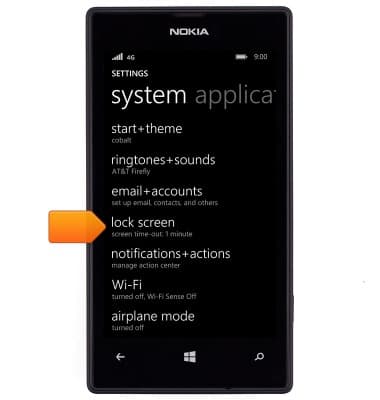
- Tap lock screen.
- Tap the Password switch.
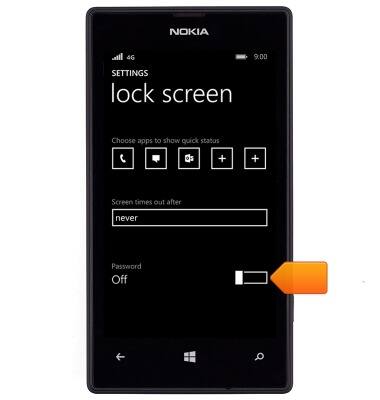
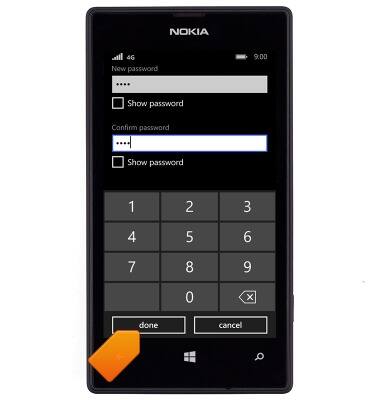
- Enter and confirm the desired password, then tap done.
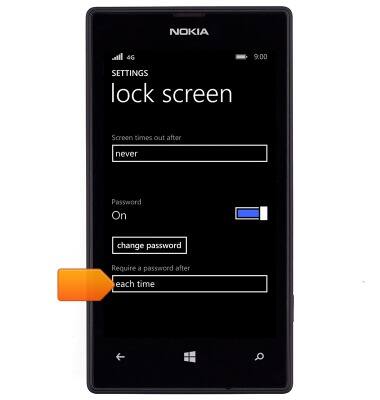
- To change the password screen lock time, tap the Require a password after field.
Secure my device
Nokia Lumia 520
Secure my device
Lock the device screen, set and change security lock, and locate device.
INSTRUCTIONS & INFO