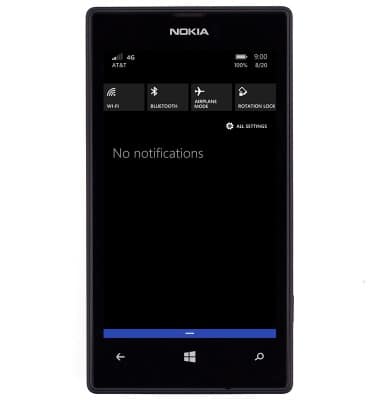
- From the home screen, swipe down from the top of the screen to reveal the Action Center.
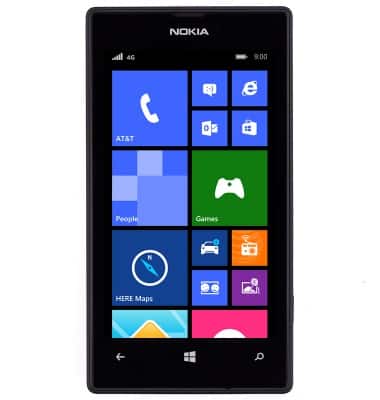
- Tap ALL SETTINGS.
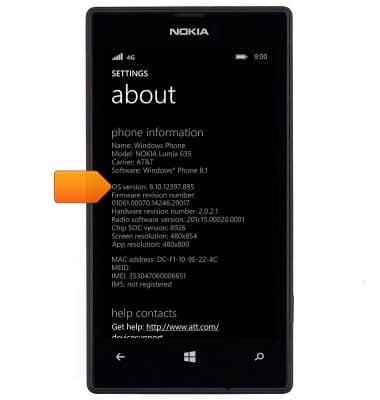
- Scroll to, then tap about.
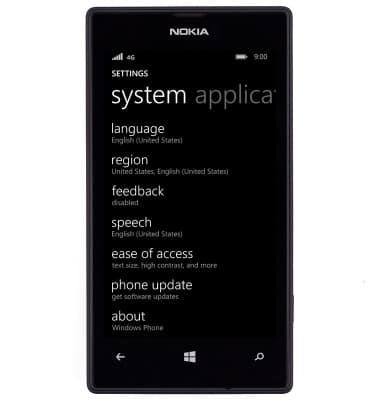
- The software version is displayed.
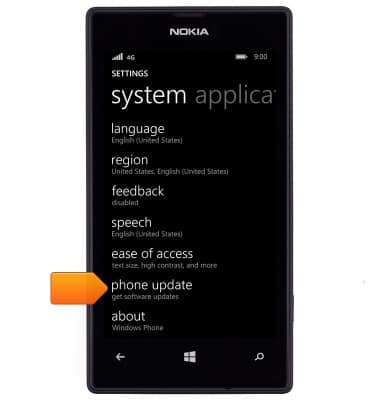
- To check for updates, from SETTINGS, tap phone update.
- Tap check for updates. If an update is available, follow the on-screen prompts to update the device.
Note: To see if there is an update available for your device, check att.com/softwareupdates.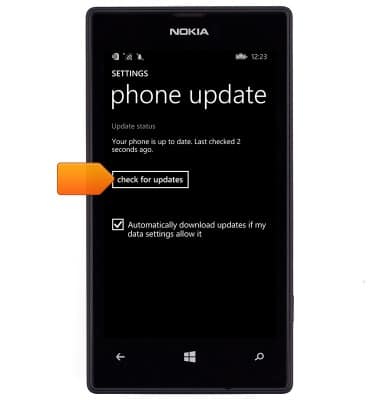
Software version
Nokia Lumia 520
Software version
Determine your current device software version and check for updates.
INSTRUCTIONS & INFO
 The images and steps in this tutorial reflect Windows 8.1 software version . Stay current by regularly checking for software updates, which often include important security patches and performance enhancements. Before downloading updates, ensure you’re connected to a reliable Wi-Fi or cellular network for a smooth experience.