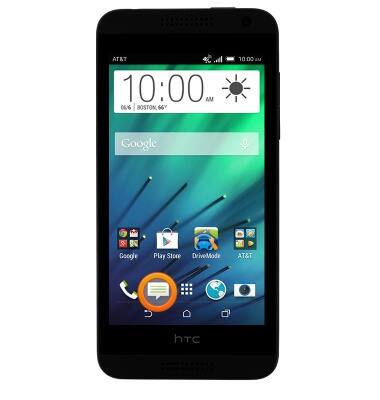
- From the home screen, tap the Messaging icon.
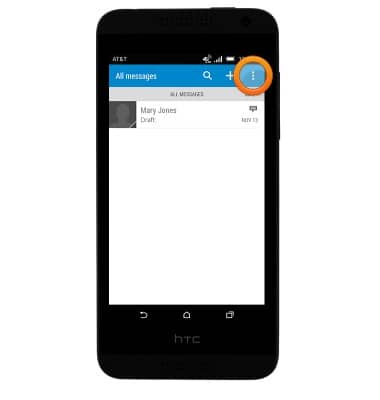
- Tap the Menu icon.
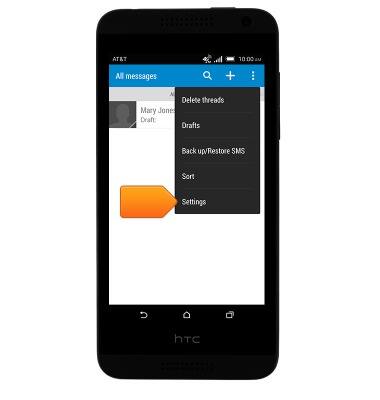
- Tap Settings.
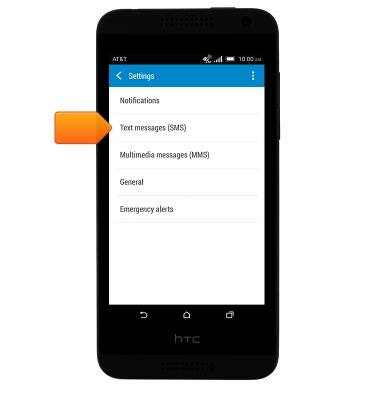
- To adjust text message settings, tap Text Messaging (SMS).
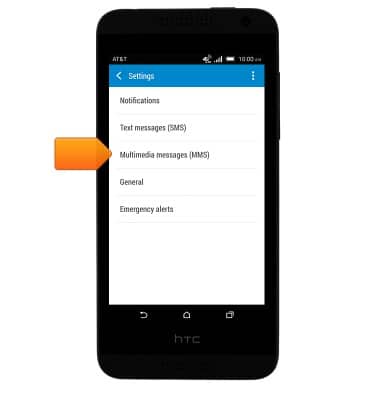
- To adjust multimedia message settings, tap Multimedia messages (MMS).
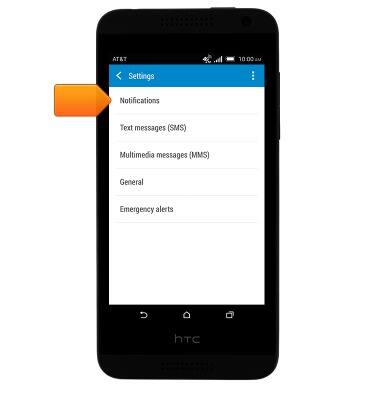
- To adjust notification settings, tap Notifications.
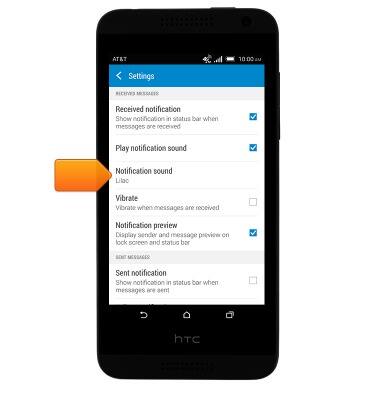
- To change the notification sound, tap Notification sound and then tap the desired option.
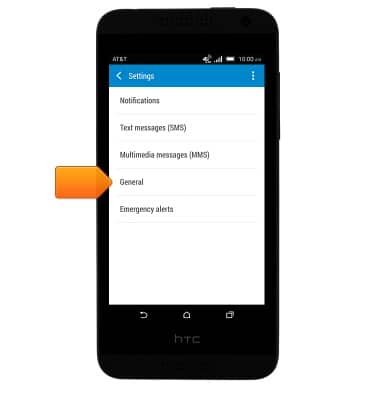
- To change the display options, tap General.
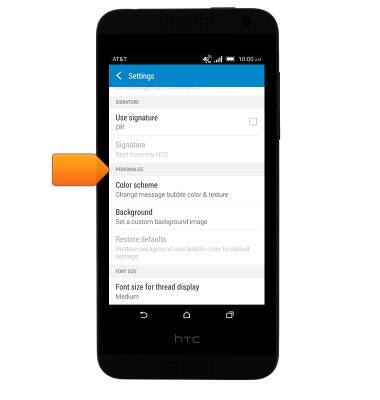
- Scroll to PERSONALIZE, then tap to change the desired setting.
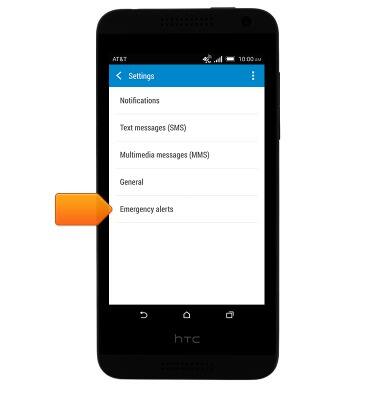
- To adjust emergency alert settings, tap Emergency alerts.
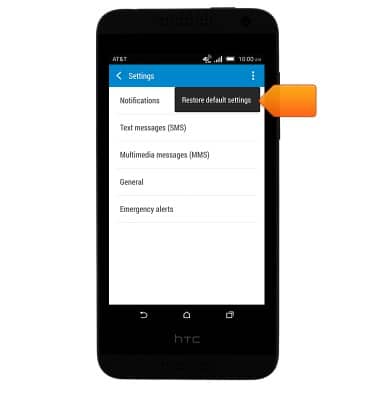
- To restore the default settings, tap the Menu icon and then tap Restore default settings.
Messaging settings
HTC Desire 610 (0P9O110)
Messaging settings
Change text (SMS), picture (MMS), emergency, and amber alert settings.
INSTRUCTIONS & INFO