- The multi window feature provides split-screen functionality, which allows you to use two applications at the same time.
Note: This feature is not available in Easy mode.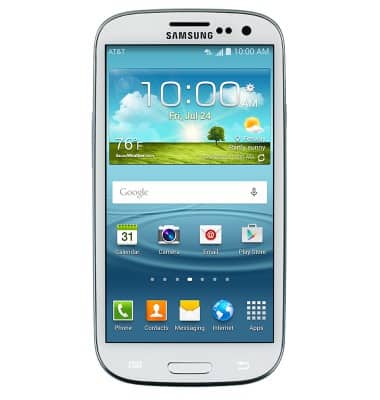
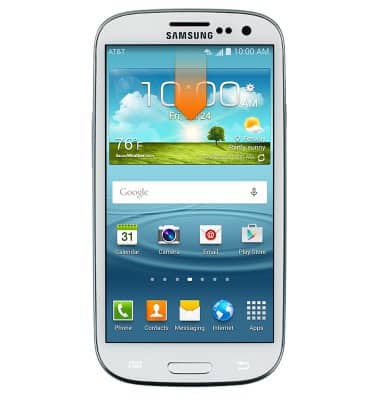
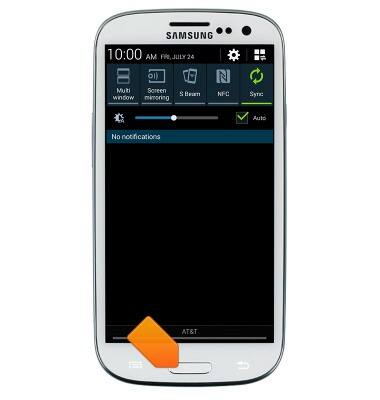
- From the home screen, swipe down the Notifications bar.
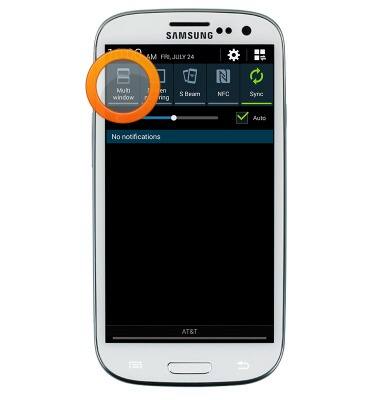
- Swipe to, then tap Multi window to enable the feature.
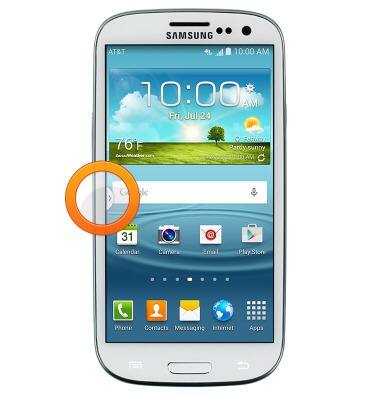
- Press the Home key.
- Tap the Multi window icon.
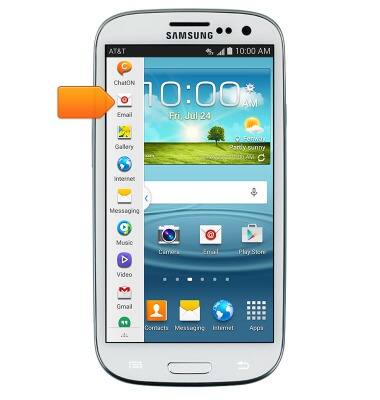
- Scroll up to navigate to the desired application.
- Tap to switch between the applications.
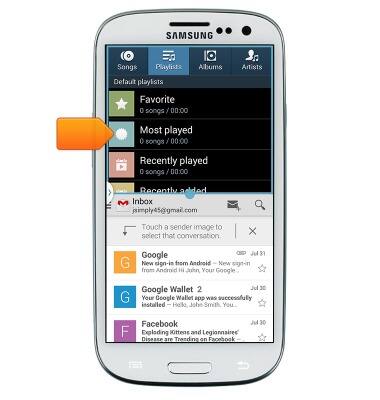
Multi window
Samsung Galaxy S III (I747)
Multi window
Complete multiple tasks on one screen; take notes while watching a video, or search the web and check your email messages simultaneously.
INSTRUCTIONS & INFO