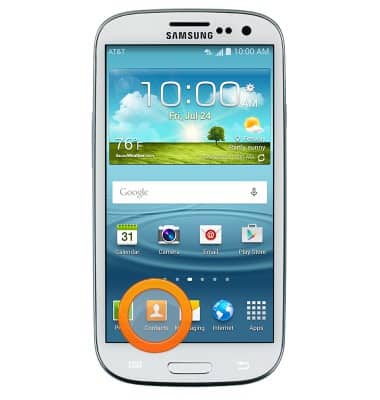
- From the home screen, tap Contacts.
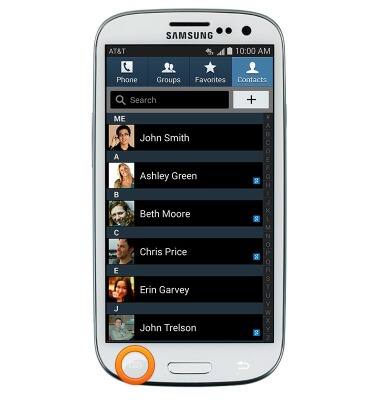
- Press the Menu key.
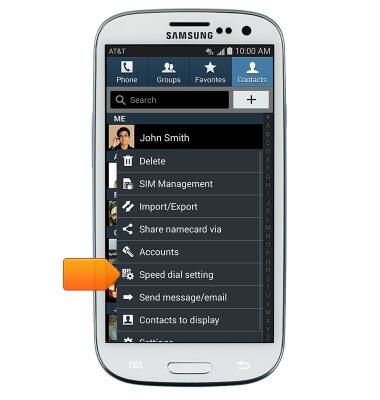
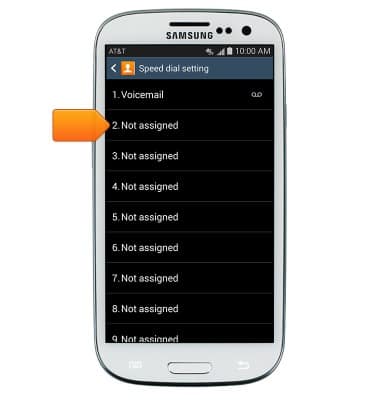
- Tap Speed dial setting.
- Tap the desired number.
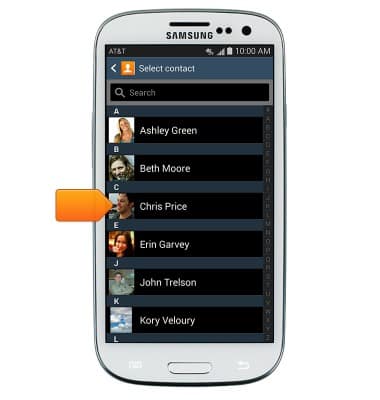
- Scroll to, than tap the desired contact.
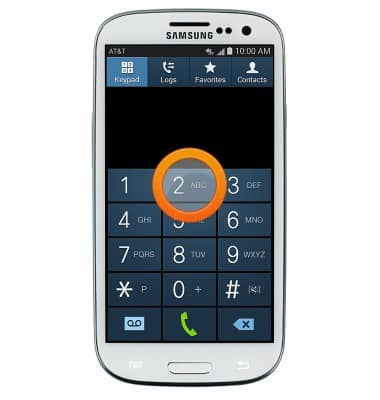
- To place a call, touch and hold the assigned number.
Speed dial
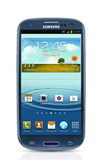
Samsung Galaxy S III (I747)
Speed dial
Learn how to use speed dial and manage speed dial contacts.
INSTRUCTIONS & INFO