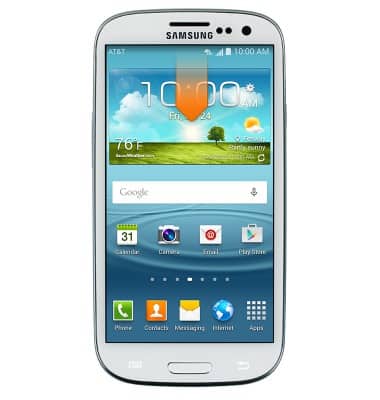
- From the home screen, swipe down from the Notifications bar.
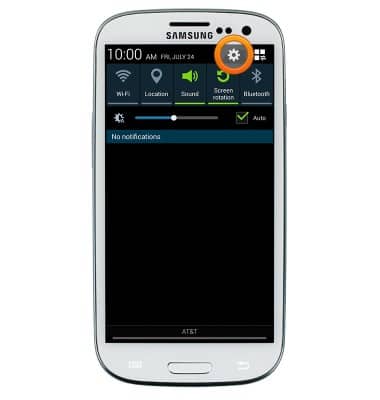
- Tap the Settings icon.
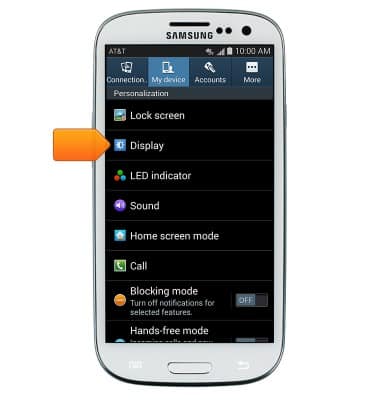
- Under the My device tab, tap Display.
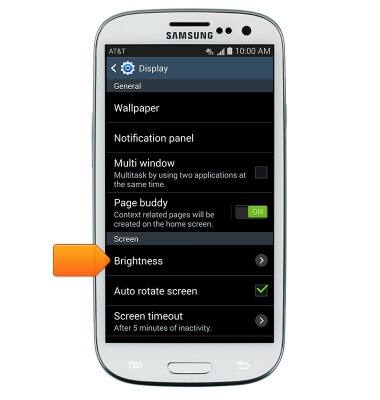
- Tap Brightness.
- Tap Automatic brightness.
Note: Leave Automatic brightness enabled to optimize battery life.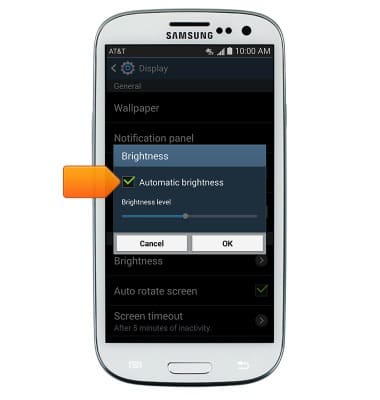
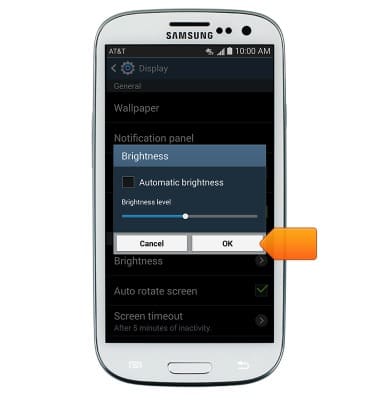
- Drag the slider to the desired level, then tap OK.
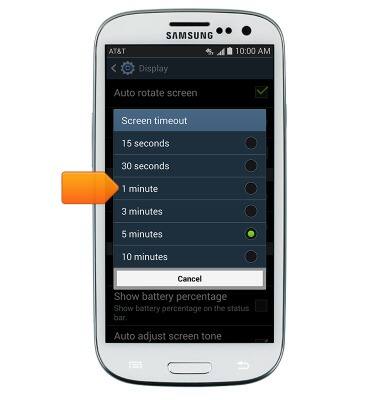
- Tap Screen timeout.
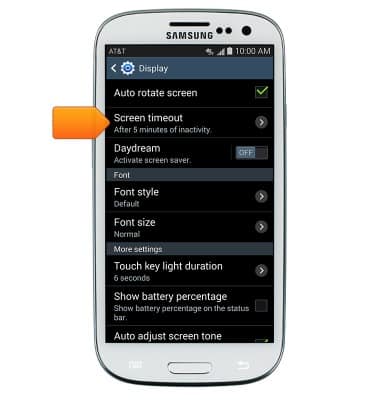
- Tap the desired screen timeout time.
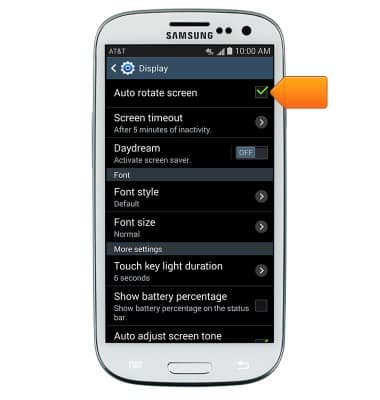
- To enable or disable screen rotation, tap Auto-rotate screen.
Display
Samsung Galaxy S III (I747)
Display
Change the display time out, brightness and orientation.
INSTRUCTIONS & INFO