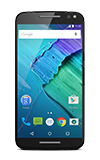
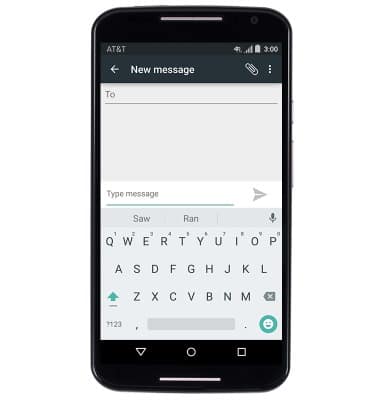
- To access the keyboard, tap the Messaging icon. > Compose icon.

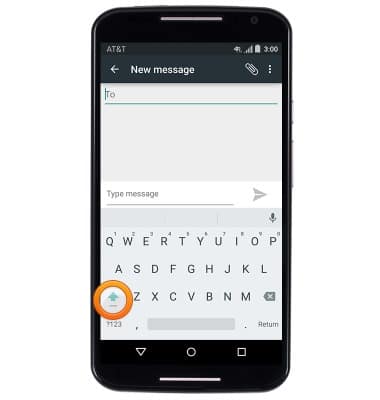
- Tap the Shift key to capitalize the first letter typed. Touch and hold the Shift key until the phone vibrates to enable CAPS-Lock.
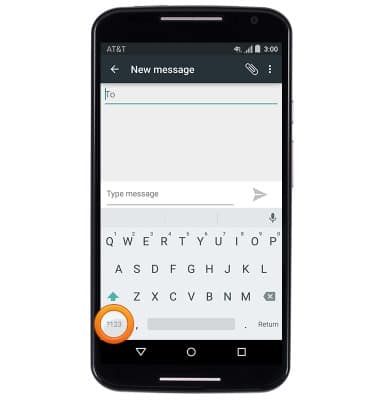
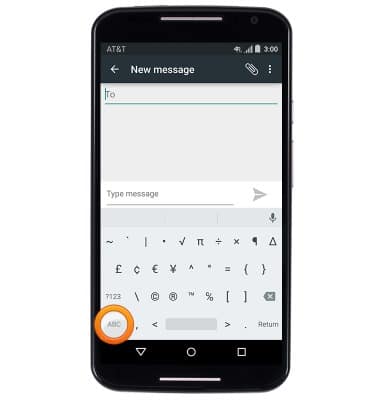
- Tap the ?123 key to access numbers and symbols.
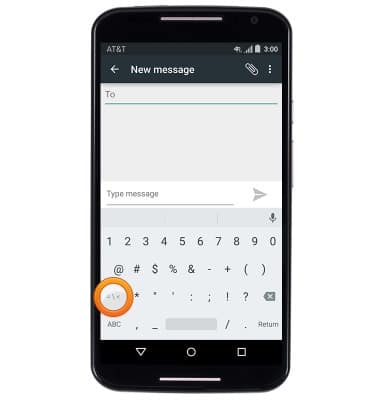
- Tap the Symbols Key to access more symbols.
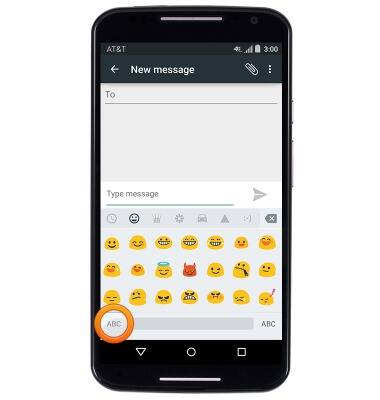
- Tap the ABC key to return to the standard keyboard.
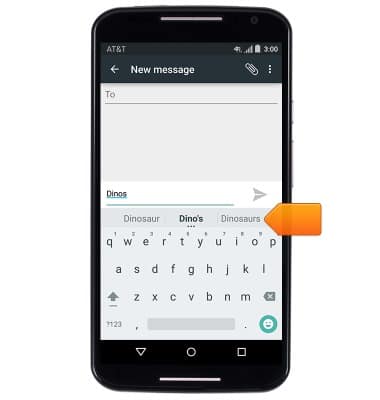
- Auto-complete suggestions will be displayed at the top of the keybaord. Tap and auto-complete suggestion to enter it.
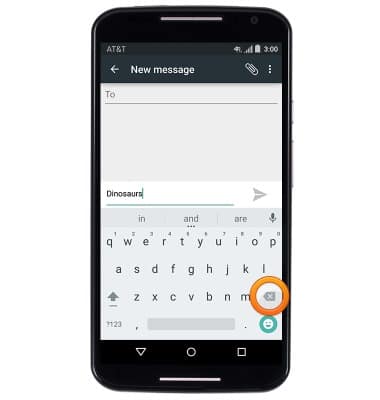
- Tap the Delete key to delete letters and words.
- Tap the Smiley icon to access emoticons.
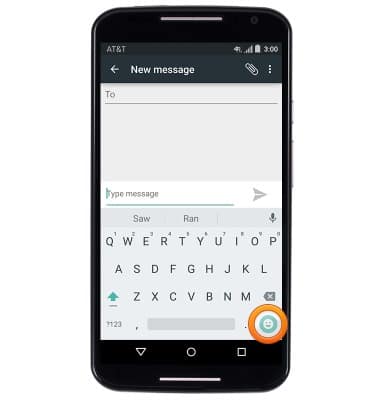
- Swipe to view more emoticons. Tap ABC to return to the standard keyboard.
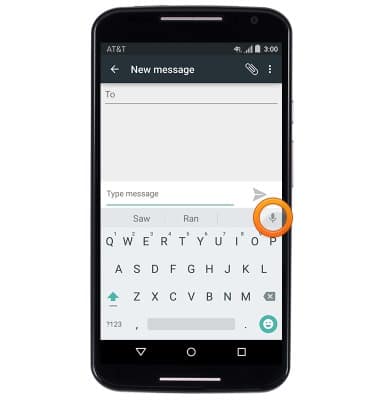
- To use speech-to-text, tap the Microphone icon.
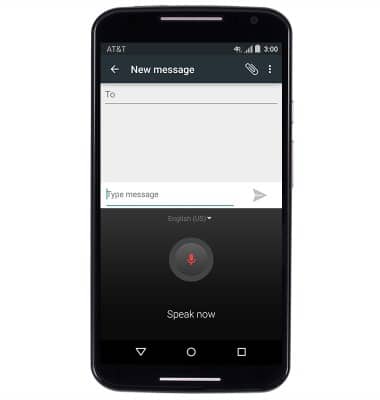
- Speak now.
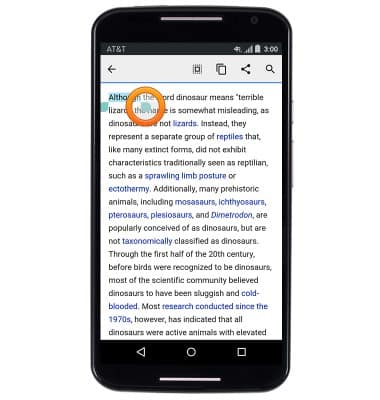
- To copy text, touch and hold the desired text you would like to copy.
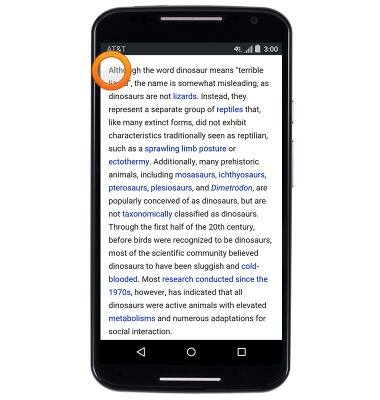
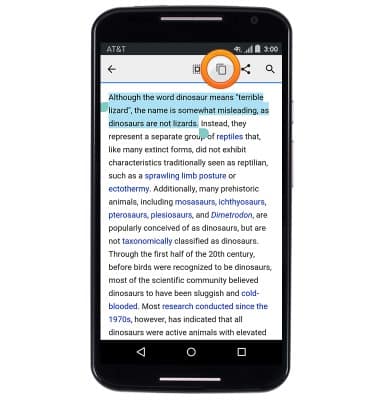
- Touch, then drag the Selection bars to highlight the desired text to copy.
- Tap the Copy icon.
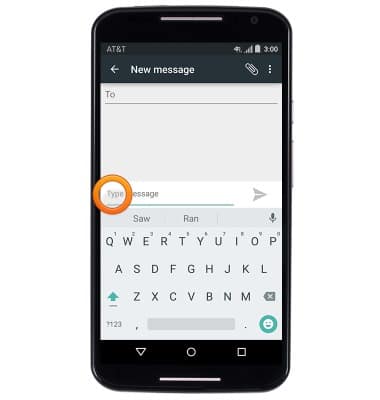
- To paste text, touch and hold the desired text field where you would like to paste to.
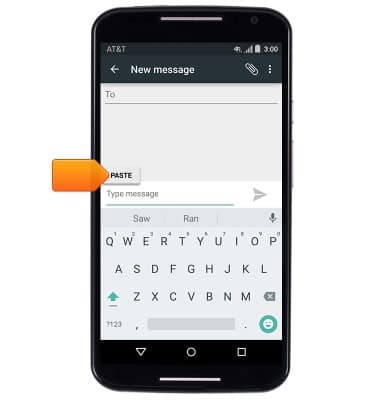
- Tap Paste.
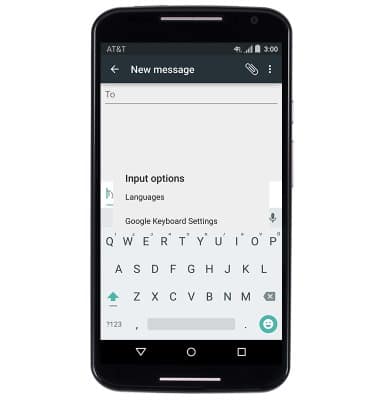
- To access the keyboard settings menu, touch and hold the , key.
- Tap Google Keyboard Settings.
Keyboard & typing
Motorola Moto X (XT1097)
Keyboard & typing
How to use the keyboard, use speech-to-text, access keyboard settings, and more.
INSTRUCTIONS & INFO