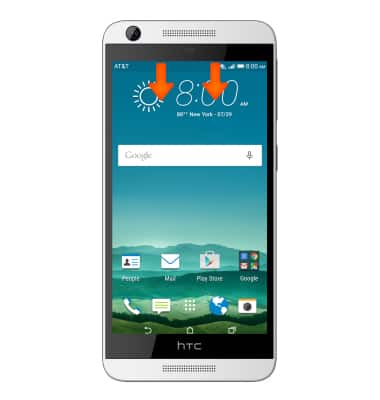
- To set-up corporate email, swipe down from the notification bar.
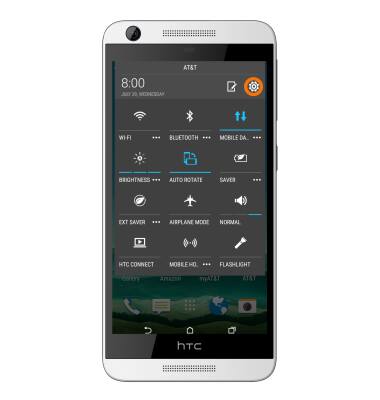
- Tap the Settings icon.
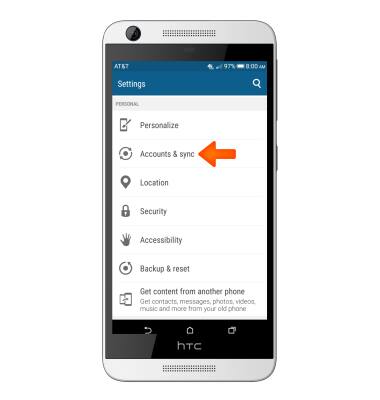
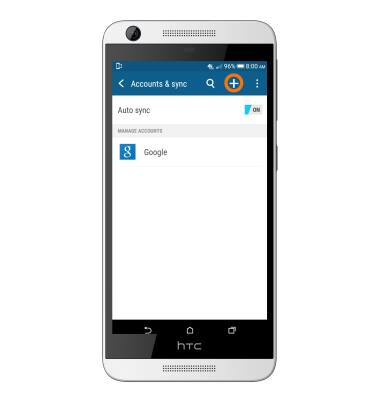
- Tap Accounts & Sync.
- Tap Add account.
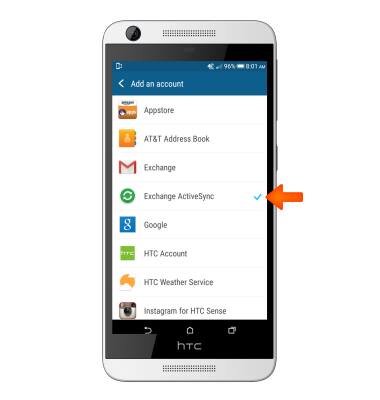
- Tap Microsoft Exchange ActiveSync.
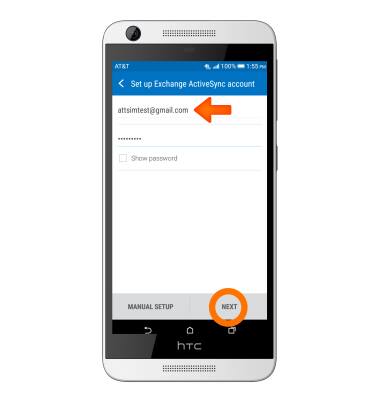
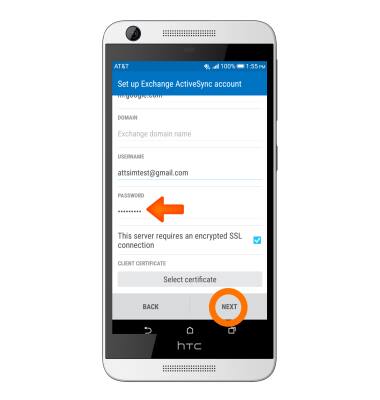
- Enter your account information, then tap NEXT.
- Tap OK.
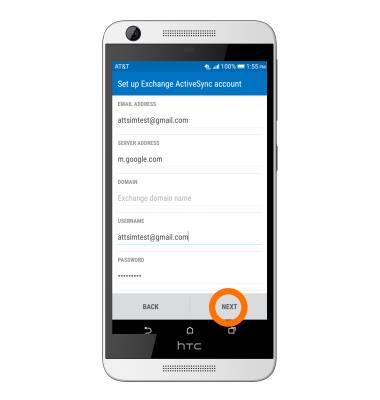
- Tap NEXT.
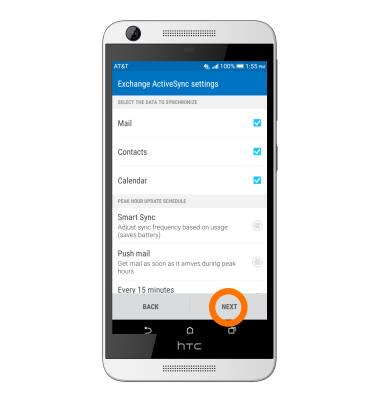
- Adjust desired settings, then tap NEXT.
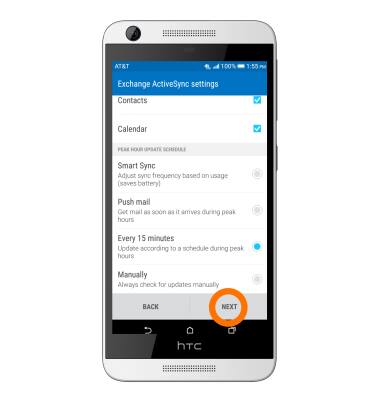
- Tap NEXT to finish.
Set up corporate email
HTC Desire 626 (0PM912000)
Set up corporate email
Add your Exchange email account to sync email, contacts, calendar, and notes to your device.
INSTRUCTIONS & INFO