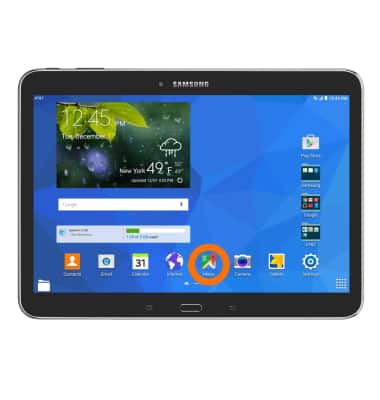
- To access maps on the device, tap Maps.
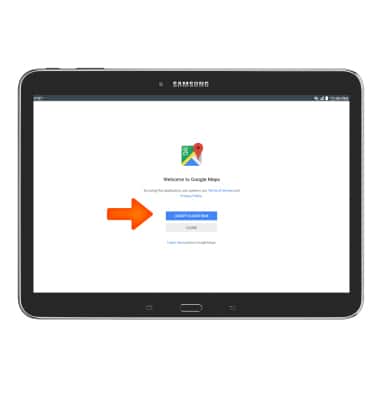
- Tap ACCEPT & CONTINUE.
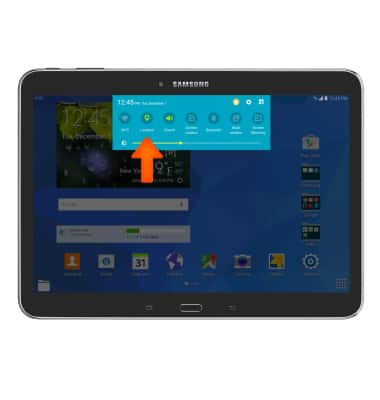
- To turn on Location services/GPS, swipe down from the top of the screen to access the quick settings menu and tap Location to toggle on/off.
- To get directions, tap the Search bar.
Note: Tap the Microphone icon to speak your destination.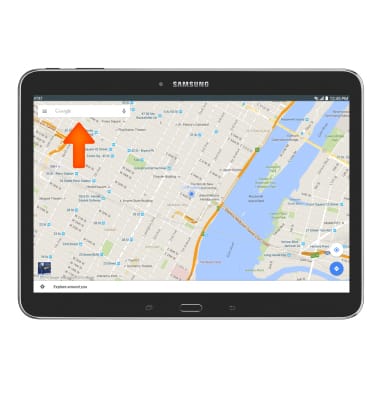
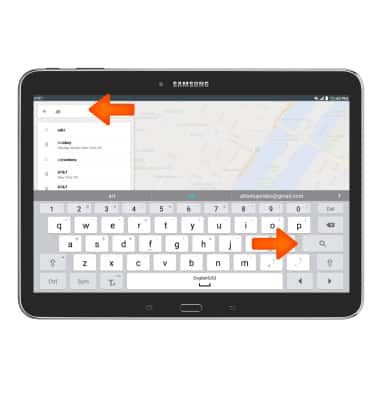
- Enter the Desired address or destination, then tap the Search icon.
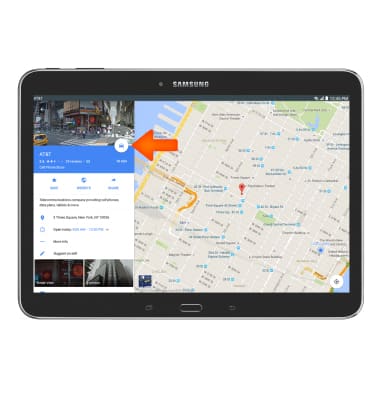
- Tap the White circle icon.
- Choose a mode of transportation, Car, Public transportation, Walking, or Bike.
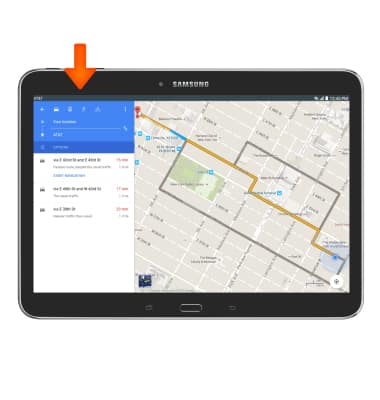
- Tap Desired route.
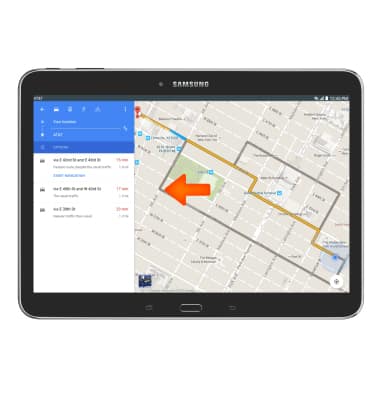
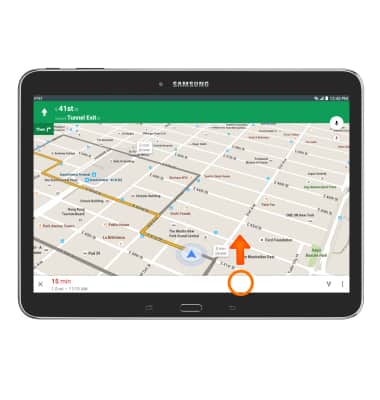
- Follow directions on screen to arrive at destination. To see the list of directions, swipe up on the White bar in the bottom of the screen.
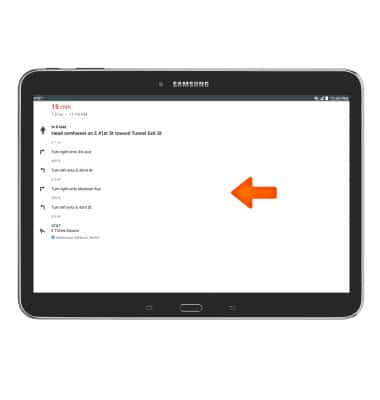
- Full list of directions will appear.
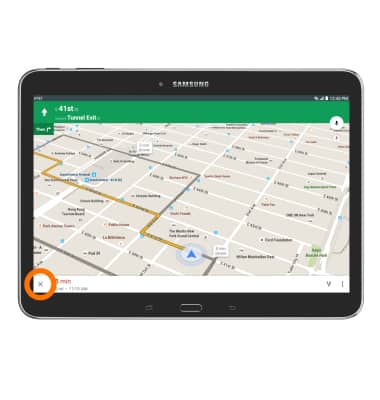
- To stop navigating, tap the X icon.
Maps
Samsung Galaxy Tab 4 (T537A)
Maps
Get directions and navigation using the Maps app.
INSTRUCTIONS & INFO