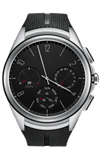
- To set a screen lock, from the watch face, swipe down from the top of the screen.
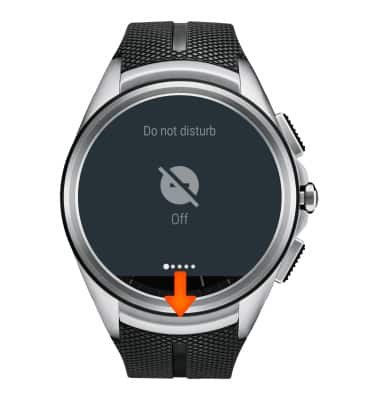
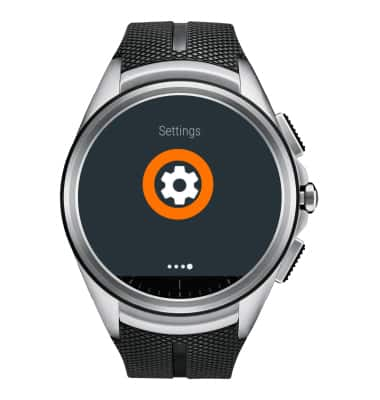
- Swipe from right to left four times, then tap Settings.
- Swipe down and tap Screen lock.
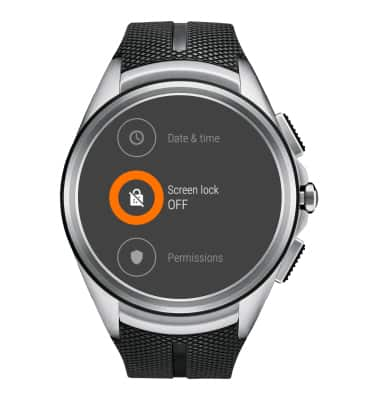
- To turn the screen lock on, tap the Check icon.
Note: The watch will auto-lock if you take it off if a security lock is set.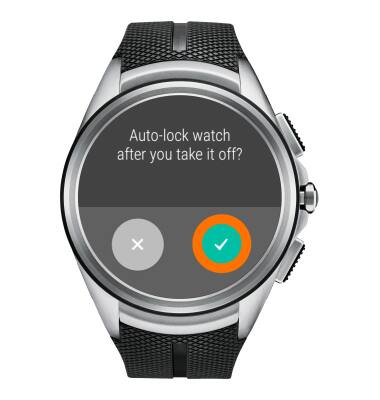
- Draw your screen lock pattern.
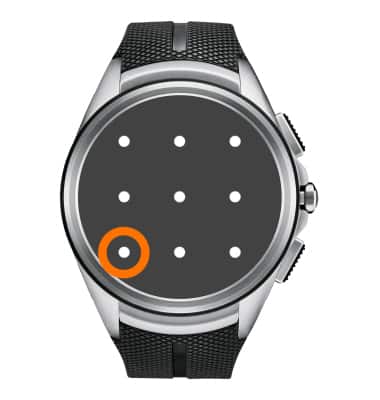
- Draw your screen lock pattern again to confirm.
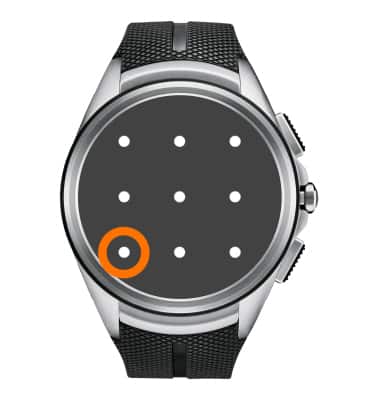
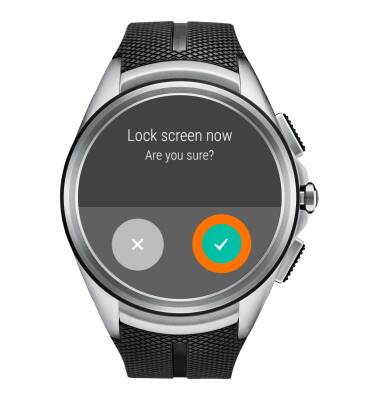
- To lock screen, from the 'Settings' screen, tap Lock screen now.
Note: The 'Lock screen now' option only display's after setting a Screen Lock.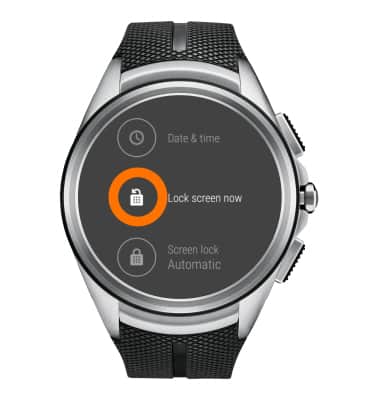
- Tap the Check icon.
- To access the watch when the screen is locked, draw your screen lock pattern. You can still see the time without unlocking.
Note: If you forget your screen pattern, you must reset the device usinig Android wear on the paired phone. From within the Android wear app on the phone tap Settings > Connected watch > Unpair watch > Factory reset.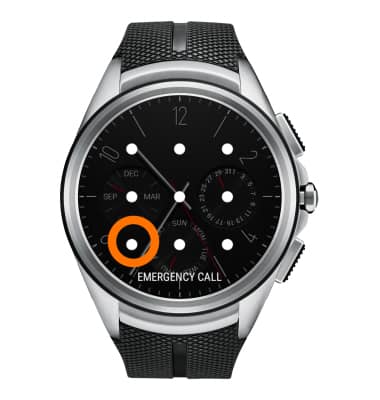
Secure my device
LG Watch Urbane 2nd Edition LTE (W200A)
Secure my device
Lock the device screen, set and change security lock, and locate device.
INSTRUCTIONS & INFO