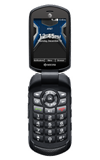
- To change the screen time out, press the OK button to access the Menu.
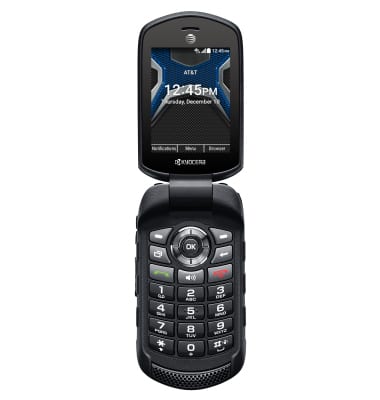
- Navigate to and select Settings.
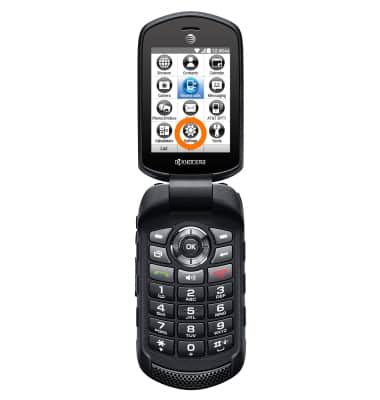
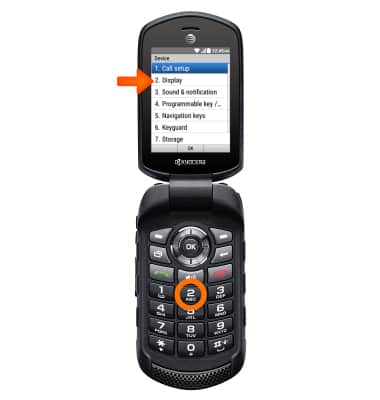
- Press 2 for Device.
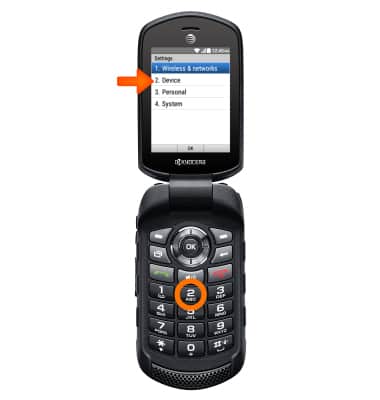
- Press 2 to access Display.
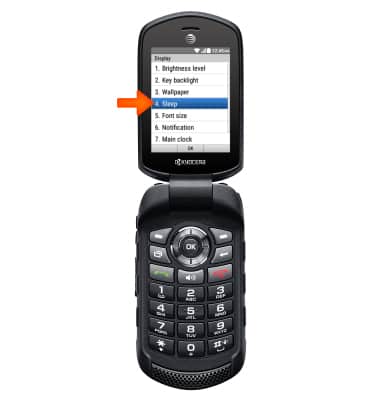
- Press 4 for Sleep.
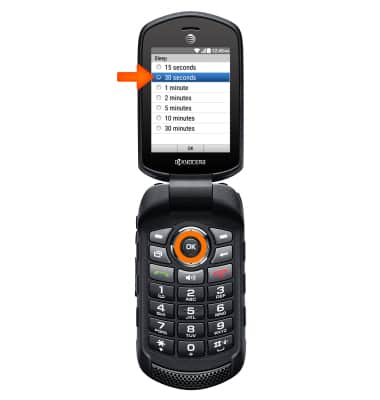
- Adjust screen timeout settings as desired, then press OK.
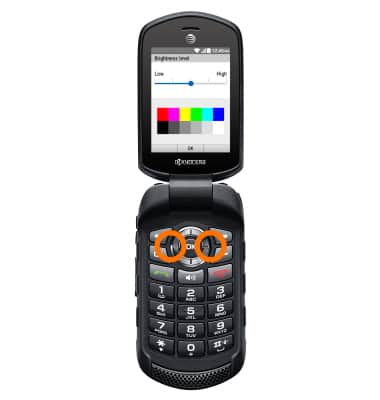
- From the Display menu, press 1 for Brightness level.
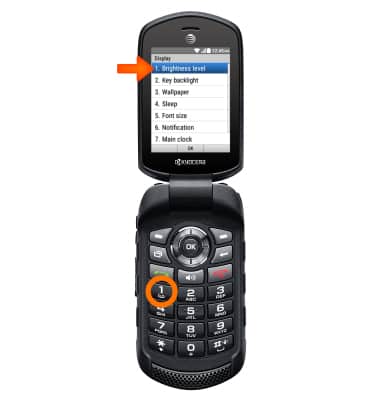
- Use the Left and Right menu buttons to adjust Brightness level as desired, then press OK.
Display
Kyocera Dura XE (E4710)
Display
Change the display time out, brightness and orientation.
INSTRUCTIONS & INFO