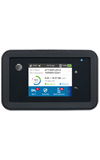
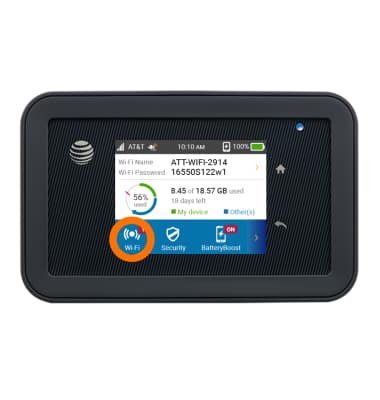
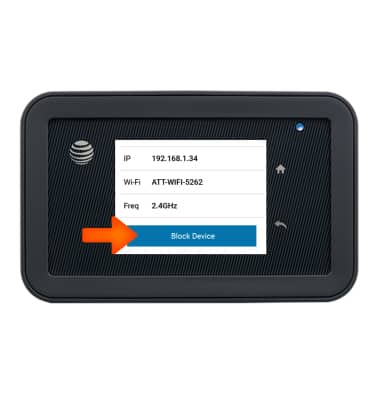
- To block a device from the homescreen, tap Wi-Fi.
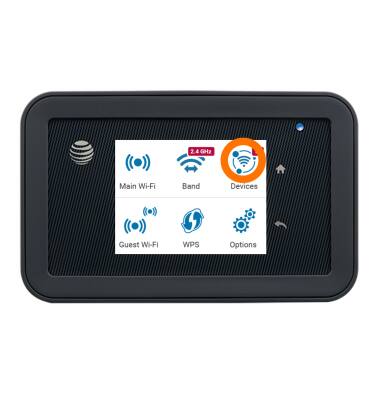
- Tap Devices.
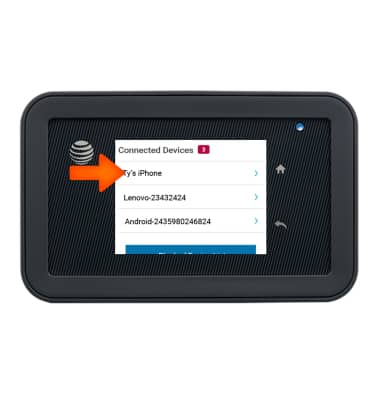
- Tap desired device.
- Scroll to and tap Block Device.
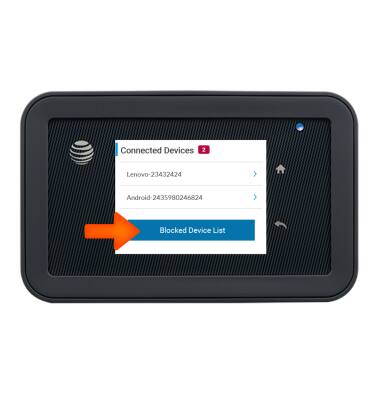
- To unblock the device, from the Connected Devices list tap Blocked Device List.
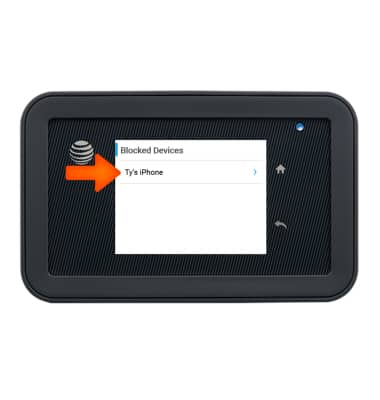
- Tap desired device.
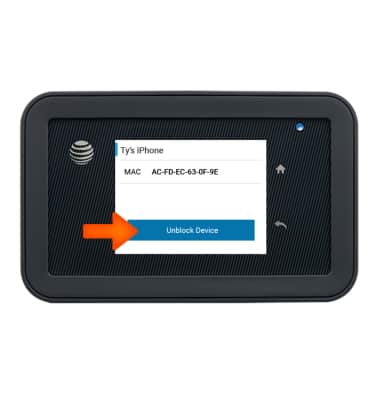
- Tap Unblock Device.
Block or unblock devices
AT&T Unite Explore (AC815S)
Block or unblock devices
Block and unblock devices from connecting to your device.
INSTRUCTIONS & INFO