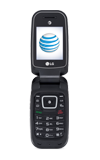
- Files can be transferred to and from the device using Bluetooth. Bluetooth must be turned on.
Note: For how to set up Bluetooth, see Backup and restore with computer.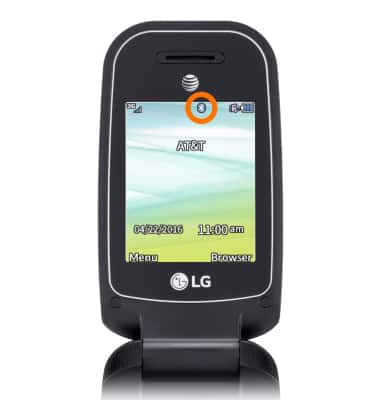
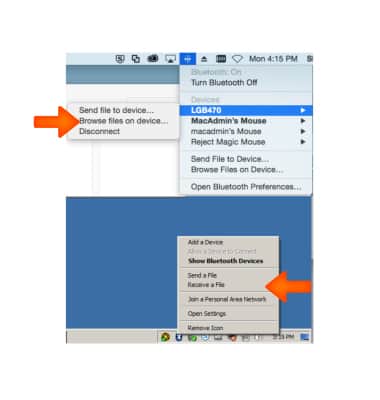
- On your PC or Mac, select the Bluetooth icon.
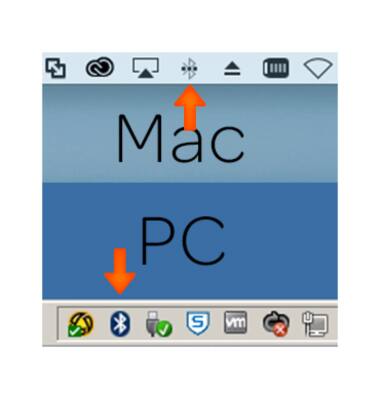
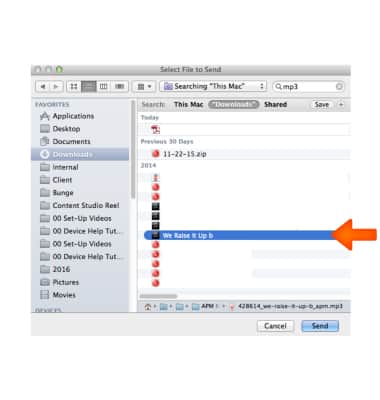
- To send media to the device, select Send file to device/Send a File.
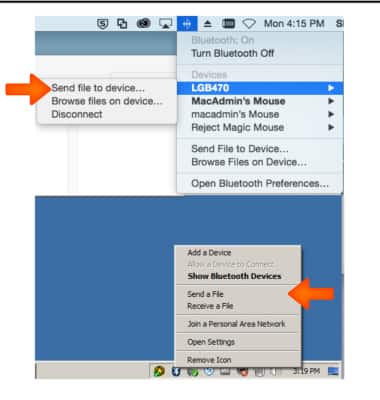
- Select the desired media.
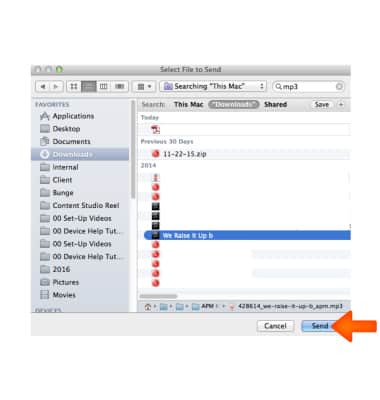
- Click Send.
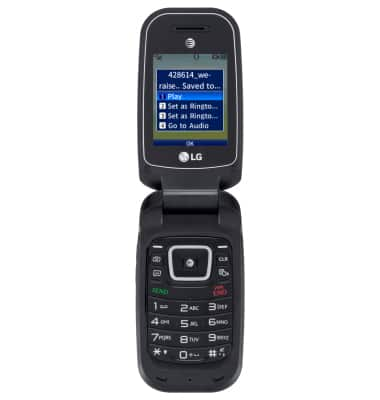
- A notification will appear on the device when the transfer is complete.
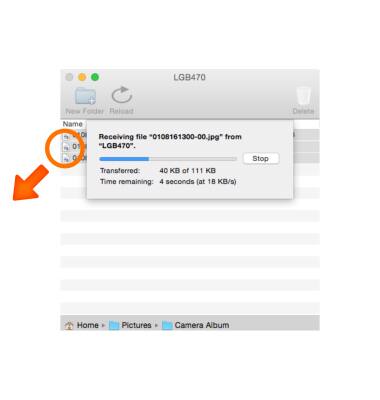
- To transfer media from the device, select Browse files on device/Receive a file.
- Select the desired media.
Transfer media to & from a computer
LG B470/B471
Transfer media to & from a computer
Transfer files to or from your device and a computer.
INSTRUCTIONS & INFO